22
Stage 1) Setting - Beep
At the first stage, you set the Beep function.
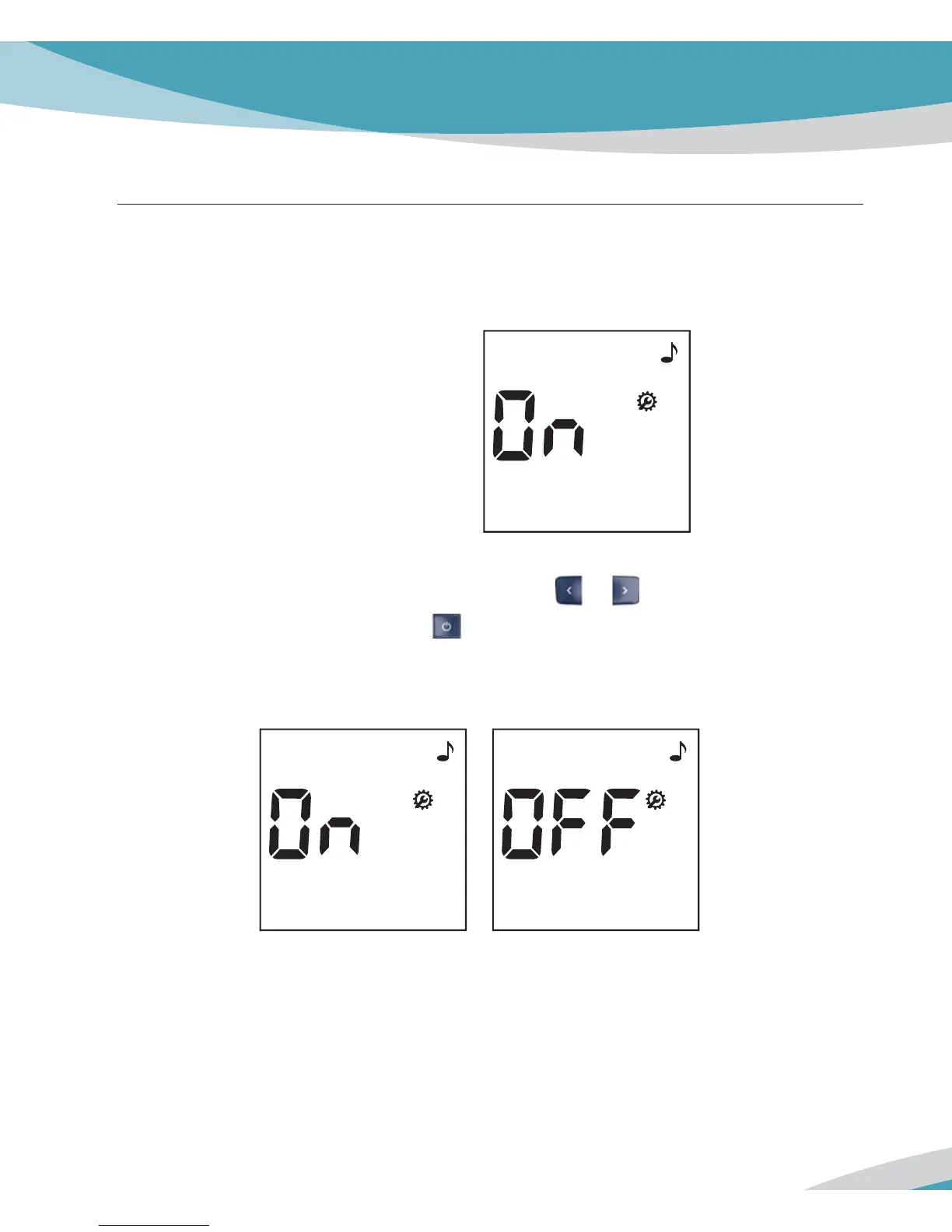
1. If you enter the set mode, the display for setting the beep will appear the first step of the
setting mode.
2. Set the beep mode on or off by pressing either
or button and then select the
preferred feature by pressing the
button. If you select the beep on feature, a ‘beep’
sound is made at the same time; otherwise, if you select the beep off feature, no sound is
made.
Default Setting: On



 To Next Page