23
R
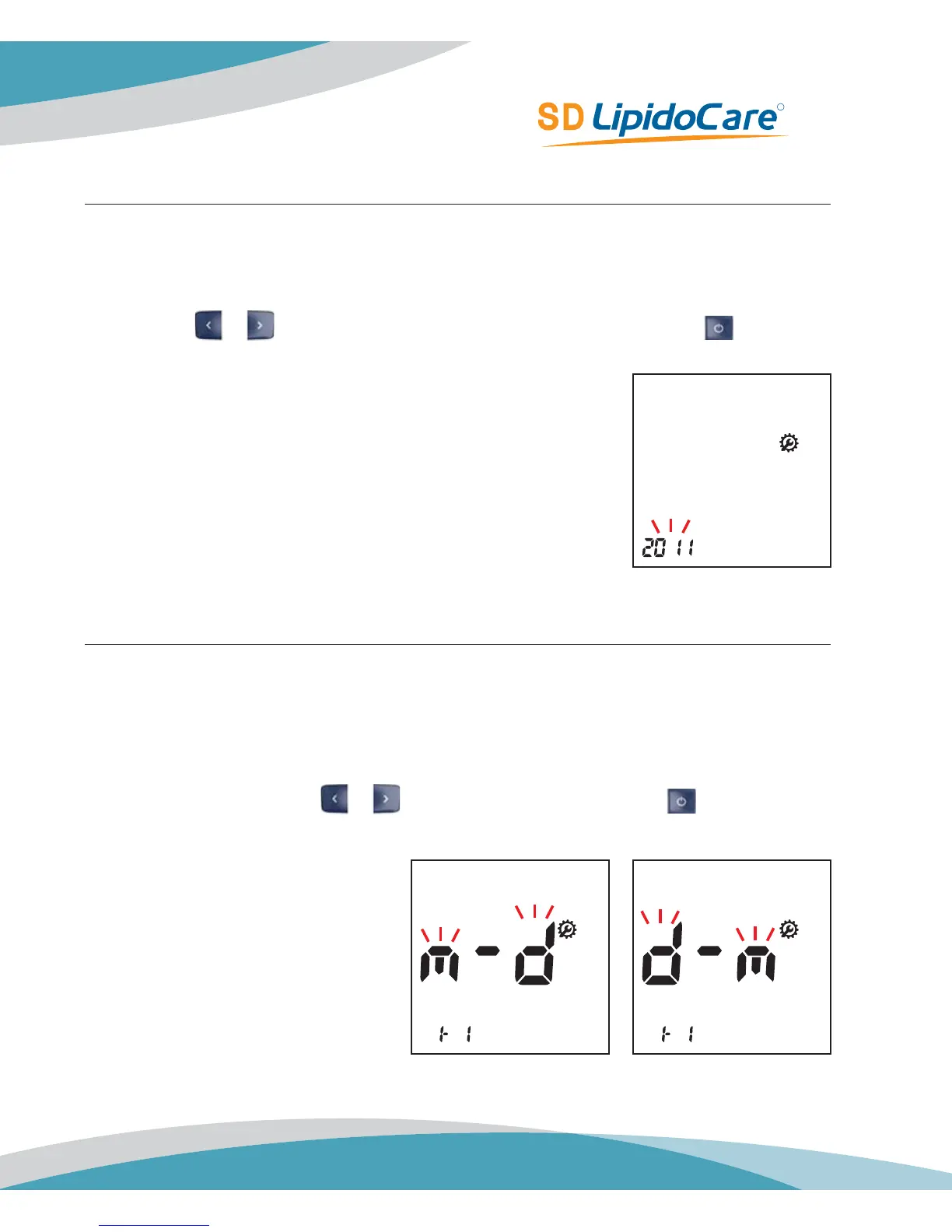
Stage 2) Setting – Year
In second stage, you set the Year in Date & Time setting.
1. After setting Beep funtion, the display for setting Year will appear. Set the correct year by
pressing
or button and then select the correct year by pressing the button.
Stage 3) Setting – Date Format
In stage, you set the Date Format in Date & Time setting.
1. Next will appear the setting display for Date Format. The Analyzer can display either a
Month-Day (m-d) format or a Day-Month (d-m) format. Set the preferred format on the
screen by pressing either
or button and select by pressing the button.
Default Setting: 2011
Default Setting: m-d



 To Next Page