25
R
Stage 6) Setting – Time
In 6
th
stage, you set the Time, the current hour and minutes, in Date & Time setting.
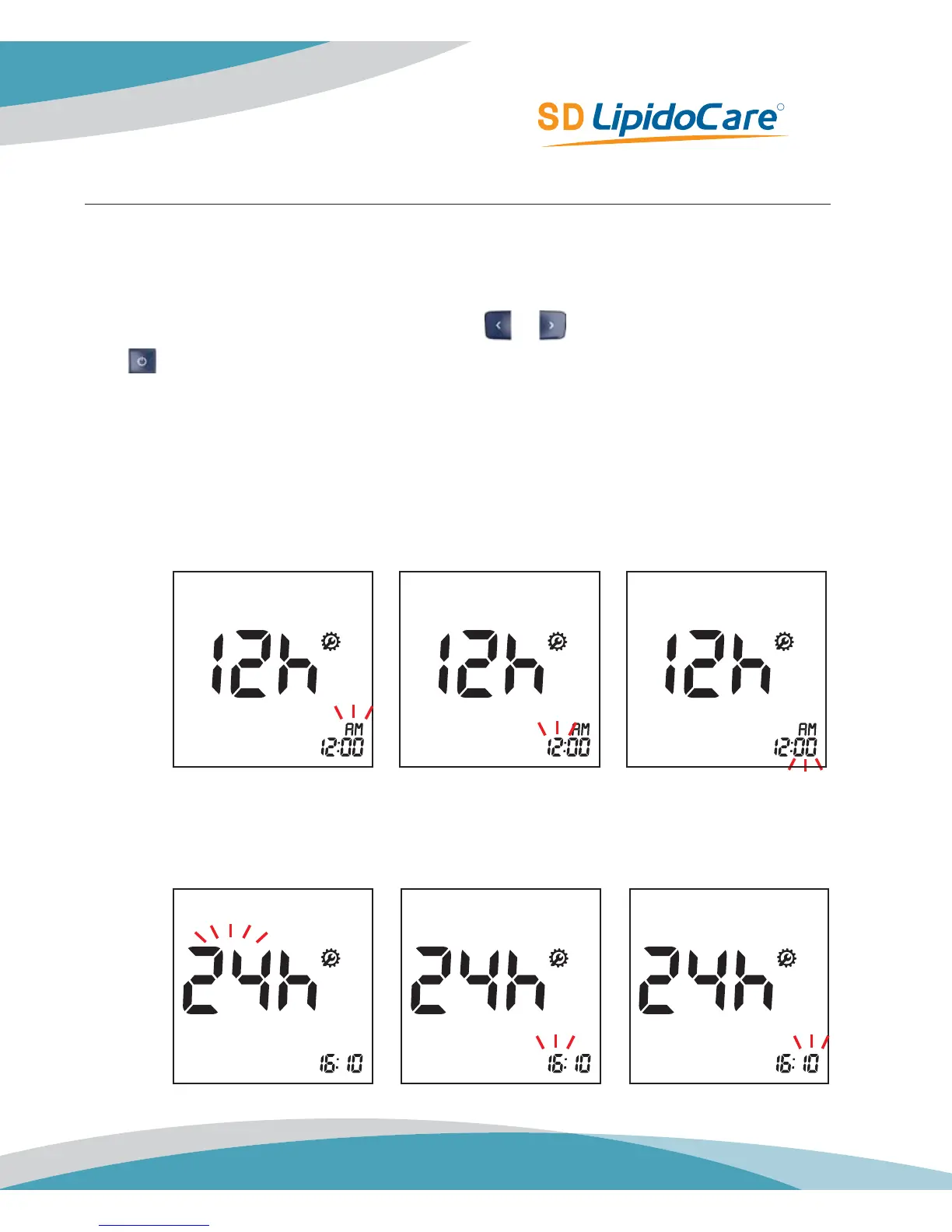
1. Next will appear the display for setting the current Time, hour and minute. Set the hour
and minute on the display by pressing either
or button and select by pressing the
button.
a. 12h Format
sub-step 1) set AM or PM,
sub-step 2) set hour(1 to 12),
sub-step 3) minute(1 to 59)
b. 24h Format
sub-step 1) set hour(1 to 24),
sub-step 2) minute(1 to 59)
Default Setting: 12:00AM



 To Next Page