26
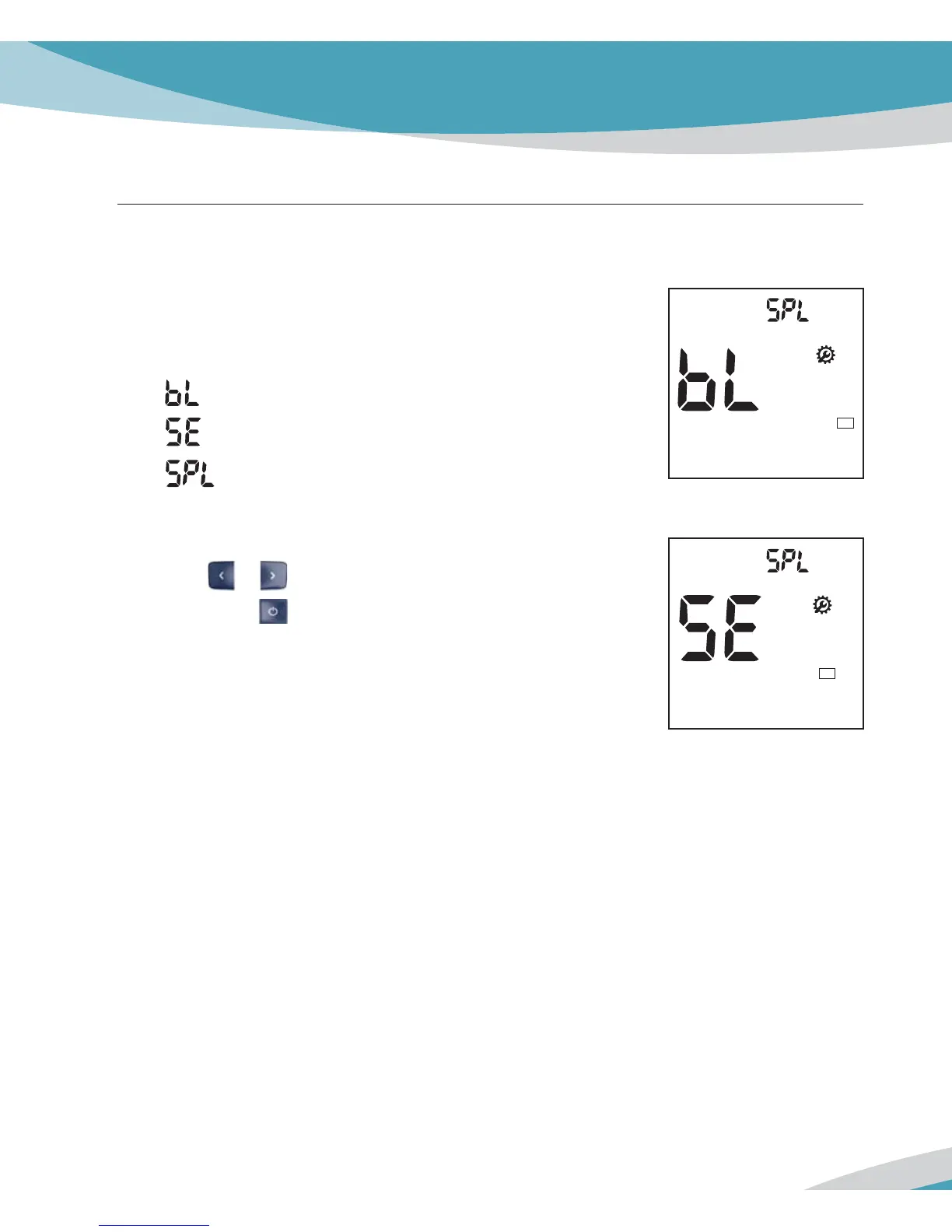
Stage 7) Setting – Sample Type
In 7
th
stage, you set the Sample Type for lipid test.
1. After Setting Time, the display for setting Sample Type for the
lipid test will appear.
- Capillary or Venous Whole Blood
- Serum or Plasma
- Sample type
2. Set Sample type mode for lipid test, ‘BL’ or ‘SE’, by pressing
either
or button and then select the preferred feature by
pressing the
button.
BL
Default Setting: bL
SE



 To Next Page