29
R
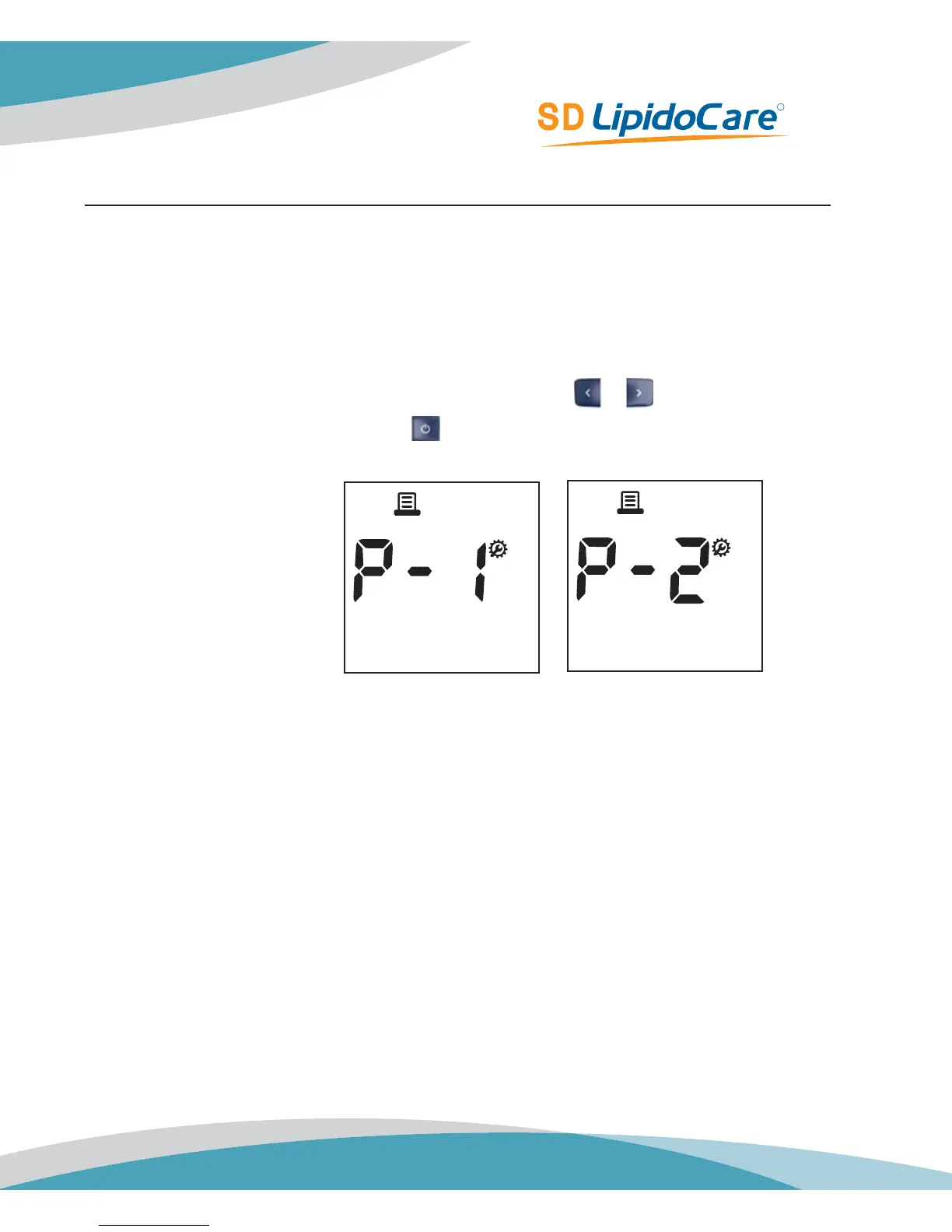
Stage 10) Setting – Printing Page
In 10
th
stage, you set the Printing Page
1. After Auto Printing function setting, the display for setting Printing Page mode will
appear.
2. Set Printing Page mode, ‘P-1’ or ‘P-2’, by pressing either
or button and then select
the preferred feature by pressing the
button.
Default Setting: P-1



 To Next Page