33
R
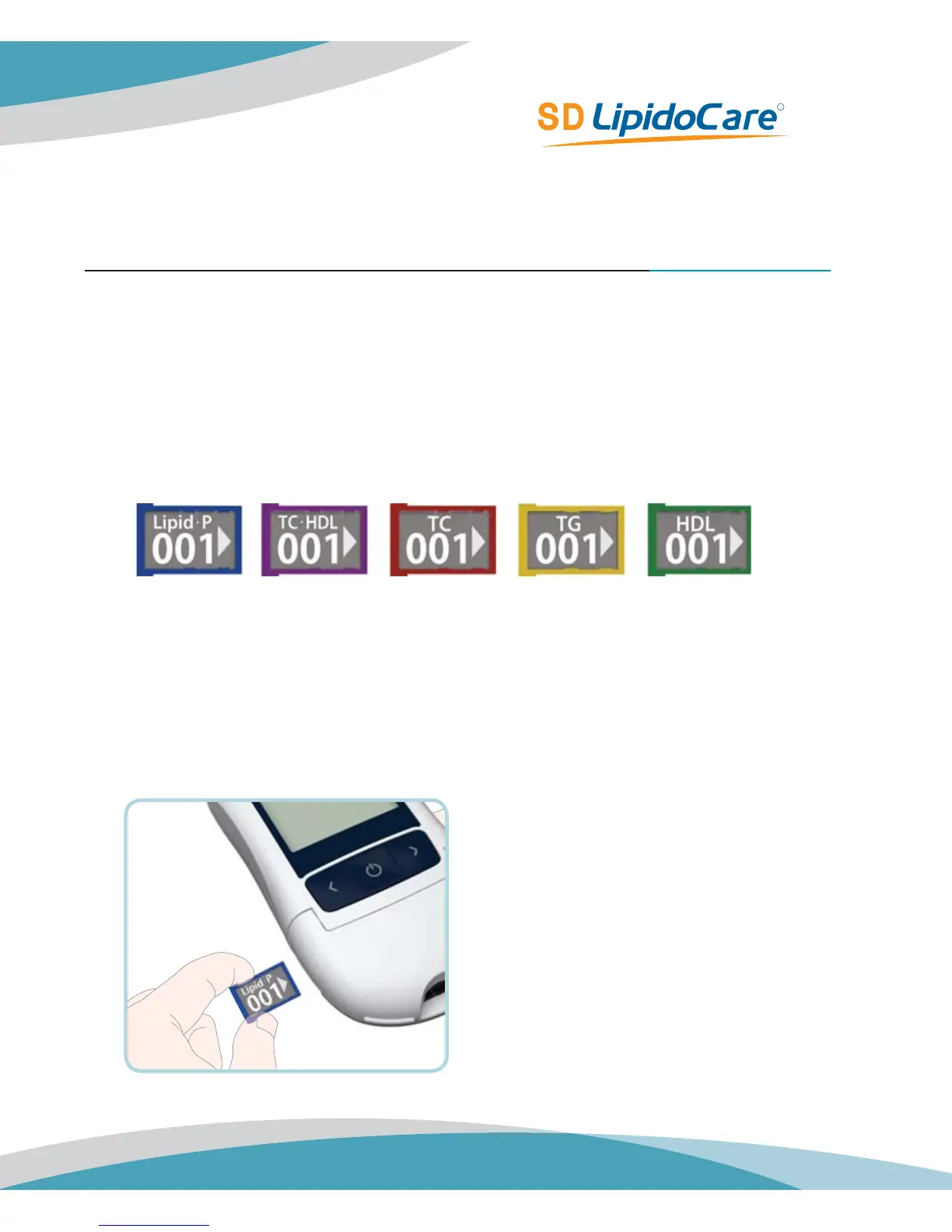
STEP 3. Insert a codechip
Lipid Test Strip *02LA10 & 02LA10G
Coding
The codechip provides the Analyzer with important information on the production-specific
characteristic of the respective lipid test strip to measure your results accurately. The codechip is
required at least when a new Lipid test strip package is opened. Before you use your Analyzer
with a new lipid test strip for the first time, you should set the Analyzer to “match” the lipid test
strips.
Code Setting
1. Make sure the Analyzer is turned off. Remove old codechip if one is installed.
2. Insert a new codechip until it snaps into place.
TC
Red Case
TG
Yellow Case
HDL
Green Case
TCHDL
Purple Case
Lipid Profile
Blue Case



 To Next Page