32
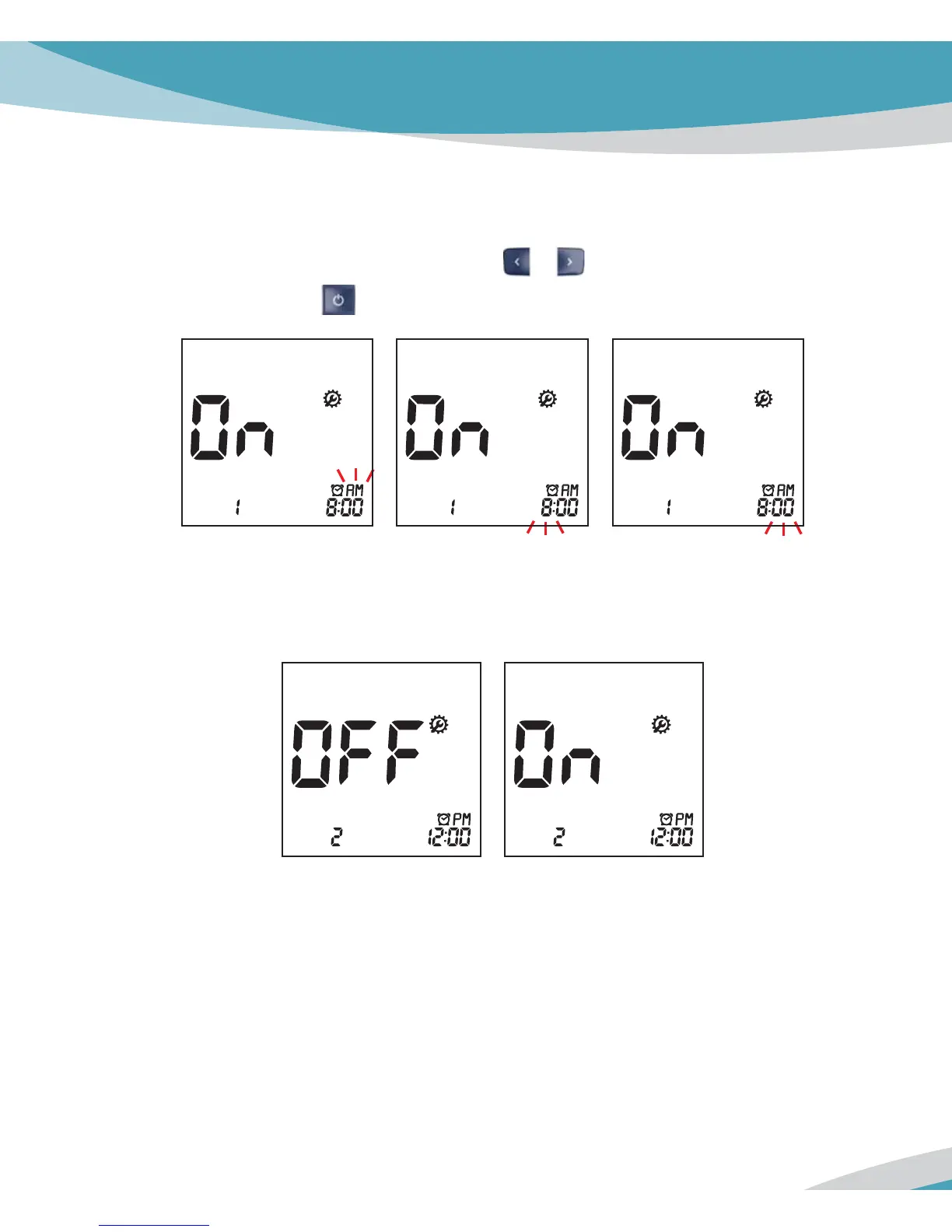
3. If you select the Alarm ‘on’ feature in first alarm mode, the clock will blink. Set the desired
hour and minute to alarm by pressing either
or button and then select the preferred
time by pressing the
button.
4. Next will appear the second Alarm setting mode. Set the Alarm with the same way as
above. [2, 3]
5. You can set the third and fourth Alarm mode with the same way as above. [2, 3]
6. If you finish setting the last alarm, the Analyzer automatically power off.



 To Next Page