31
R
Stage 12) Setting – Alarm
In 12th stage, you set the Alarm function. You can use the maximum 4 alarm functions to
remind you to test your glucose.
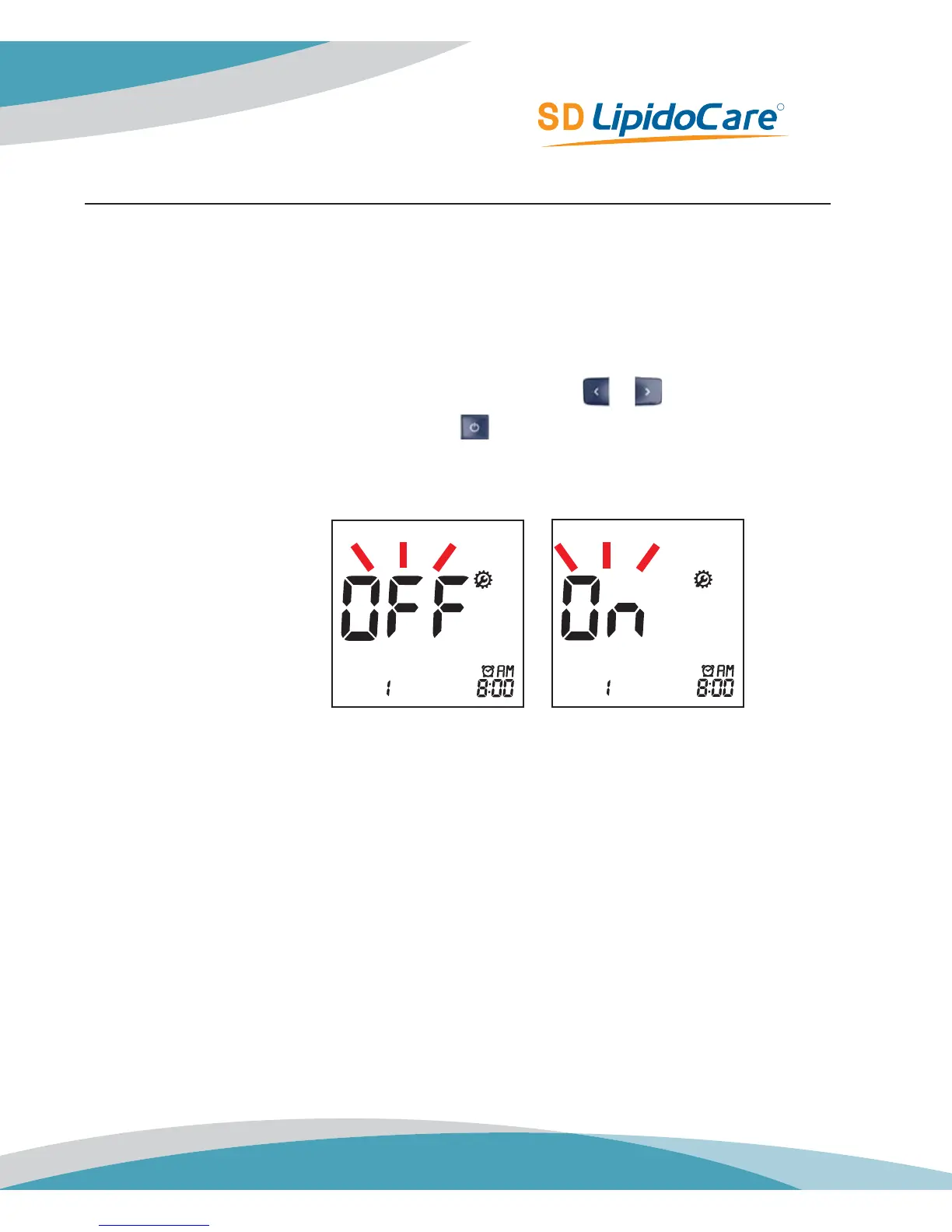
1. After Hypo Warning setting, the display for setting the Alarm will appear.
2. Set the first Alarm function, ‘On’ or ‘Off’, by pressing either
or button and then
select the preferred feature by pressing the
button. If you select the Alarm ‘Off’ feature,
the Analyzer automatically power off.
Default Setting: OFF



 To Next Page