72
Cleaning the outer Analyzer components
t Ensure the Analyzer is switched off.
t Wipe the outside of the Analyzer with a lightly moistened, lint-free cotton cloth.
Cleaning the inner Analyzer components
1. Open the measurement chamber flap.
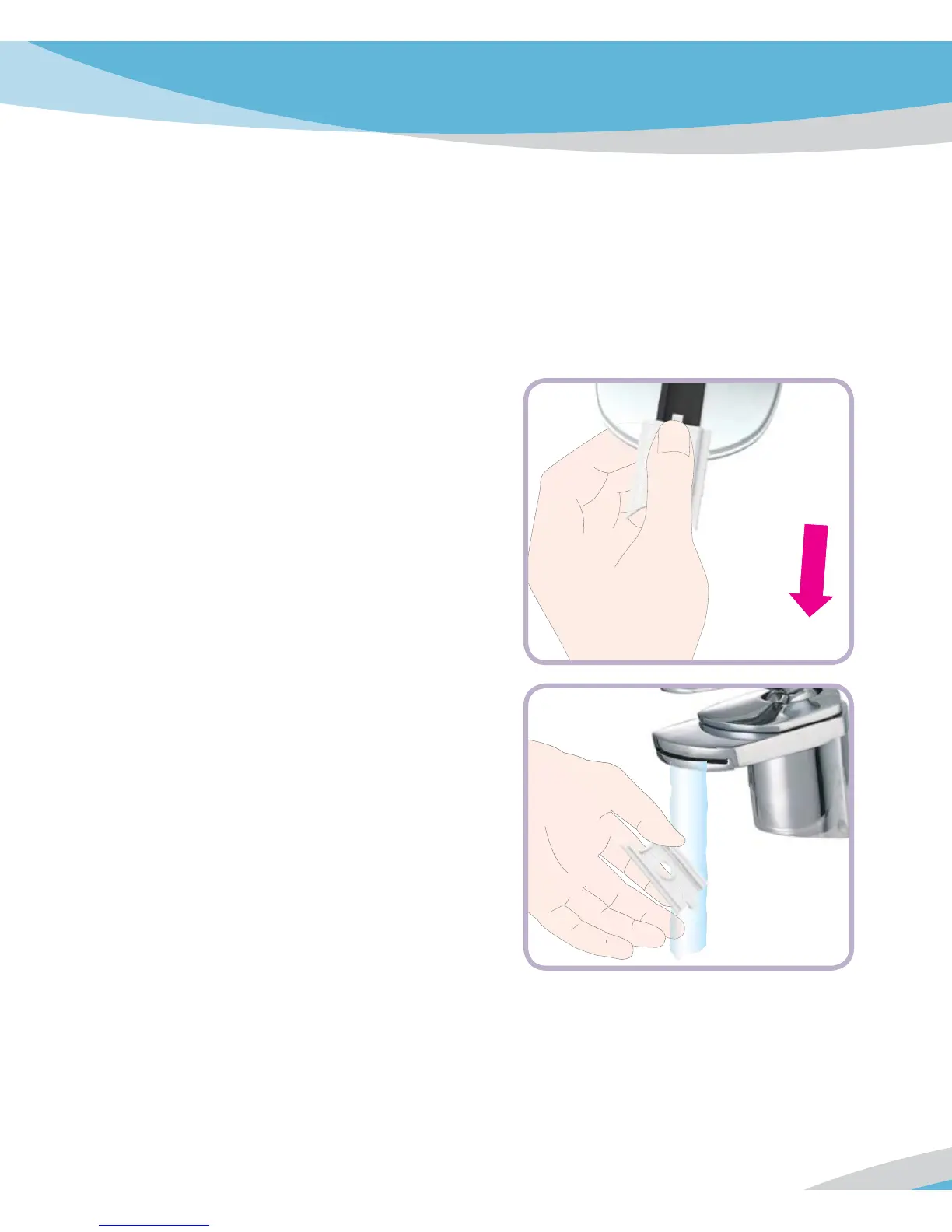
2. Remove the measurement chamber cover
(including the lipid test strip guide) by
slightly pushing it to the center of the
Analyzer and then pulling it upwards.
3. In case of significant dirt, you can rinse the
measurement chamber cover (separately
from the Analyzer) under warm running
water. Dry the measurement chamber cover
with a fresh cloth.



 To Next Page