73
R
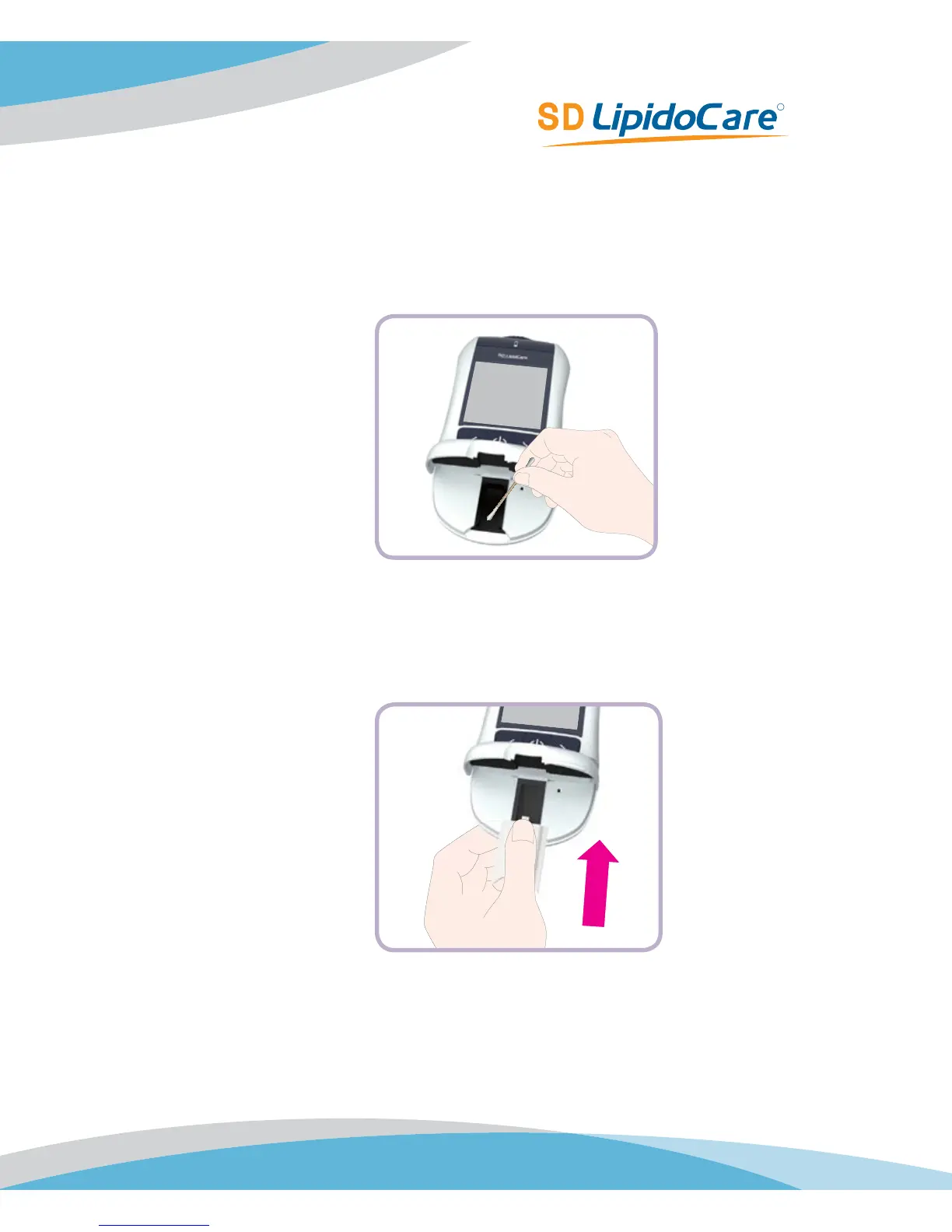
Cleaning the optical measuring system
1. Clean the easily accessible areas of the optical measuring system with a lint-free pad or
a moistened cotton swab. Make sure that no liquid enters the Analyzer. Do not insert any
objects into the Analyzer.
2. Allow the Analyzer to dry thoroughly.
3. Do not fit the measurement chamber cover into the Analyzer until it is completely dry. Press
the front end of the measurement chamber cover slightly downwards until you feel it click
into place.
4. Close the measurement chamber flap. The Analyzer is now ready for operation again.



 To Next Page