Making the device operational • 51
17-10-06-643-100a/04-2018S
4.4 Connecting the barcode scanner
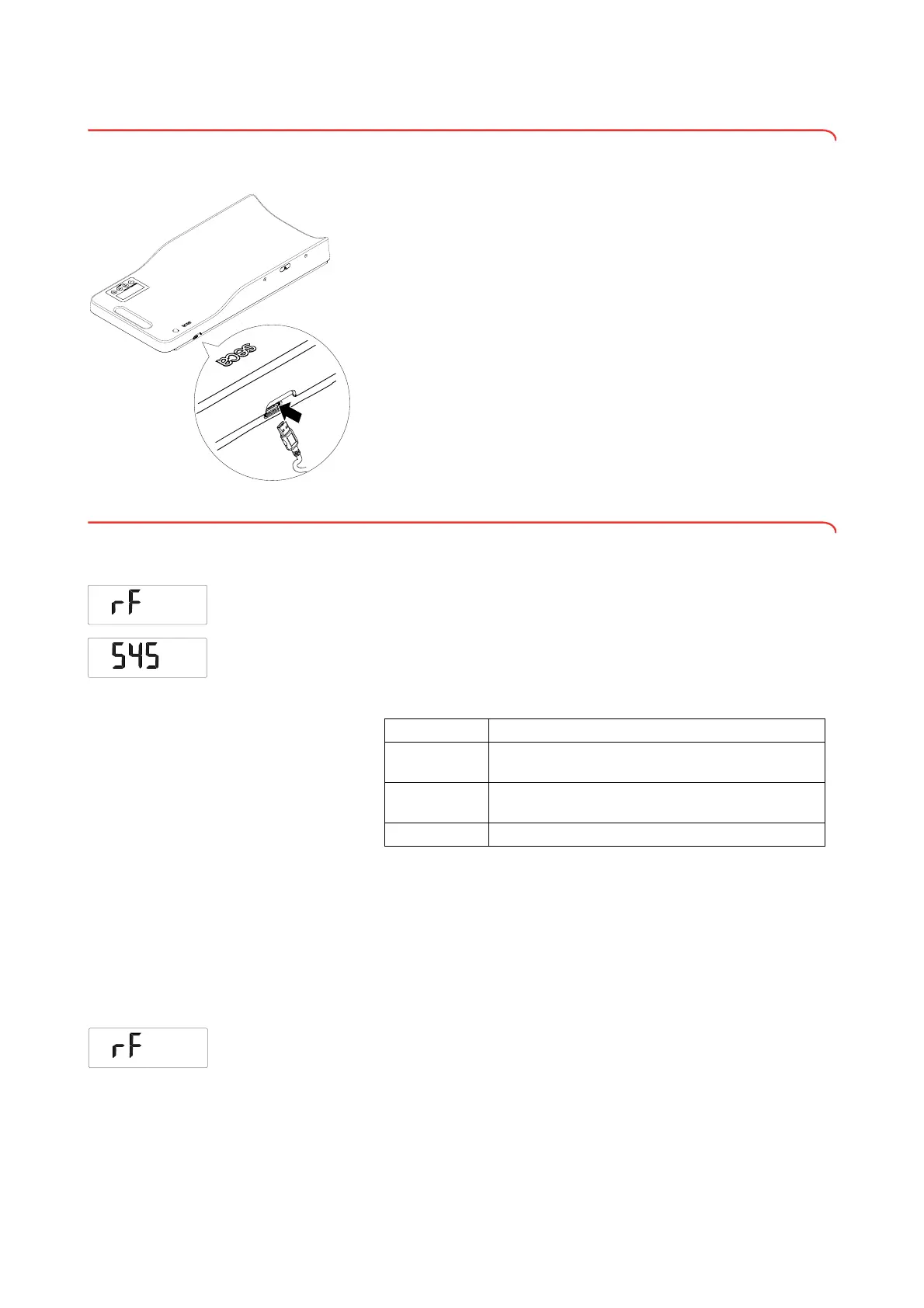
A barcode scanner can be connected to the USB interface (variant-
dependent).
Depending on the settings, the barcode scanner allows patient and user IDs
to be read and the patient data called up in an HIS or in seca software.
Measured results are then assigned to the patient data automatically and can
be saved in the HIS.
NOTE
If you want to use the USB port or the WiFi interface (variant-depen-
dent), the power consumption of the device rises significantly. In these
cases, operate the device with the power supply unit provided.
NOTE
Observe the maximum permitted current consumption of the barcode
scanner (see “General technical data” from page 65
► Plug the USB connector of the barcode scanner into the USB socket of
the device.
4.5 Setting up the WiFi connection
Setting the WiFi interface 1. Select the menu item “rF” (see “Navigating in the menu” on page 57).
2. Confirm your selection.
3. Select the menu item “SYS”.
4. Confirm your selection.
The current setting is displayed.
5. Select the desired setting:
6. Confirm your selection.
You exit the menu automatically.
Connecting the device to the WiFi
network (WPS)
Connect your device to the WiFi network via WPS if you have access to the
router.
NOTE
As soon as the device is connected to a WiFi network, the Autohold
function is activated automatically. The Autohold function cannot be
deactivated if the device is connected to a WiFi network.
1. Select the menu item “rF” (see “Navigating in the menu” on page 57).
2. Activate the WPS function of your router as described in the instructions
for use for your WiFi router.
Option Effect
On
WiFi interface automatically active in power supply
mode, switches off automatically in battery mode.
Perm
WiFi interface remains active in both power supply and
battery modes.
Off WiFi interface deactivated



 To Next Page