Hygiene treatment • 61
17-10-06-643-100a/04-2018S
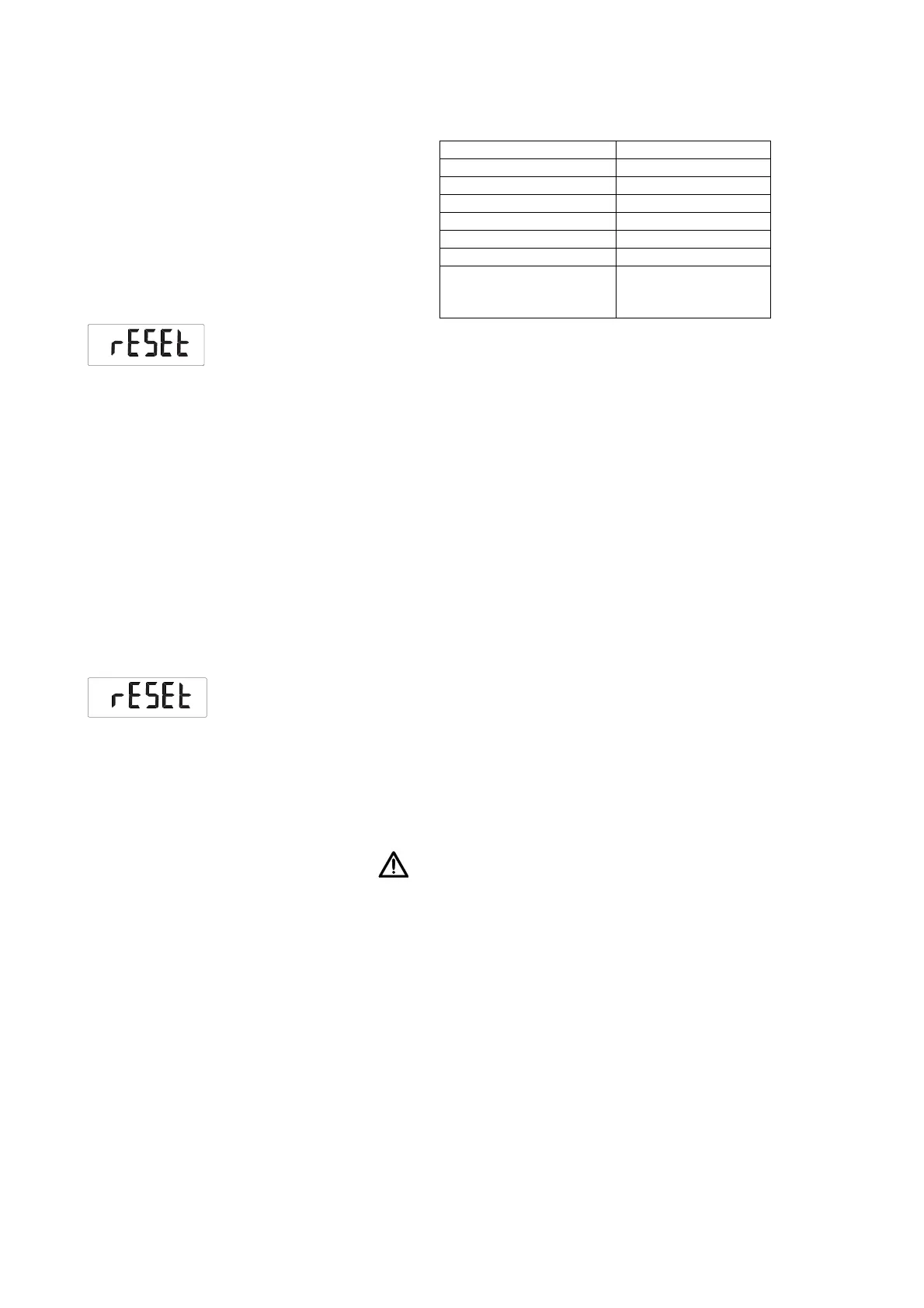
Restoring factory settings (rESEt) You can restore the factory settings for the functions below.
1. Select the item “rESEt” from the menu.
2. Confirm your selection.
You exit the menu automatically.
3. Switch off the scale.
Factory settings are restored and are available when the scale is switched
back on.
NOTE
If you restore the factory settings, the WiFi settings will be retained. To
reset the WiFi settings, proceed as described in the section entitled
“Resetting WiFi settings (rESEt)” on page 61.
Resetting WiFi settings (rESEt) You must reset the WiFi settings first before performing any reconfiguration
work. The following information will be deleted in the process:
– Network name (SSID)
– Network code
NOTE
If you reset the WiFi settings, the factory settings for the scale will also
be restored automatically.
1. Select the item “rESEt” from the menu.
2. Press Enter until you hear a beep.
The WiFi settings are reset.
3. Set up a new WiFi connection as described in the section entitled “Con-
necting the device to the WiFi network (WPS)” on page 51 or “Connecting
the device to the WiFi network (seca connect 103)” on page 52.
6. HYGIENE TREATMENT
WARNING!
Electric shock
The device is not de-energized when the Start key is pressed and the
display goes out. Use of fluids on the device may cause electric
shock.
► Ensure that the device is switched off before performing any hygiene
treatment.
► Disconnect the power supply connector before performing any
hygiene treatment.
► Before each hygiene treatment, take the rechargeable battery out of
the device (if present and removable).
► Ensure that no fluids penetrate the device.
Function Factory setting
Unit of weight kg
Unit of length cm
Autohold (AHOLd) Model-dependent
Beep (PrESS) Off
Beep (HoLd) On
Filtering (FIL) 0
Standby time until the
device switches off
automatically (AOff)
60 seconds



 To Next Page