58 •
17-10-06-643-100a/04-2018S
11. Confirm your selection.
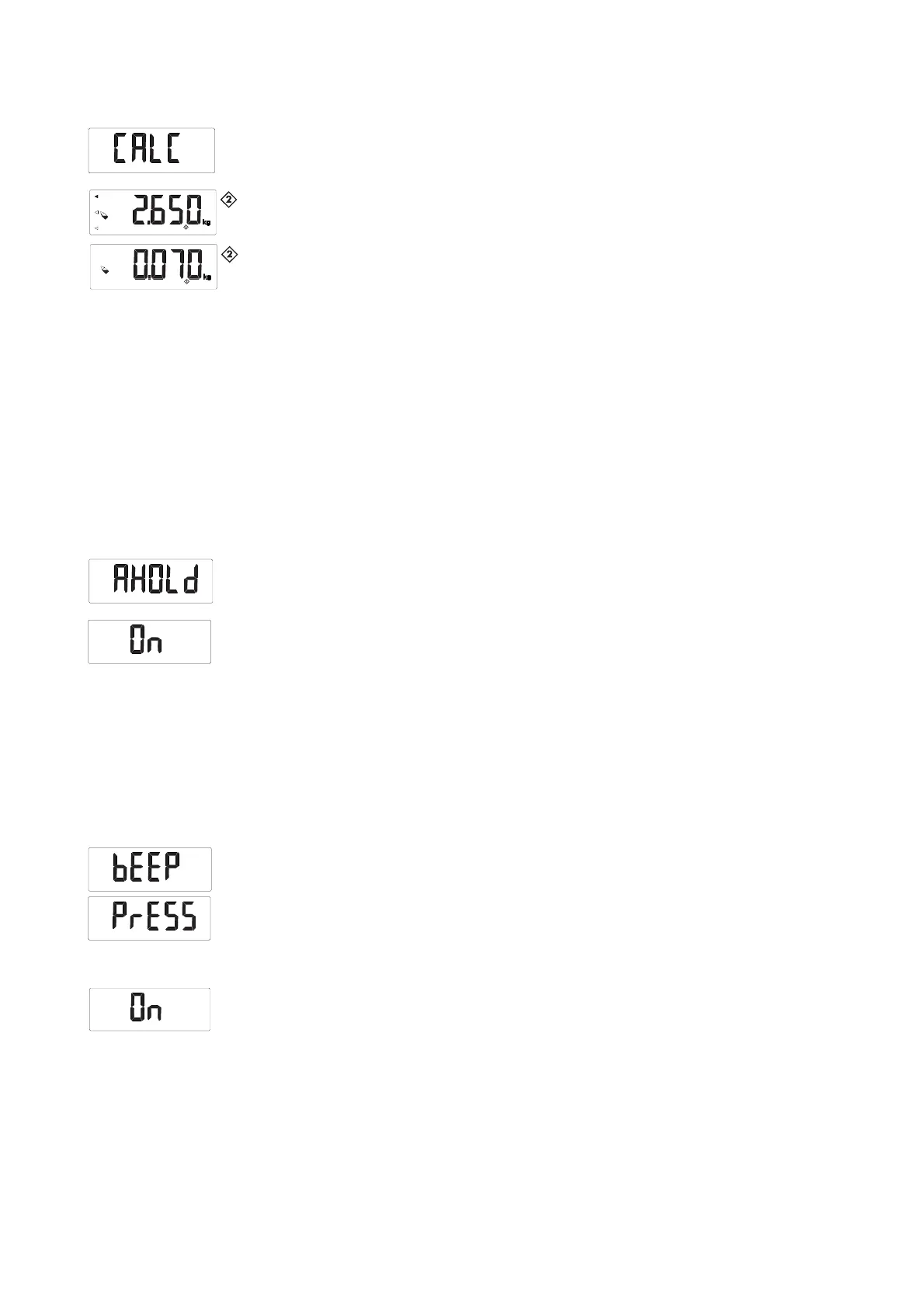
12. Select the “CALC” menu item.
13. Confirm your selection.
14. Select the memory to which you saved the initial weight of the baby.
Arrows flash in the display.
15. Confirm your selection.
The weight difference, i.e. the amount of breast milk taken, is displayed.
16. To deactivate the function, select the item “bMIF” from the menu again.
17. Confirm your selection.
The function is deactivated.
You exit the menu automatically.
Activating the Autohold (AHOLd)
function
When you activate the Autohold function, the measured result for every
weighing operation continues to be displayed after the weight has been
removed from the scale. It is then no longer necessary to activate the Hold
function manually for each individual weighing operation.
NOTE
• This function is activated at the factory on some models. You can
deactivate the function if desired.
• As soon as the device is connected to a WiFi network, the Autohold
function is activated automatically. The Autohold function cannot be
deactivated if the device is connected to a WiFi network (see
“Setting up the WiFi connection” from page 51).
1. Select the item “AHOLd” from the menu.
2. Confirm your selection.
The current setting is displayed.
3. Select the desired setting:
–On
–Off
4. Confirm your selection.
You exit the menu automatically.
Activating beeps (bEEP) You can set whether a beep is heard every time a key is pressed and when a
stable weight value is achieved. The latter is significant for the Hold/Autohold
function.
NOTE
The “Beep when weight is stable” function is activated at the factory.
You can deactivate this function if desired.
1. Select the item “bEEP” from the menu.
2. Confirm your selection.
3. Select a menu item:
– PrESS: beep when key is pressed
– HOLd: beep when weight value is stable
4. Confirm your selection.
The current setting is displayed.
5. Select the desired setting:
–On
–Off
6. Confirm your selection.
You exit the menu automatically.
7. If you also want to activate beeps for the second function, repeat the
process.



 To Next Page