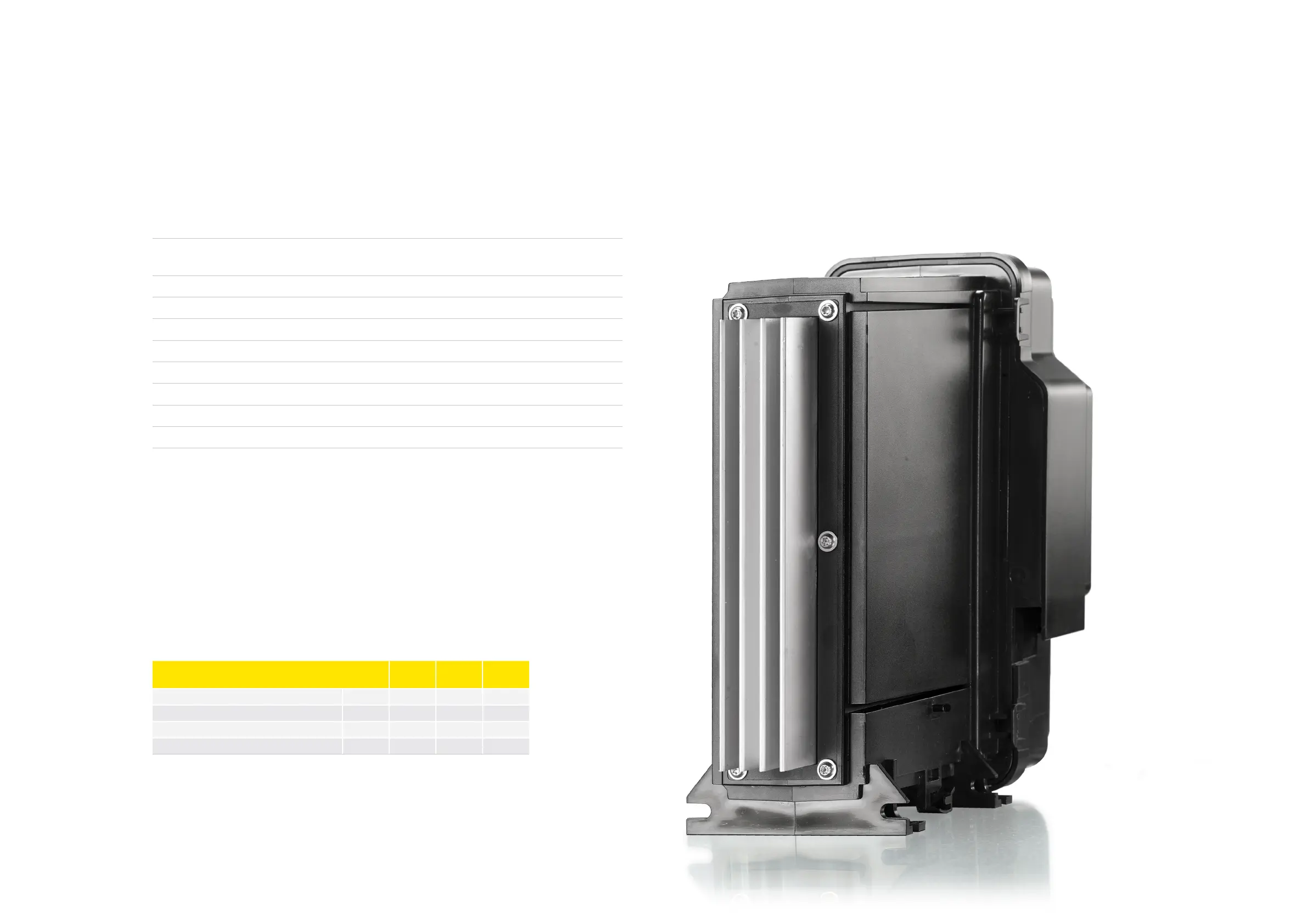
XT Controllers for NLV-CN Compressors
Menu structure for the display:
The maneuvering through the local display menu structure is based on different activations of the buttons
on the right side of the front.
There are 3 different ways of activating the buttons:
>
single short activation
>
single long activation
>
triple short activation
Event Action
Top button short Application change over if more than one application is enabled. Repeated
activation toggles between the enabled applications.
Top button triple Change Modbus address (only when stopped)
Top button long No action
Middle button short Start/Stop defrost depending on d90 and d61
Middle button triple Change to Code/-> (Edit Set point)
Middle button long No action
Bottom button short Acknowledge alarm/Inspect alarm list
Bottom button triple No action
Bottom button long Stopped / Running
By entering the correct access code, it’s also possible to access the service level of the controller. In
addition to the numeric display, there are 4 additional LED’s which show the status of Alarm, Defrosting,
Service, and Cooling.
To access the different parameters of the controller for the local display interface, there are three different
access levels.
Each level can be protected with an individual access code, defined by the manufacturer of the cooling
appliance. If a level is protected with an access code, this code must be entered first. If the controller is
accessed via both the CRA 162/172/200 and the Modbus at the same time, the latest modified value for a
setting will be stored as the final.
The access code can be adapted in the Service Mode structure in Tool4Cool
®
Parameter Function Code Min. Max.
Default
Setting
Access code Daily User o05 0 999 0
Access code Ice o06 0 999 0
Access code Bottle o07 0 999 0
Access code OEM o08 0 999 0
Page 20 / 21



 To Next Page