Administration Methods
Print Server User Manual Windows 22
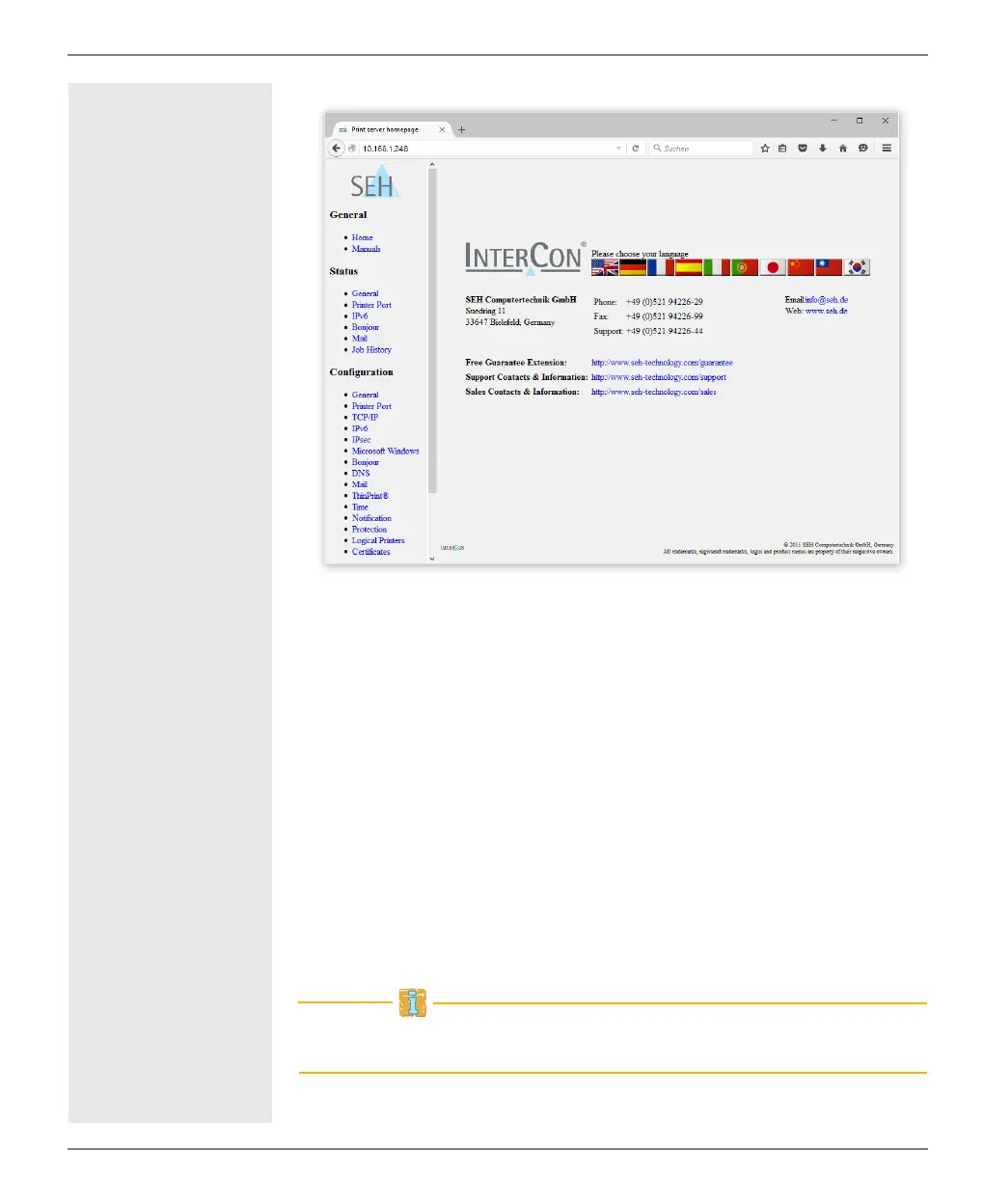
Fig. 1: Print server homepage - Home
Structure of the
Print Server
Homepage
The available menu items are located in the navigation bar (left
hand). After selecting a menu item (simple mouse click), the corre-
sponding page with its content is displayed.
You can set the language of the Print Server Homepage via General
– Home. Simply select the relevant flag. You will also see the con-
tact information of the manufacturer.
Clicking the General – Manuals link brings you to the SEH Comput-
ertechnik GmbH homepage. Here, you can download the latest man-
uals as *.pdf files.
All other menu items refer to the configuration of the print server
and are described in this manual.
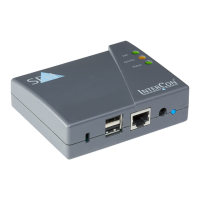
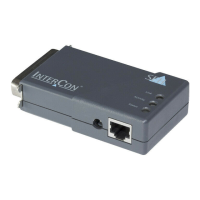
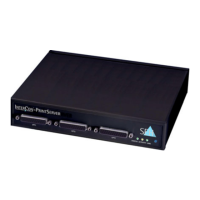
The appearance of the Print Server-Homepage depends on the print
server model and software version.


 To Next Page