General Information
Print Server User Manual Windows 2
1.2 Documentation
Structure of the
Documentation
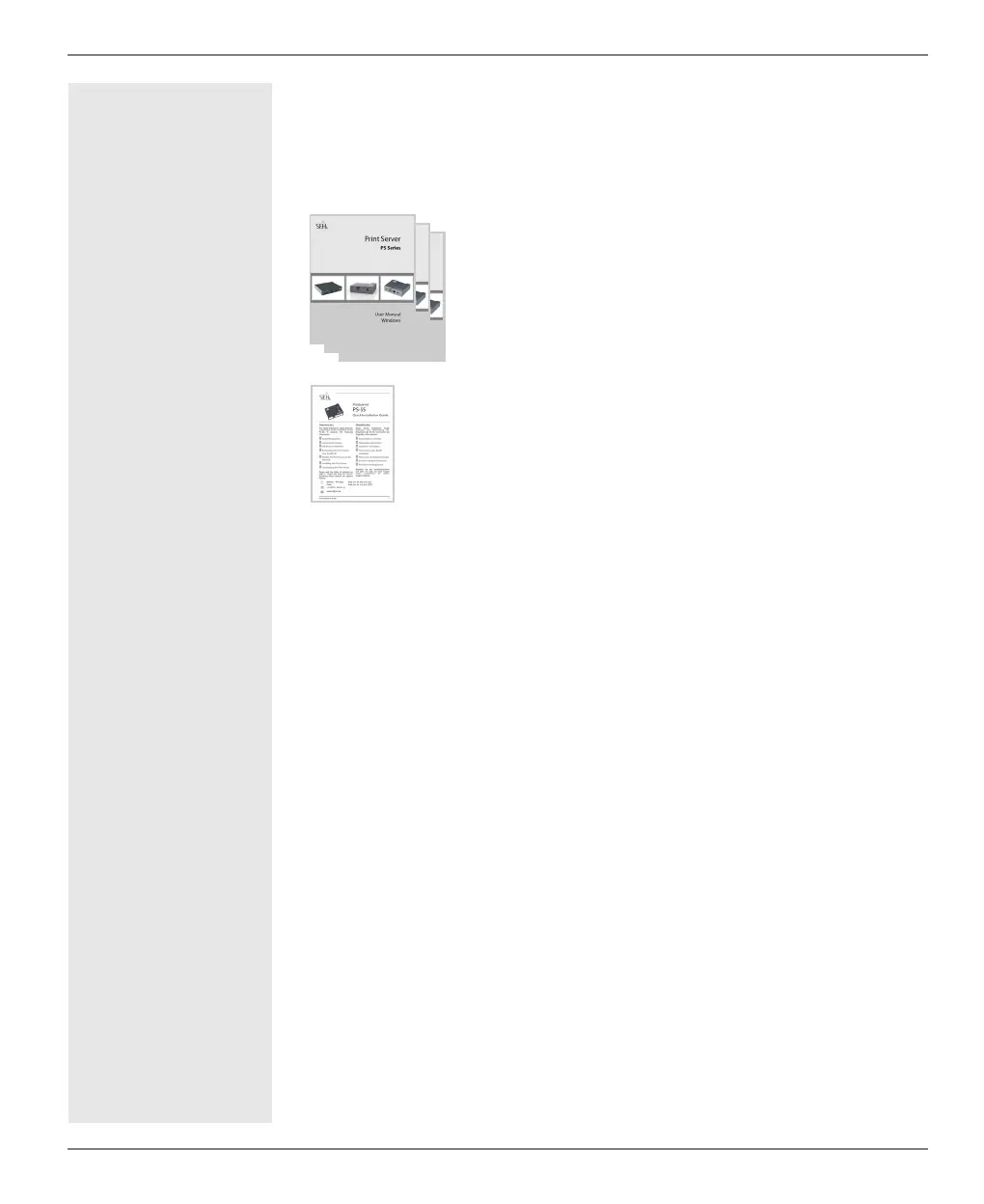
The print server documentation consists of the following docu-
ments:
Scope and Content This documentation describes a variety of print server models. This
means that features will be described that may not be applicable to
your print server. Information about the features of your print
server can be found in the data sheet of your print server model.
Due to the multitude of supported operating systems, instructions
are described exemplarily. The respective concept can be transferred
to other versions of the operating system.
Document Features
This documentation has been designed as an electronic document
for screen use. Many programs (e.g. Adobe® Reader®) offer a book-
mark navigation feature that allows you to view the entire docu-
ment structure.
This document contains hyperlinks to the associated information
units. If you want to print this documentation, we recommend using
the printer setting 'Duplex' or 'Booklet'.
Terminology Used in
this Document
The explanation of technical terms used in this document is summa-
rized in a glossary. The glossary provides a quick overview of techni-
cal matters and background information; see: 159.
User Manual
Detailed description of the print server installation,
configuration, and administration. System-specific
instructions for the following systems:
- Windows
- Mac
Quick Installation Guide
Information about security, hardware installation, and the
initial operation procedure.



 To Next Page