Printer Status and Printer Messages
Print Server User Manual Windows 79
Displaying the Printer Status and the Printer Display via the Print
Server Homepage
1. Start the Print Server Homepage.
2. Select Status – Printer Port.
The printer status and the printer display are displayed.
Configuring Logical Printers via the InterCon-NetTool
Requirements
The InterCon-NetTool is installed on the client, see: 15.
1. Start the InterCon-NetTool.
2. Select the printer/print server from the device list.
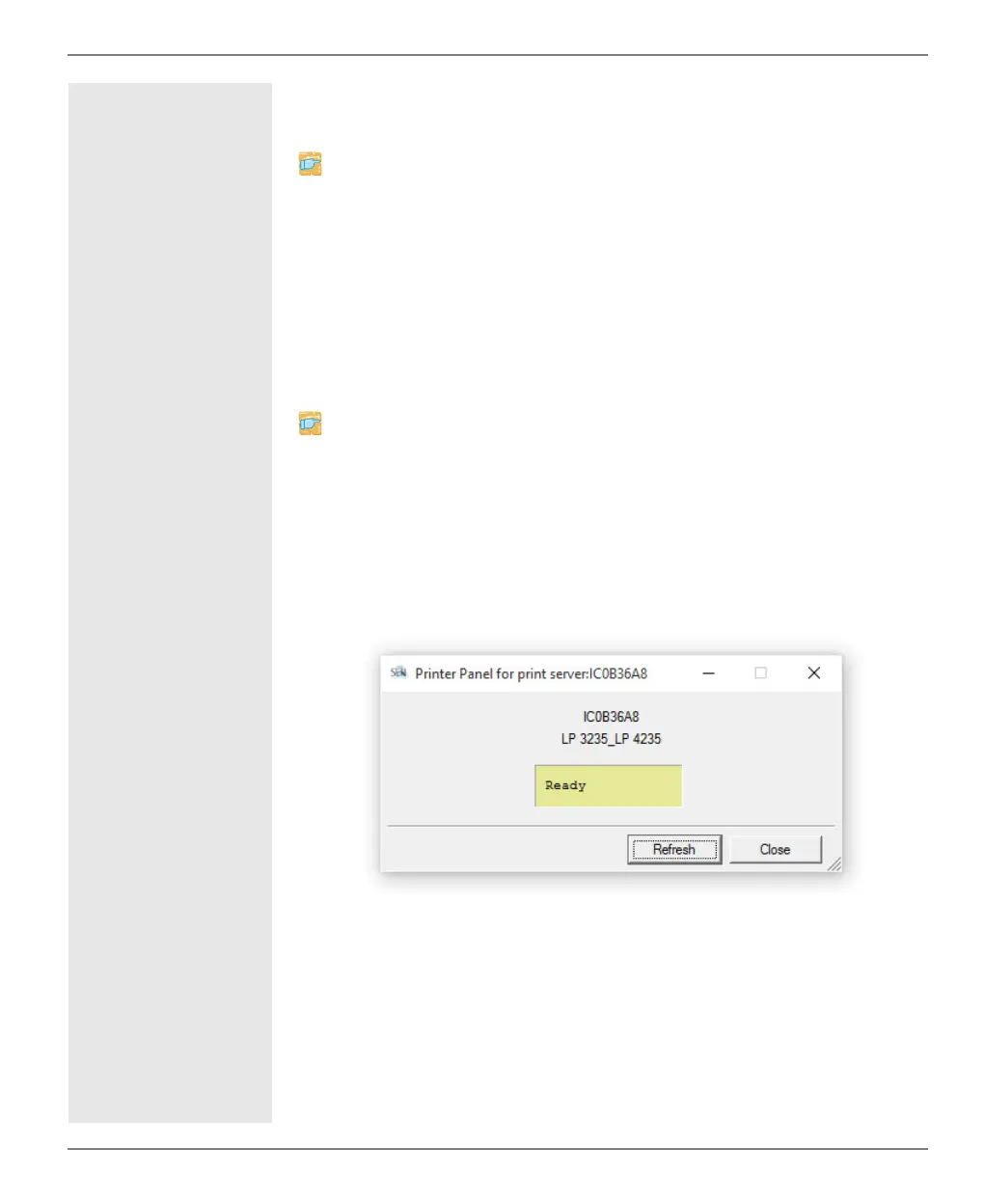
3. Select Actions – Printer Panel from the menu bar.
The printer panel will be displayed.
Fig. 6: InterCon-NetTool – Printer Operating Panel



 To Next Page