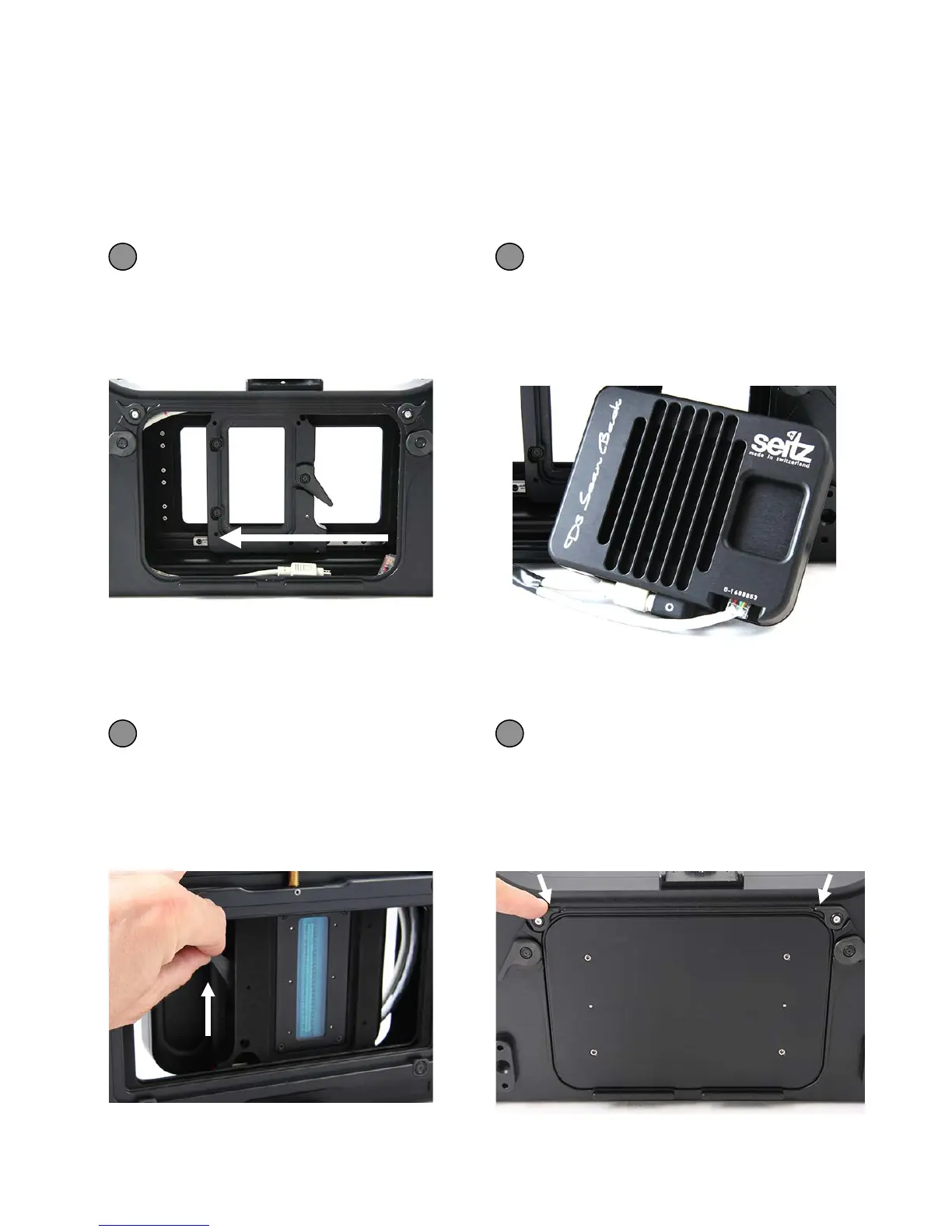
Slide the holder for the digital
scan back to the middle of the
camera body
Connect the ethernet and power
cables that are inside the camera
body with the digital scan back
1 2
2.1 Step 1: Get the camera ready (continued)
The Seitz 6x17 Digital camera is delivered fully assembled. When disassembled it can
be reassembled in the following way:
Insert the digital scan back into
the Seitz 6x17 Digital camera
body and attach it with the lever
Attach the loading gate and close it
with the loading gate brackets
3 4
Instruction Manual Seitz 6x17 Digital - version 4.05 - May 2013- © by Seitz Phototechnik AG / Switzerland www.roundshot.ch page 9



 To Next Page