3.1 Shoot menu
The „Shoot “ menu allows to operate the camera (start and stop, focus, rescan),
zoom into the preview, apply white balancing to the image and save the panorama.
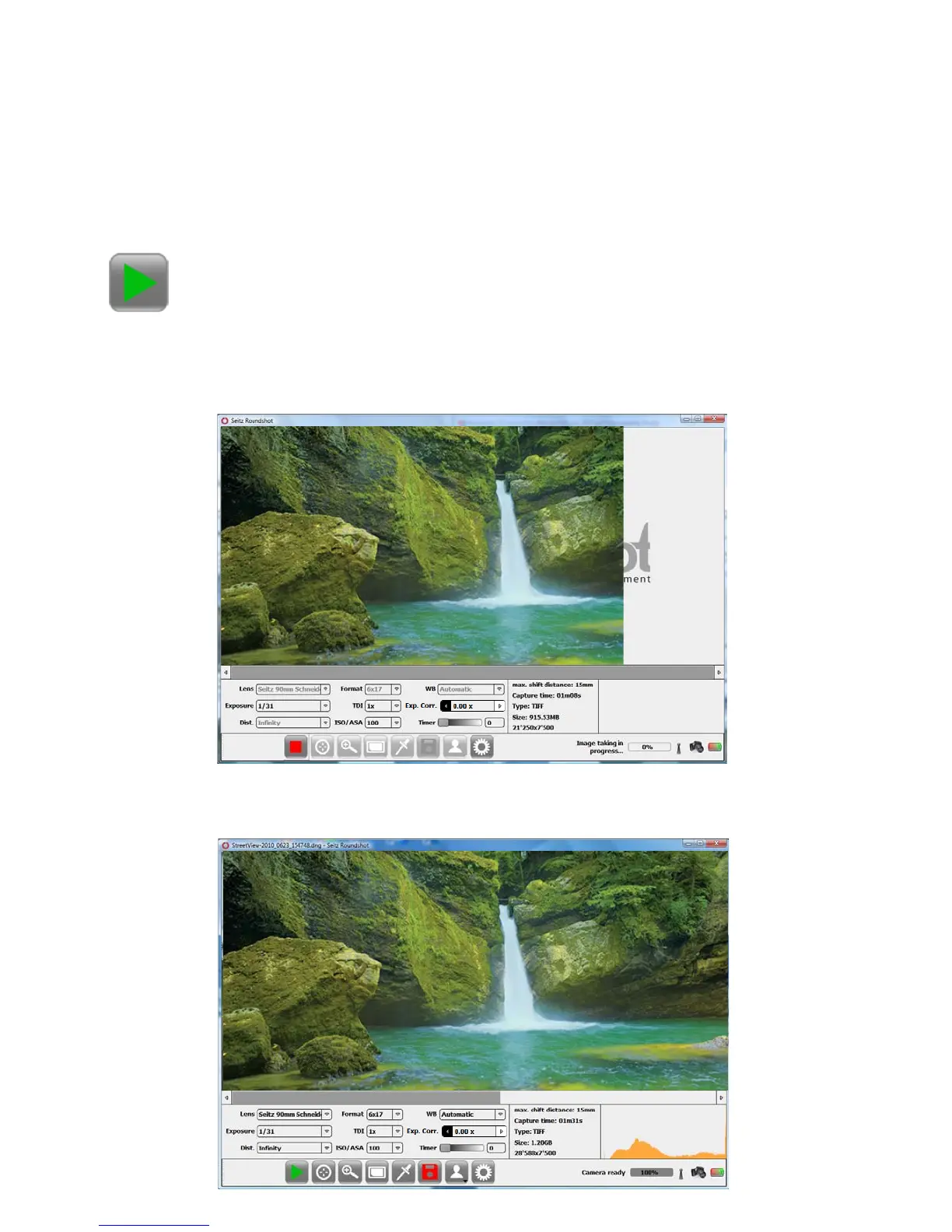
The preview shows the image as it is built up by the scan. The ongoing scan is
indicated by the message „Image taking in progress“ on the lower right hand side
of the computer screen:
Press the „Start“ button to start the image taking process:
Once the scan is fully transferred to the computer RAM, the „Camera ready“
message and the image histogram appear:
3. Seitz Roundshot D3 Software
Instruction Manual Seitz 6x17 Digital - version 4.05 - May 2013- © by Seitz Phototechnik AG / Switzerland www.roundshot.ch page 21



 To Next Page