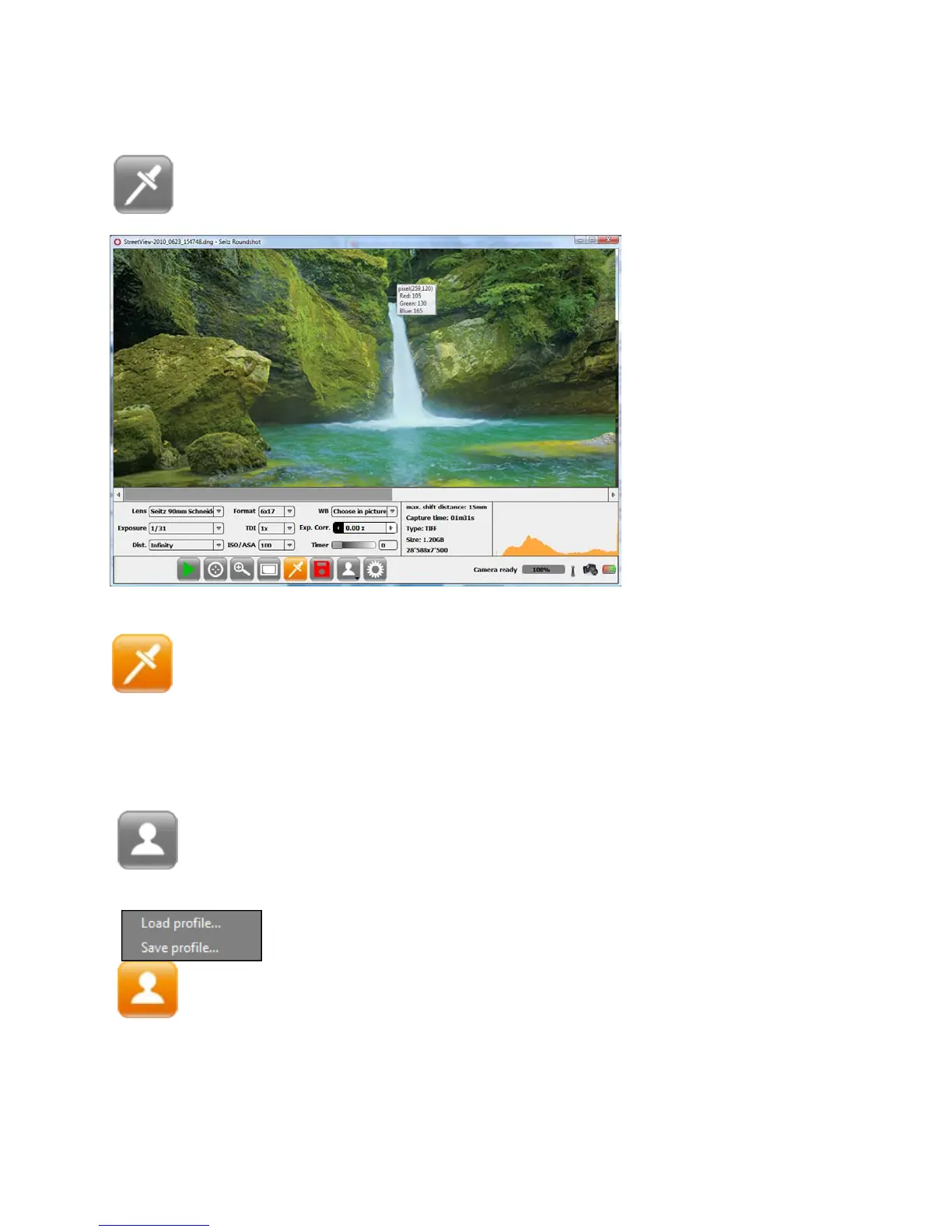
3.1.5 White balancing pipette
Press the button „White balancing pipette“ and the pipette cursor
appears on the image:
Press again the button „White balancing pipette“ to close the choose in
picture white balancing mode
3.1.6 Profile load/save
Press the button „Profile“ and the following menu appears:
Click on a neutral grey area
of the image.
Standard grey cards can be
included in the image to
select a perfect white
balance.
Please note that using the
white balancing pipette
will change the white
balancing mode. Do not
use this tool when
selecting the automatic or
preset modes.
Select “Save profile” to store a profile containing all current
shoot and image processing parameters.
Select “Load profile” to load previously saved profiles.
Instruction Manual Seitz 6x17 Digital - version 4.05 - May 2013- © by Seitz Phototechnik AG / Switzerland www.roundshot.ch page 29



 To Next Page