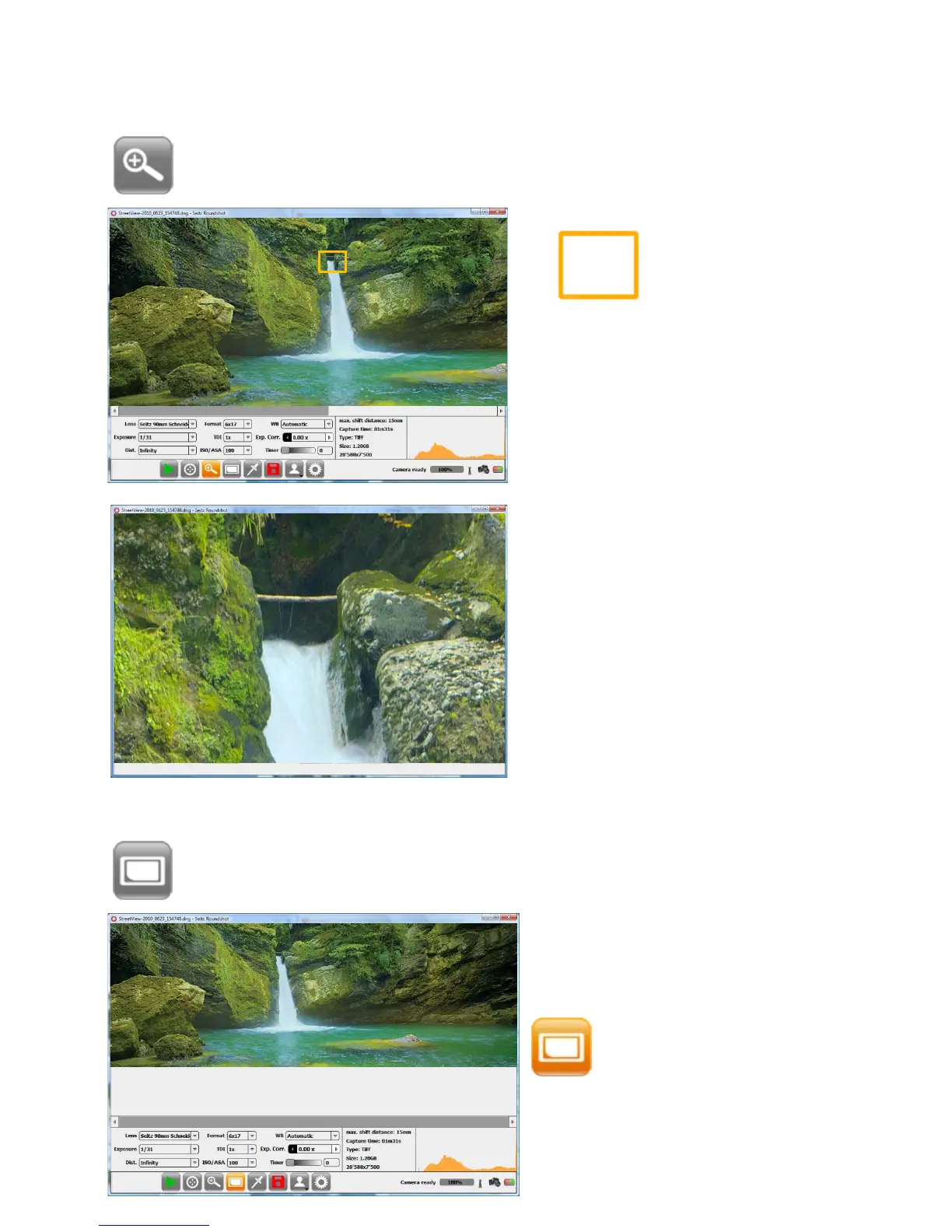
3.1.3 Zoom
Place the rectangle on the area to
magnify.
Press the button „Zoom“ and the zoom rectangle appears:
3.1.4 Fit on screen
Press the button „fit on screen“ to display the panorama in its full width:
Press again the button „fit on
screen“ to go back to original view
The zoom window opens showing
a 100% magnification* of the
selected area.
Other zoom levels can be selected
in „Parameter menu / custom tab”.
100% is the default zoom factor
Press anywhere on the image to
close the „Zoom“ window.
Instruction Manual Seitz 6x17 Digital - version 4.05 - May 2013- © by Seitz Phototechnik AG / Switzerland www.roundshot.ch page 28



 To Next Page