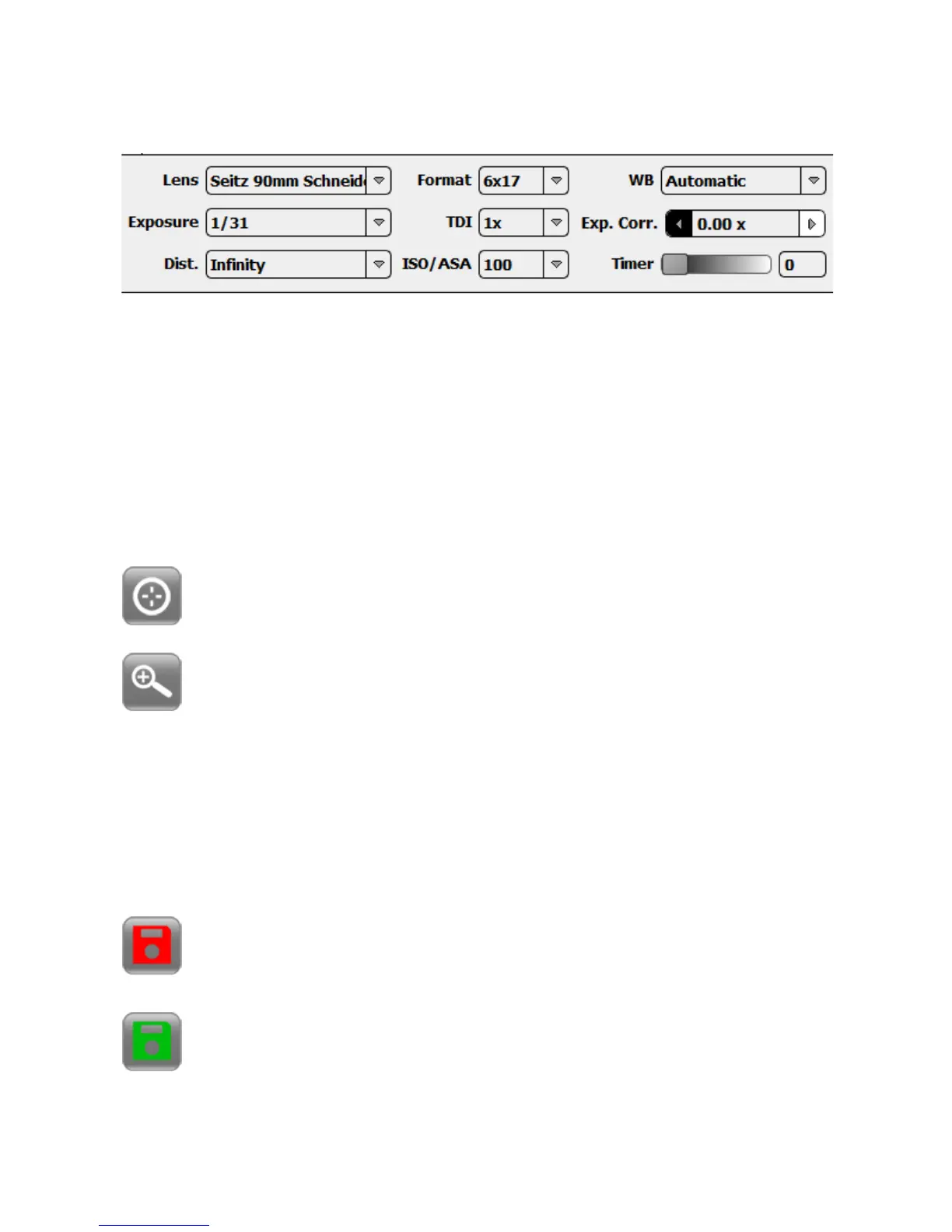
2.4 Step 4: Adjust your settings
Repeat these steps until the image is perfect.
Zoom to check the sharpness.
Focus with the focusing assistant, don‘t forget to adjust the distance
setting In the software (Optional for the 6x17 camera).
Save the image and transfer the image on your computer for post-
processing.
2.5 Step 5: Save the image
Once the image has been saved the icon turns green.
Adjust the settings. For example, change the image angle, the exposure speed or
the sensitivity of image capture (TDI Stages, ISO/ASA).
Fine control the exposure time using the exposure correction slider. It is also
possible to change the white balancing mode from automatic to presets or manual
modes .
Create another scan.
Instruction Manual Seitz 6x17 Digital - version 4.05 - May 2013- © by Seitz Phototechnik AG / Switzerland www.roundshot.ch page 20



 To Next Page