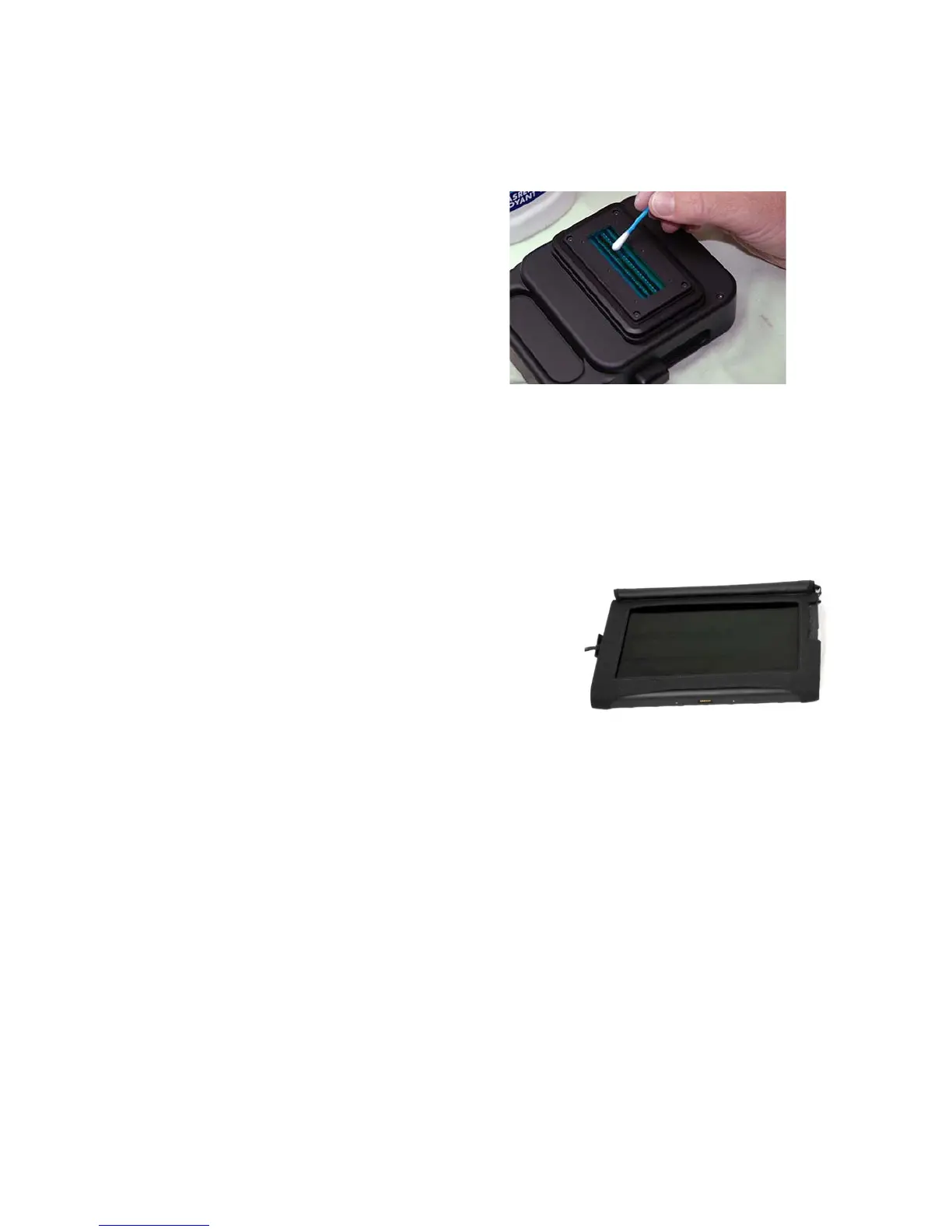
Digital sensor and optics
Make sure that no dust
accumulates on the digital
sensor and that the lenses
remain dust and scratch free.
The outside protection glass
(IR cut filter) can be cleaned
using some window cleaner
and a soft cotton swab:
Computer
6.3 Camera maintenance (continued)
Handle the tablet PC with care. Wipe the screen from
time to time with a wet microfibre cleaning cloth. Be
sure to download and install regular updates
(operating system, Seitz Roundshot D3 capture
software, Seitz raw converter).
Instruction Manual Seitz 6x17 Digital - version 4.05 - May 2013- © by Seitz Phototechnik AG / Switzerland www.roundshot.ch page 91



 To Next Page