SRL2
50
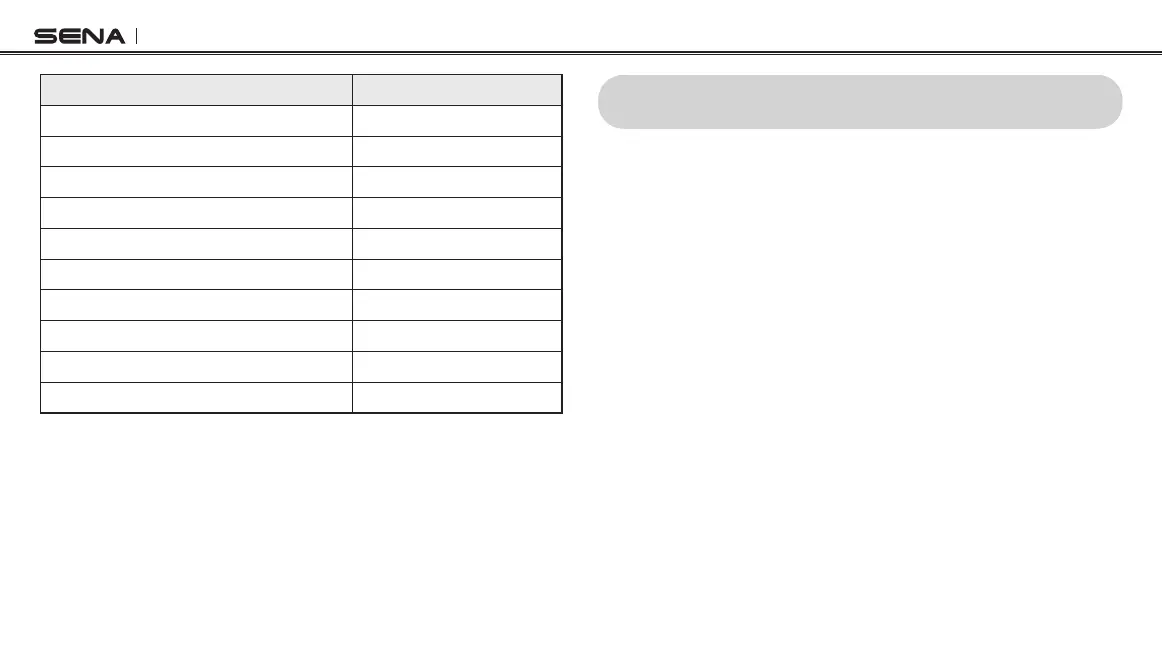
Tap the (+) Button or the (-) Button Tap the Center Button
Phone Pairing None
Second Mobile Phone Pairing
None
GPS Pairing None
Phone Selective Pairing None
Media Selective Pairing
None
Delete All Pairings
Execute
Remote Control Pairing Execute
Universal Intercom Pairing Execute
Factory Reset
Execute
Exit Conguration
Execute
23 RESET TO FACTORY DEFAULT SETTINGS
1. To restore the SRL2 to factory default settings, press the Center
Button for 12 seconds until you hear high-toned double beeps.
You will hear a voice prompt saying “Conguration menu”.
2. Tap the (-) Button twice and you will hear a voice prompt saying
“Factory reset”.
3. Within 5 seconds, tap the Center Button to conrm reset. The
headset will be restored to factory setting and switched off
automatically. You will hear a voice prompt saying “Headset
reset, good-bye”.



 To Next Page