Stryker Motorcycle Bluetooth
®
Helmet with Mesh Intercom™ | 59
14 FIRMWARE UPGRADES
14.1.2 Connection Setup
1. Open the SENA MOTORCYCLES App.
2. Tap the Menu button (
) in the top-right corner of the screen and
select Update via WiFi.
3. Follow the instructions on the SENA MOTORCYCLES App to
connect the built-in Wi-Fi to a Wi-Fi access point.
Note: To change the Wi-Fi access point, execute Wi-Fi Reset then
repeat the steps above.
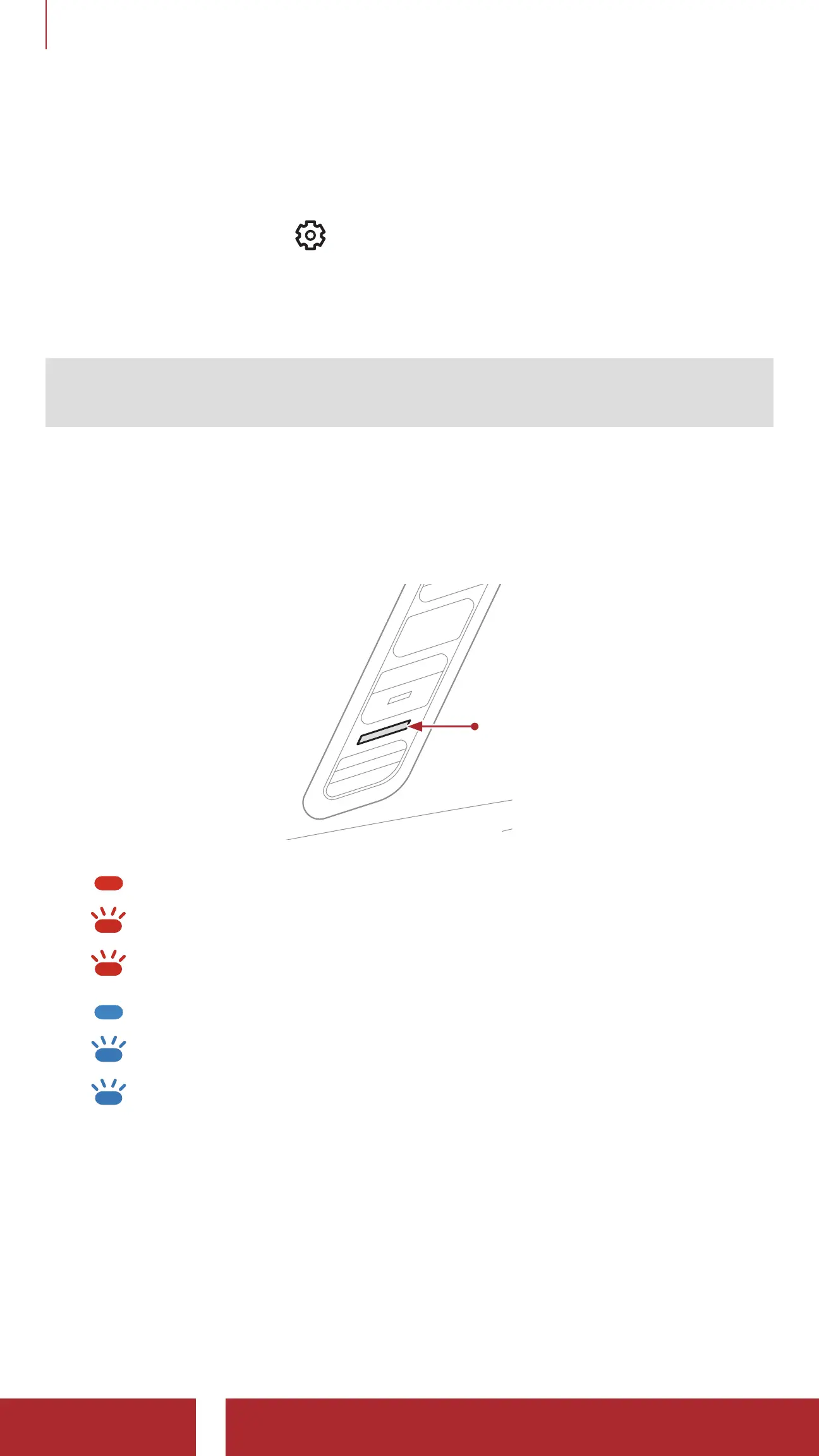
14.1.3 LED Description
Charging & Wi-Fi Status LED
Charging & Wi-Fi
Status LED
Charging & disconnected from a Wi-Fi access point
FAST BLINKING
Charging & searching for a Wi-Fi access point
BLINKING
Charging & connected to a Wi-Fi access point
Fully charged & disconnected from a Wi-Fi access point
FAST BLINKING
Fully charged & searching for a Wi-Fi access point
BLINKING
Fully charged & connected to a Wi-Fi access point



 To Next Page