ADN Digital Conference System | 199
Using the “Conference Manager” software
Locking/unlocking the central unit’s
operating menu
To protect the central unit’s operating menu against any accidental change of
settings:
왘 In the “Conference Settings” window, select the “Locked” option button behind
“CU Lock Status”.
왘 Click “OK”.
The central
uni
t’s operating menu is locked and the “Conference Settings” win-
dow clo
ses. To adjust settings via the operating menu, you have to deactivate
the lock mode (see page 83).
To deactivate the lock mode:
왘 Select the “Unlocked” option button behind “CU Lock Status”.
왘 Click “OK”.
The central
unit’s operating menu is unlocked and the “Conference Settings”
wind
ow closes.
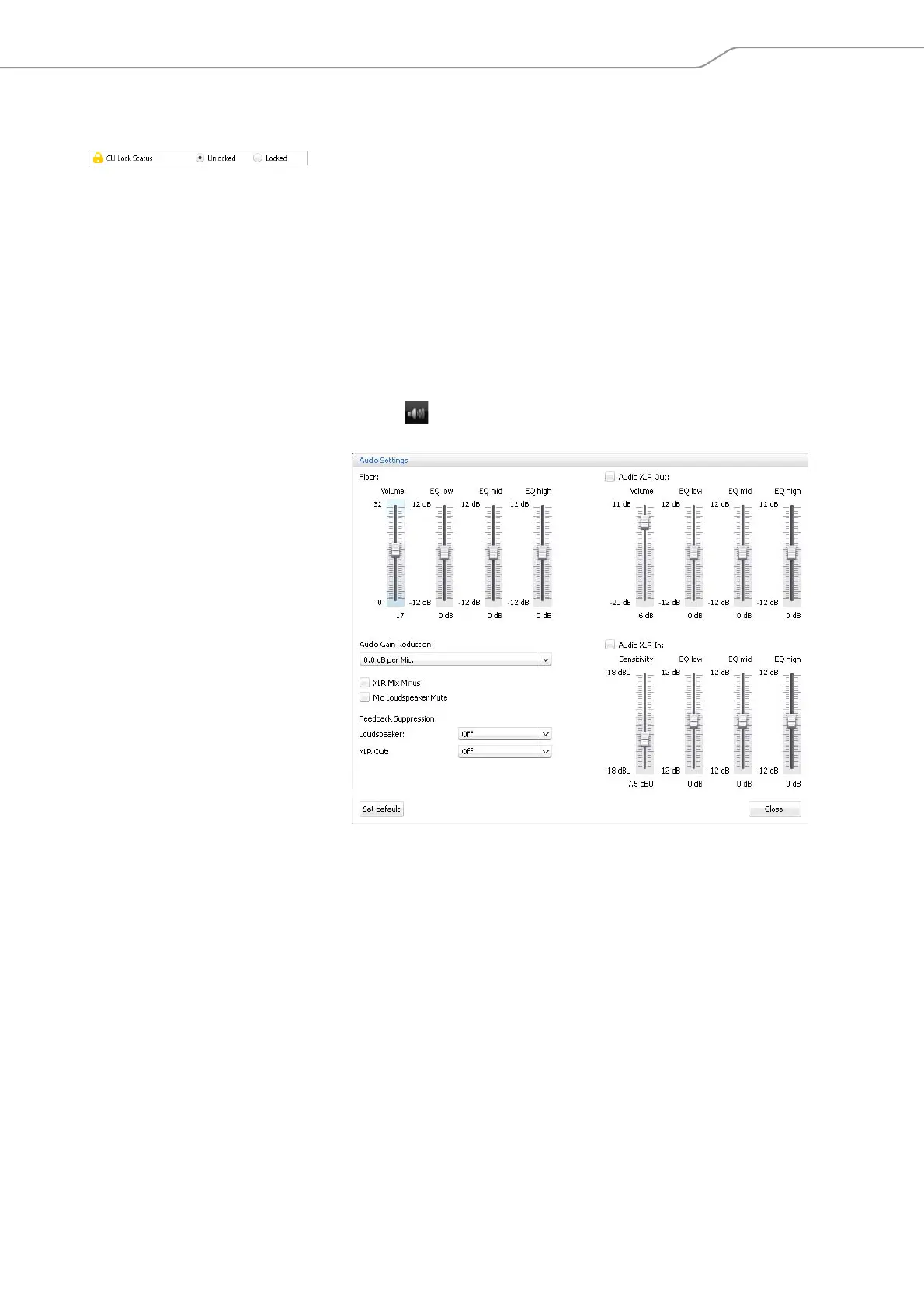
Adjusting the audio settings
왘 Click the icon on the toolbar.
The “Audio Settings” window appears.


 To Next Page
 Loading...







