Configuring the conference system via the central unit
86 | ADN Digital Conference System
“Conference Recording” Calls up the “Conference Recording” submenu – 101
“XLR Out” menu
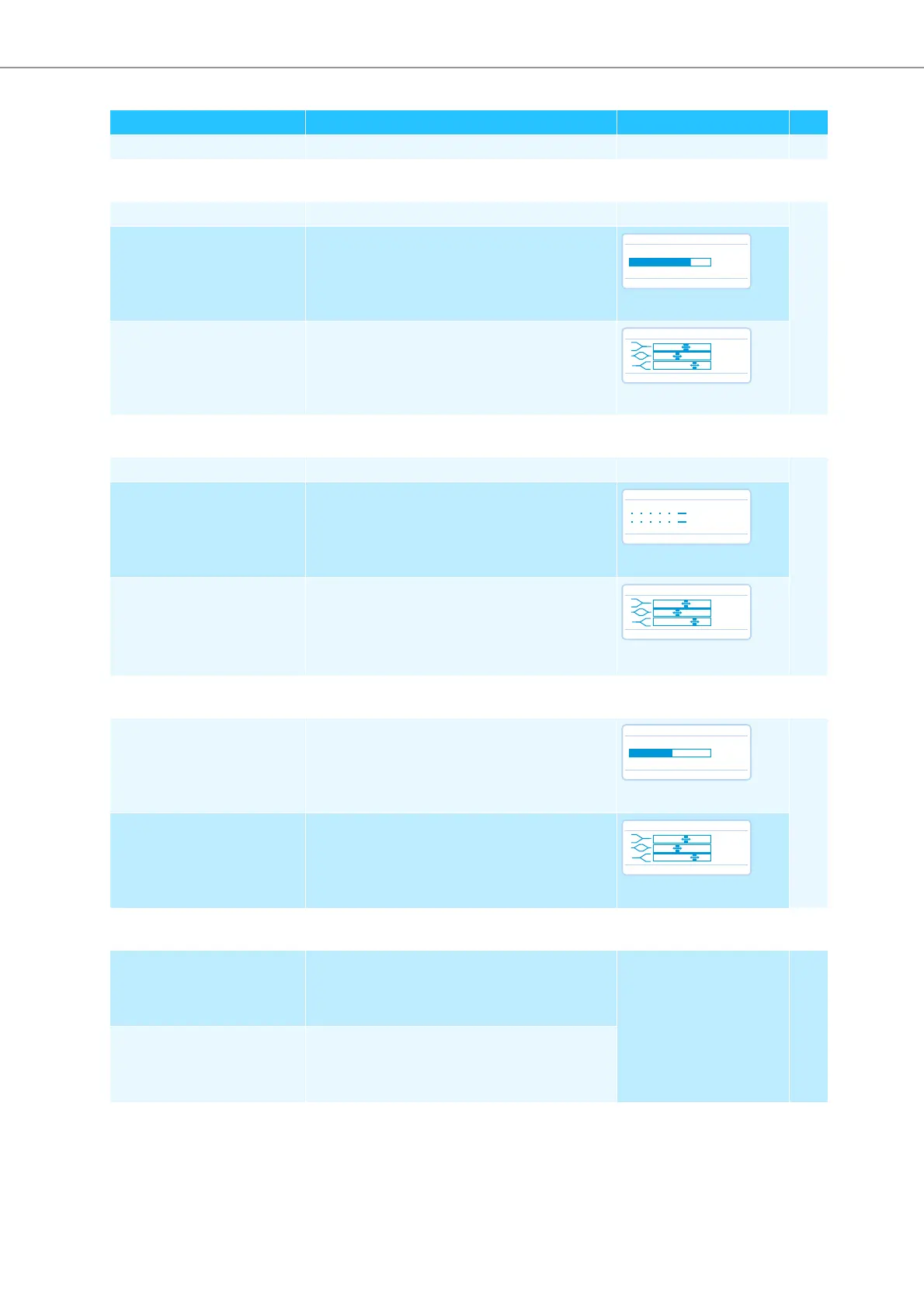
“XLR Out Status” Activates/deactivates the OUT audio output “On”/“Off” 97
“XLR Out Volume” Adjusts the volume of the XLR output
“01” ... “32”
“XLR Out Equalizer” Adjusts the tone color of the XLR output
“12 dB” ... “+12 dB”
“XLR In” menu
“XLR In Status” Activates/deactivates the IN audio input “On”/“Off” 97
“XLR In Sensitivity” Adjusts the sensitivity of the XLR input
“18.0 dBu” ... “+18.0 dBu”
“XLR In Equalizer” Adjusts the tone color of the XLR input
“12 dB” ... “+12 dB”
“Floor / Loudspeakers” menu
“Floor / Loudspeakers Volume” Adjusts the floor channel volume (“Floor /
Loudspeakers”)
“00” ... “32”
98
“Floor / Loudspeakers
Equalizer”
Adjusts the tone color of the floor channel
“12 dB” ... “+12 dB”
“Feedback Suppression” menu
“Floor / Loudspeakers” Changes the volume adjustment of the conference
units’ built-in loudspeakers in order to increase the
max. possible volume while the risk of feedback
due to the increased volume is reduced.
“Off”
low (approx. +2 to +3 dB)
“Low Intensity”
high (approx. +5 to +6 dB)
“High Intensity”
99
“XLR Out” Changes the volume adjustment of the OUT audio
output in order to increase the max. possible
volume while the risk of feedback due to the
increased volume is reduced.
Display Function of the menu item
Option/display page
XLR Out Volume
No
+ 6 dB
+ 6 dB
XLR Out Equalizer
No
+02 dB
–03 dB
+05 dB
XLR In Sensitivity
No
+07.5 dBu
+07.5 dBu
XLR In Equalizer
No
+02 dB
–03 dB
+05 dB
Floor / Loudspeakers Volume
No
16
16
Floor/Loudspeaker Equalizer
No
+02 dB
–03 dB
+05 dB



 To Next Page