Chapter 3: Quick Start
31
Chapter 3: QuICk start
This section presents a useful guide for first-time programming of the
Model 400. Follow instructions for installation before attempting to pro-
gram the Model 400. Refer to Chapter 2: Installation.
3.1 the loCal keypad
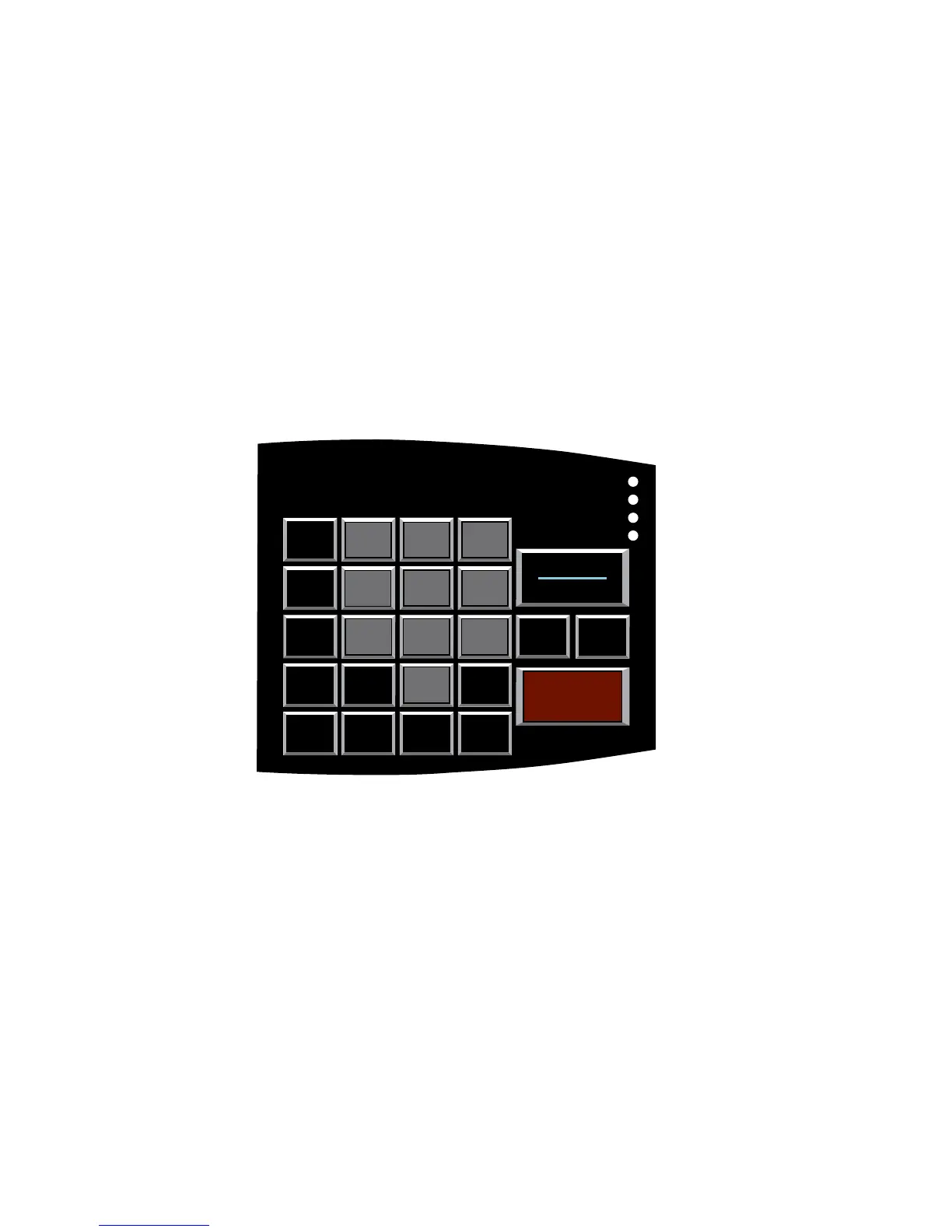
Programming is accomplished using the local keypad (shown below, Figure
3-1). Notice that a single key has several functions assigned to it; program-
ming results are determined by the order in which keys are pressed.
Individual keystrokes are illustrated to show programming steps in the cor-
rect order. If you make a mistake by entering the wrong key, do not press
another key until you hear the message “Error 1.” Then, start over with the
first key in the programming sequence.
WHAT
IS
Sensaphone 400 Keypad
Part # KEY - 0017
Rev C 5/23/2006
Phonetics, Inc Contact: Dave Breisacher
901 Tryens Rd Tel: 610-675-2227
Aston, PA 19014 Fax: 610-558-0222
Colors:
Pantone 1817 U
Pantone 7458 U
Black
White
Cool Gray 7 U
Cool Gray 11U
SENSOR
ON/OFF
4
MAX CALLS
5
TEMP LIMITS
6
CALIBRATE
8
CLOCK
3
INTERCALL
TIME
7
RECOGNITION
TIME
9
LISTEN TIME
SOUND
0
ID NUMBER
POWER
PHONE
NUMBER
T/P
CONFIG
STATUS
RUN
STANDBY
MESSAGE
OUTPUT
PAUSE
AM
CODE
LOCK
MUTE
TEST
°F/°C
#
RINGS
TAD
*
ENTER
PM
400
1
CALL
DELAY
SET
2
VOICE
REPS
ALARM
CANCEL
SENSAPHONE
®
REMOTE MONITORING SYSTEM
System On
Phone In Use
Alarm
Battery OK
Figure 3-1. The Model 400 Keypad
3.2 preparatIon For programmIng
Read complete instructions in Chapter 2: Installation, and make sure to fol-
low these three steps first:
1. Plug the AC adapter into the 120 VAC outlet.
2. Install the batteries.
3. Connect the Model 400 to a telephone line.
When these steps are completed, the Model 400 is fully operational and
able to monitor temperature, high sound, AC power failure and battery
backup condition; it can also be called on the telephone for a Status Report
or be used for listening to on-site sounds from any remote location. Now,
the unit is ready for programming.



 To Next Page