1–14 Sensus Metering Systems
Chapter 1: About the AR5000
• Press the F5 key to make the contrast darker.
 View the Battery Status
Before you take the AR5000 into the field, check to verify
that the battery is charged. If you run the system on long
routes or for more than 8 hours in a day, you may also want
to check the battery during the day to verify that it is carrying
enough charge to complete your work.
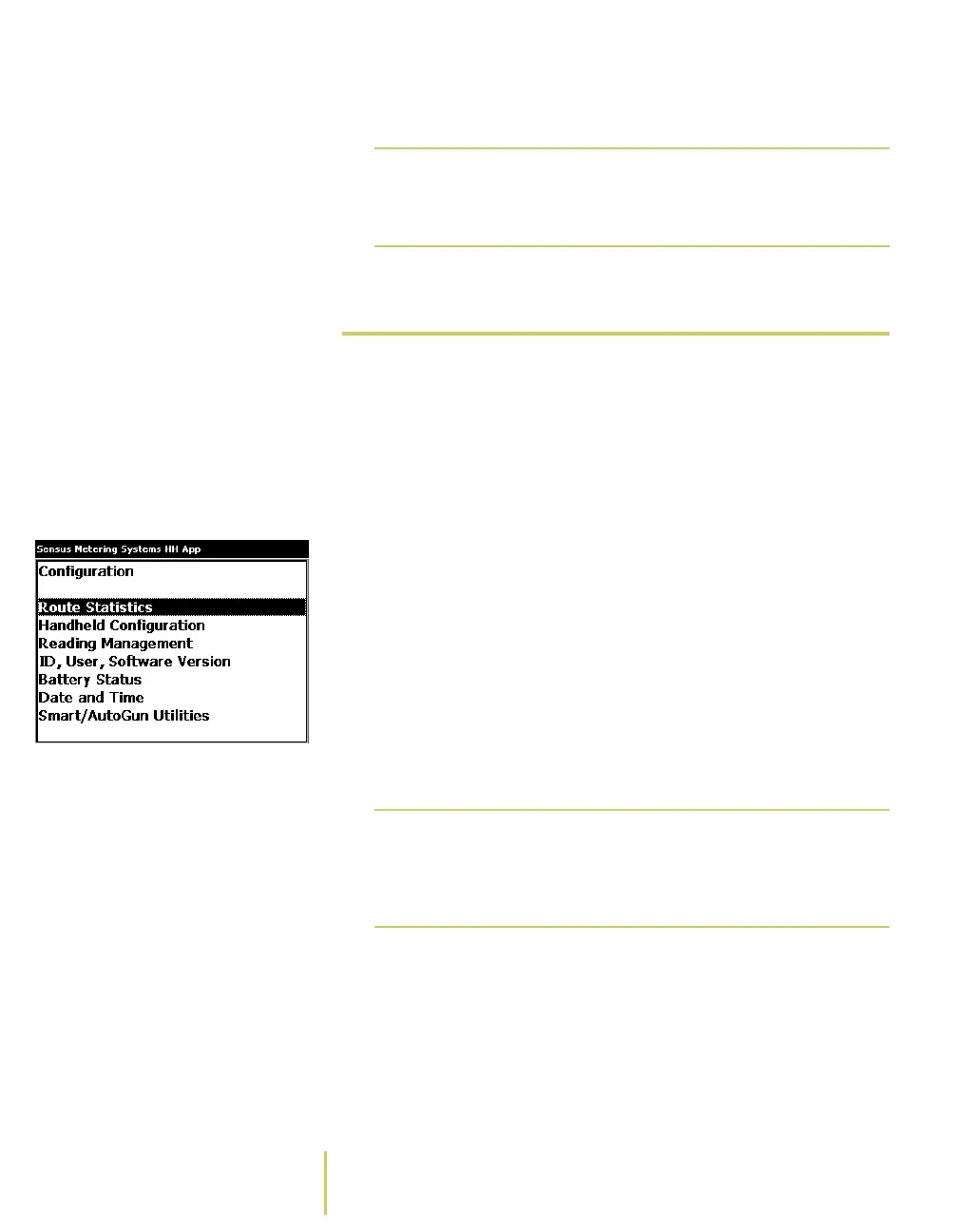
Configuration Menu To view the battery status...
1 Open the Configuration menu.
• If you just removed the AR5000 from the charging
stand, the system displays a Startup Screen.
Use the PgUp/PgDn key to highlight Configuration on
the Startup Screen. Press the Enter key. The system
displays the Configuration Menu.
• While you are working on a route, press the F6 key. The
system displays the Configuration Menu
Note
Adjusting the backlight and the contrast does
not require you to display a configuration
screen.
Note
F6 is the default key assignment for the
Configuration menu. Key assignments can be
changed. For more information, see About the
Key Controls/Functions.



 To Next Page