info@xyleminc.com
MS 7000 | DIAVASO Datalogger User Manual | 05/05/2017
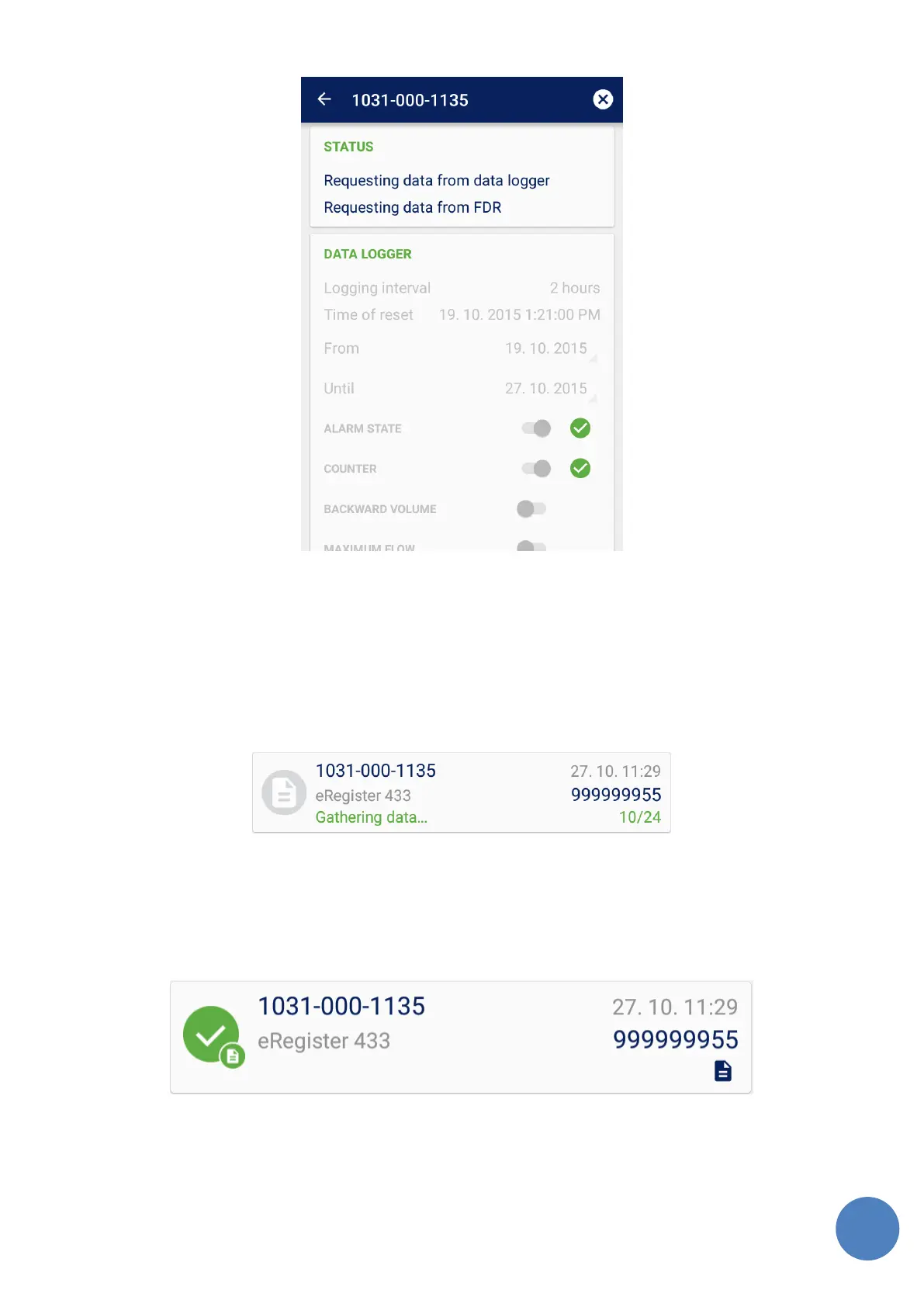
FIGURE 17: LOG DOWNLOAD IN PROGRESS
The user can cancel the log download by pushing the Cancel button on the right side of the
screen header. If some data was collected it is saved to a CSV file.
The user can also go back to the list and start log collecting for another meter. The application
can handle multiple downloads in parallel. The user can see current status of the meters in the
device list too as can be seen on Figure 18.
FIGURE 18: LOG DATA GATHERING IN PROGRESS
When the log download ends the progress message is dismissed and the status icon changes as
can be seen on Figure 19. The logs can be then collected again.
FIGURE 19: LOG DOWNLOAD FINISHED



 To Next Page