Logs 5-7
iPERL Water Management System Technical Manual WRMTM-40001
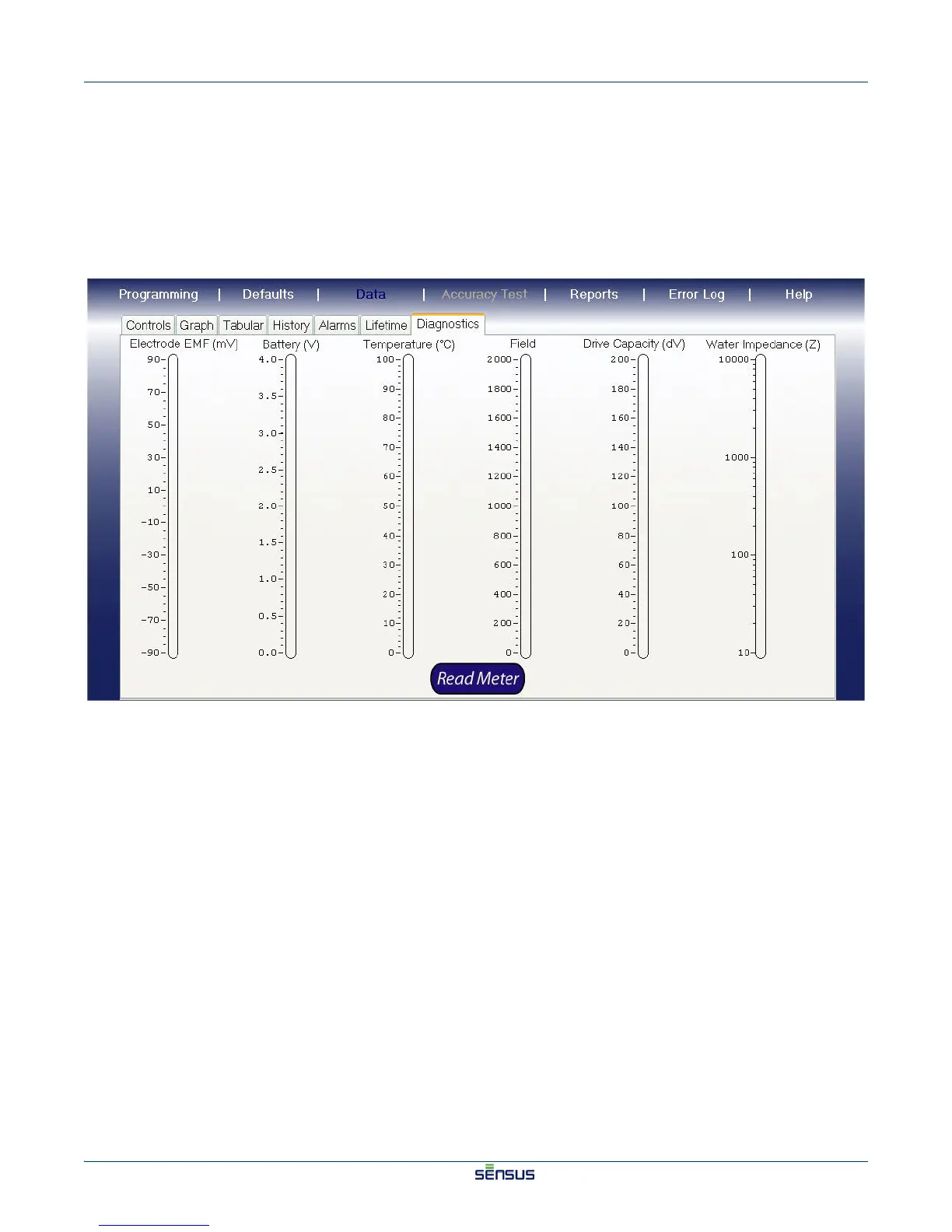
5.7 Viewing Diagnostic Data
To view system diagnostic data:
1. From the Main screen, click the Data menu option.
2. Click the Diagnostics tab.
The Diagnostics screen appears, as shown in Figure 5-6.
Figure 5-6: Diagnostics Screen
3. Click the Read Meter button.
The meter diagnostic information appears.


 To Next Page
 Loading...