Error Log 6-1
iPERL Water Management System Technical Manual WRMTM-40001
6Error Log
The Unipro™ application allows you to view a list of communication errors that have occurred in the application.
This chapter provides information on how to:
• View an error log in the Unipro application.
• Acknowledge errors.
6.1 Viewing an Error Log
To view an error log in the Unipro application:
1. From the Main screen, click the Error Log menu option.
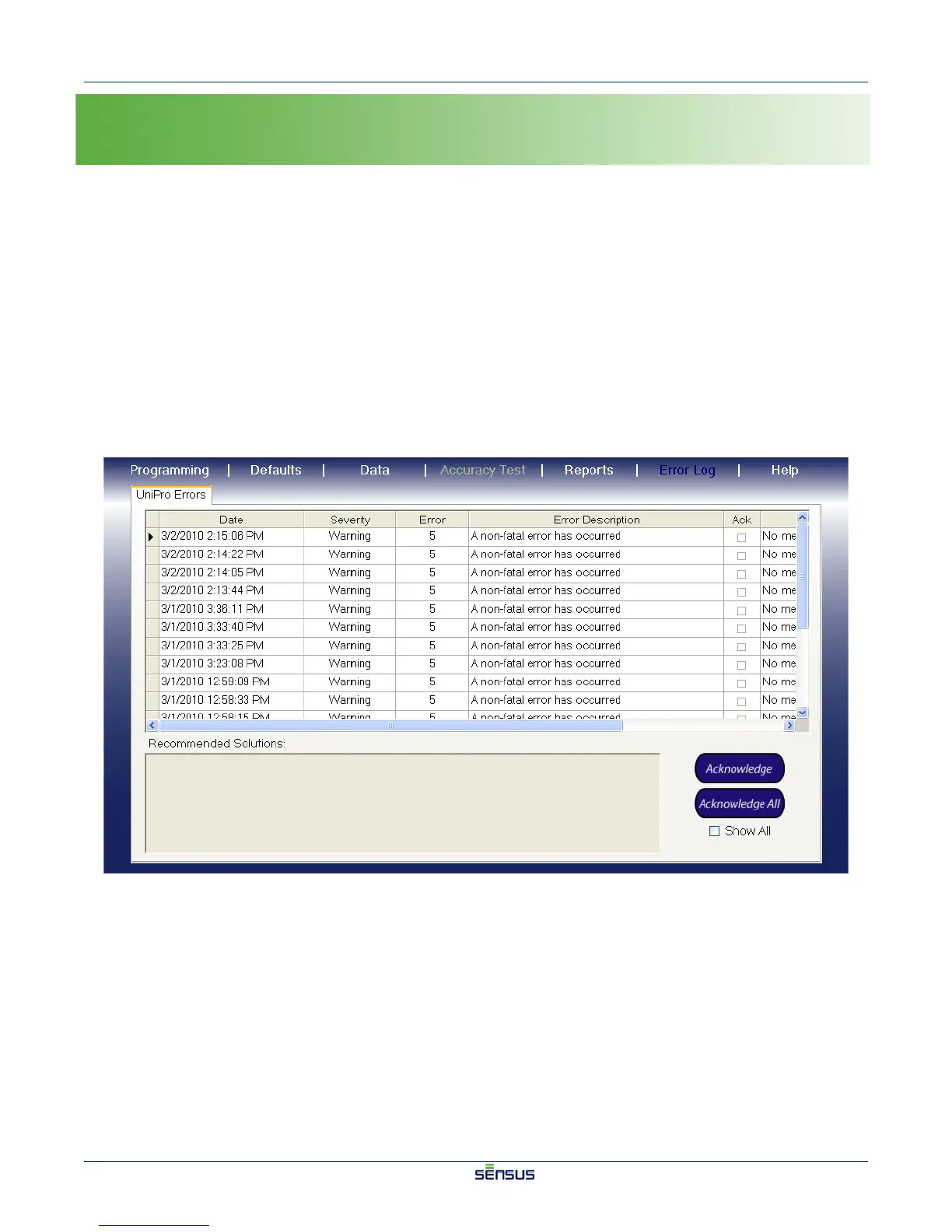
The Error Log screen appears, as shown in Figure 6-1.
Figure 6-1: Error Log Screen


 To Next Page
 Loading...