55
4 Preparing the robot
4 Preparing the robot
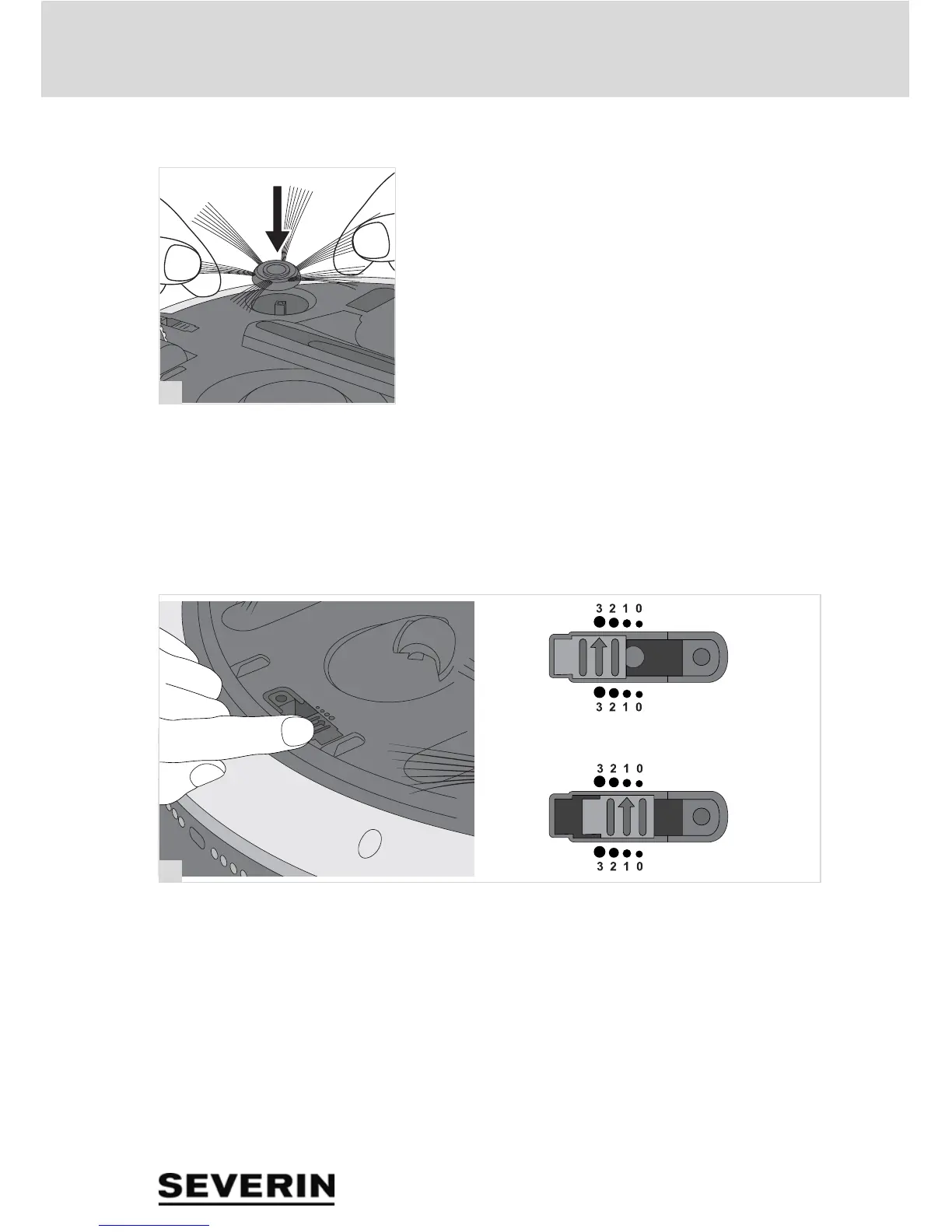
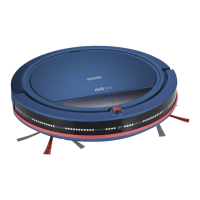
4.1 Fitting the brushes
1. Make sure that the appliance is switched off and the
mains adapter is not connected.
2. Carefully place the appliance on its head so that the un-
derside is accessible.
3. Connect the brushes to the brush mount (fig. 5).
4.2 Setting the drop sensors
The drop sensors enable the robot to detect steps and drops
automatically and prevents it from going down them. The
drop sensors scan the surface. The relative lightness of the
floor therefore has to be taken into account when setting the
sensors.
1. Make sure that the appliance is switched off and the
mains adapter is not connected.
2. Carefully place the appliance on its head so that the un-
derside is accessible.
3. Put all 3 sensors in the same position (fig. 6):
– For light floors and low steps, position 0 to 1.
– For dark floors and high steps, positions 2 to 3.
TIP: If the robot always moves backwards on dark floors, se-
lect position "3".


 To Next Page