68
8Cleaning a room
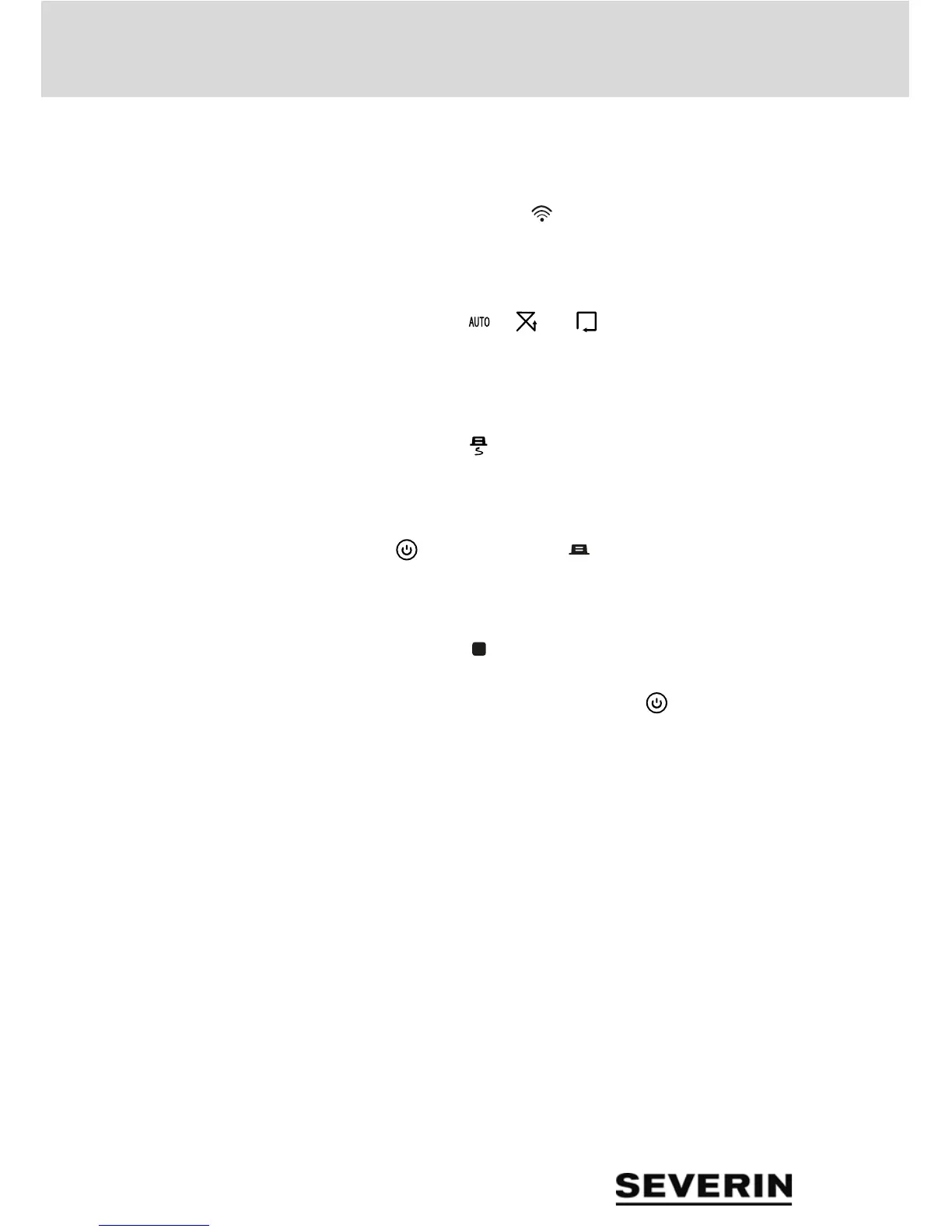
You can also use the intensifying function to start up the ro-
bot from the charging station:
1. Press and hold " ".
2. Point the red dot of light at a spot in front of the robot until
it leaves the charging station. After intensive cleaning,
the robot resumes cleaning in automatic mode.
3. Press " ", " " or " " to set the desired cleaning
mode.
8.6 Return to the charging station
– Press " " so that the robot returns to the charging sta-
tion.
TIP: Alternatively, to have the robot return to the charging
station by using the control panel, press the Power LED
" " repeatedly until "00 " is displayed.
8.7 Stopping the robot
– Press " ".
TIP: 3 minutes after the robot stops or has been stopped, it
switches to sleep mode. (Power LED " " is off). Press any
key on the robot or remote control to activate the robot again.
8.8 Finding the robot
Clap loudly 3 times. The robot responds with 3 sound signals
and the control panel flashes.


 To Next Page