62
8Cleaning a room
8 Cleaning a room
8.1 Preparing the room
– Remove any loose objects which may otherwise be
pushed around by the robot.
– Remove cables, draperies, and everything that could get
entangled in the brushes.
– Remove breakable objects or objects that can tip over
easily.
8.2 Switching on the robot
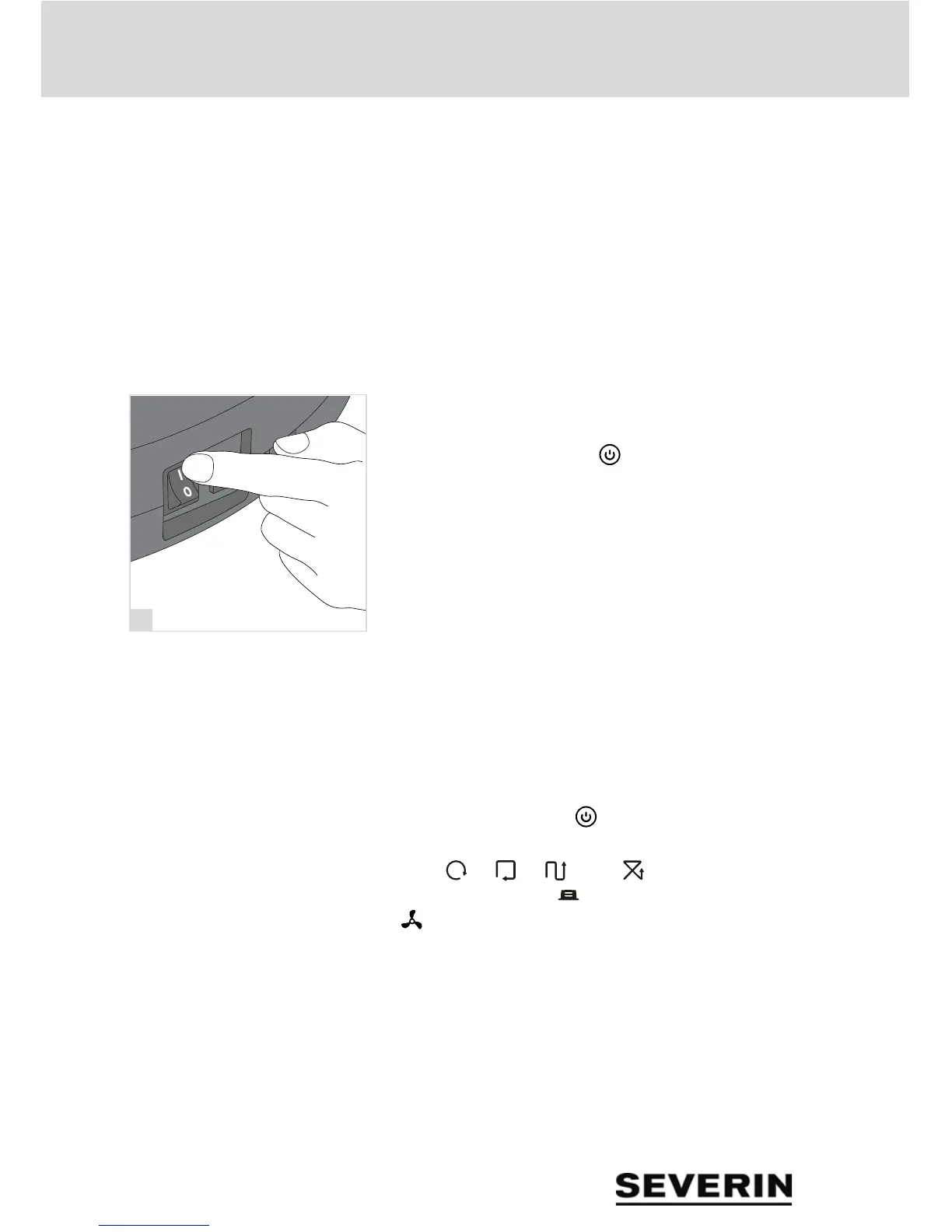
1. Switch on the robot at the On/Off switch (position "I")
(fig. 19).
2. Wait until the Power LED " " lights up green.
8.3 Starting the robot
Starting from any point in the room
Requirement: The robot must be switched on. chapter
„Switching on the robot“, page 62
On the robot:
1. Press the Power LED " " to activate the robot.
TIP: The default settings after switching on are: Automatic
mode (" ", " ", " " and " " light up), maximum
cleaning duration ("99 ") and normal suction power
(" ").
2. Set the cleaning pattern.
chapter „Setting the cleaning pattern“, page 64
3. Set the duration of cleaning and the return to the charg-
ing station after cleaning.
chapter „Setting the cleaning duration“, page 65
4. Set the suction power.
chapter „Adjusting the suction power“, page 65
5. Wait 3 seconds until the robot begins cleaning.


 To Next Page