63
8 Cleaning a room
With the remote control:
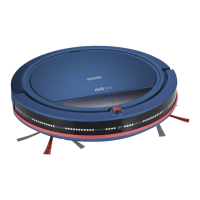
Press " ", " ", " " or " " to start the robot with the
desired option or use the intensifying function to start.
chapter „Intensive cleaning“, page 67
Starting the robot from the charging station
Requirement: The robot must be switched on. chapter
„Switching on the robot“, page 62
On the robot:
Press and hold the Power LED " " for 3 seconds.
With the remote control:
Use the intensifying function.
chapter „Intensive cleaning“, page 67
Automatic start-up
Generate a weekly schedule on the charging station.
chapter „Setting the weekly schedule“, page 70


 To Next Page