64
8Cleaning a room
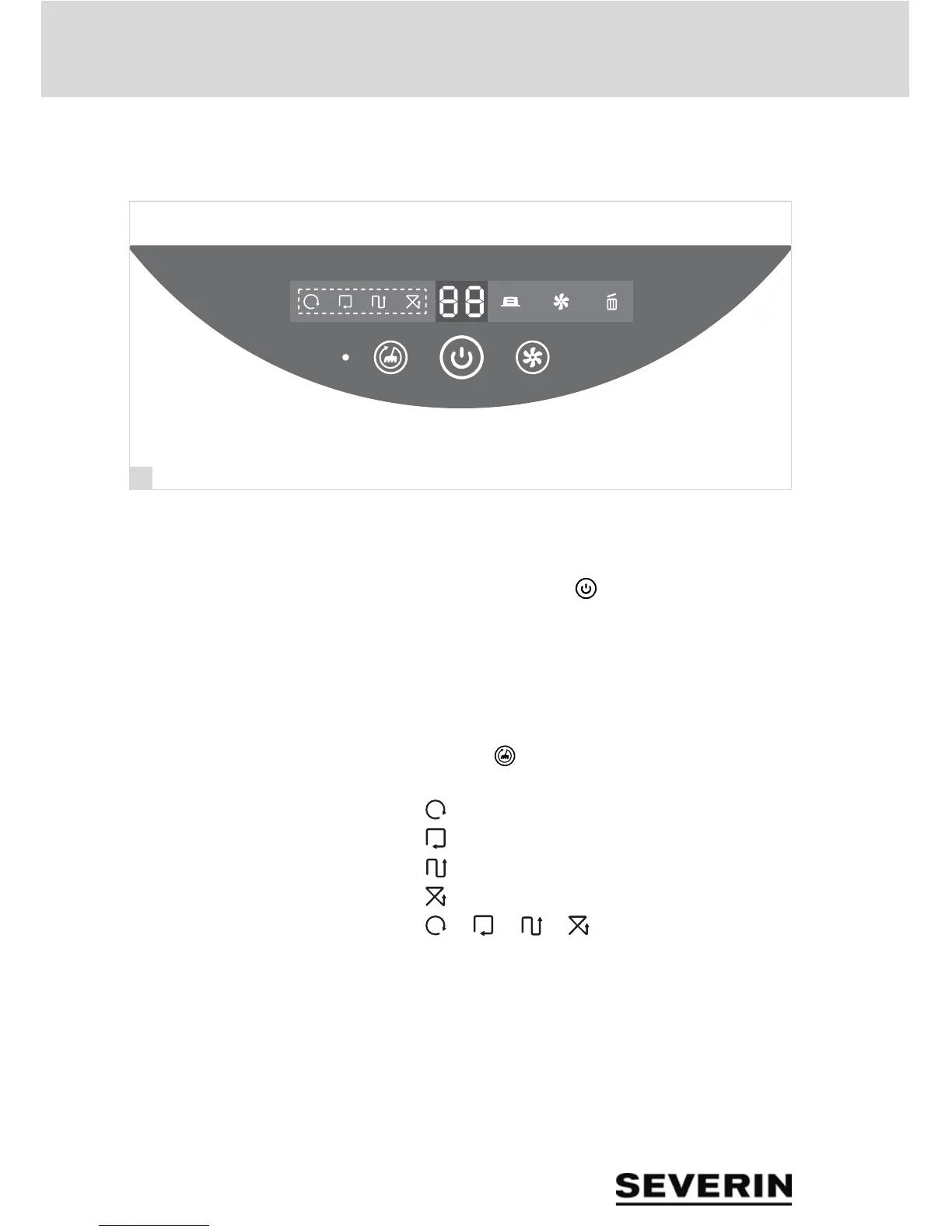
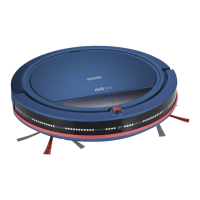
8.4 Controlling the robot with the control panel
TIP: The robot confirms each input with a sound signal. If the
setting is not plausible, 2 sounds signals can be heard.
1. Press the Power LED " " to activate the robot.
If no button is pressed on the robot or on the remote control
within 3 seconds, the robot starts cleaning with the current
settings.
Setting the cleaning pattern
1. Press the " " button repeatedly until the LED for the
desired setting lights up:
– " ": Travel in a spiral pattern
– " ": Follow the wall
– " ": Travel in straight lines
– " ": Random mode
– " ", " ", " ", " ": Automatic mode
TIP: The robot switches between the different cleaning
modes automatically in accordance with the situation.


 To Next Page