60
6 Setting up and connecting the charging station
6 Setting up and connecting the charging station
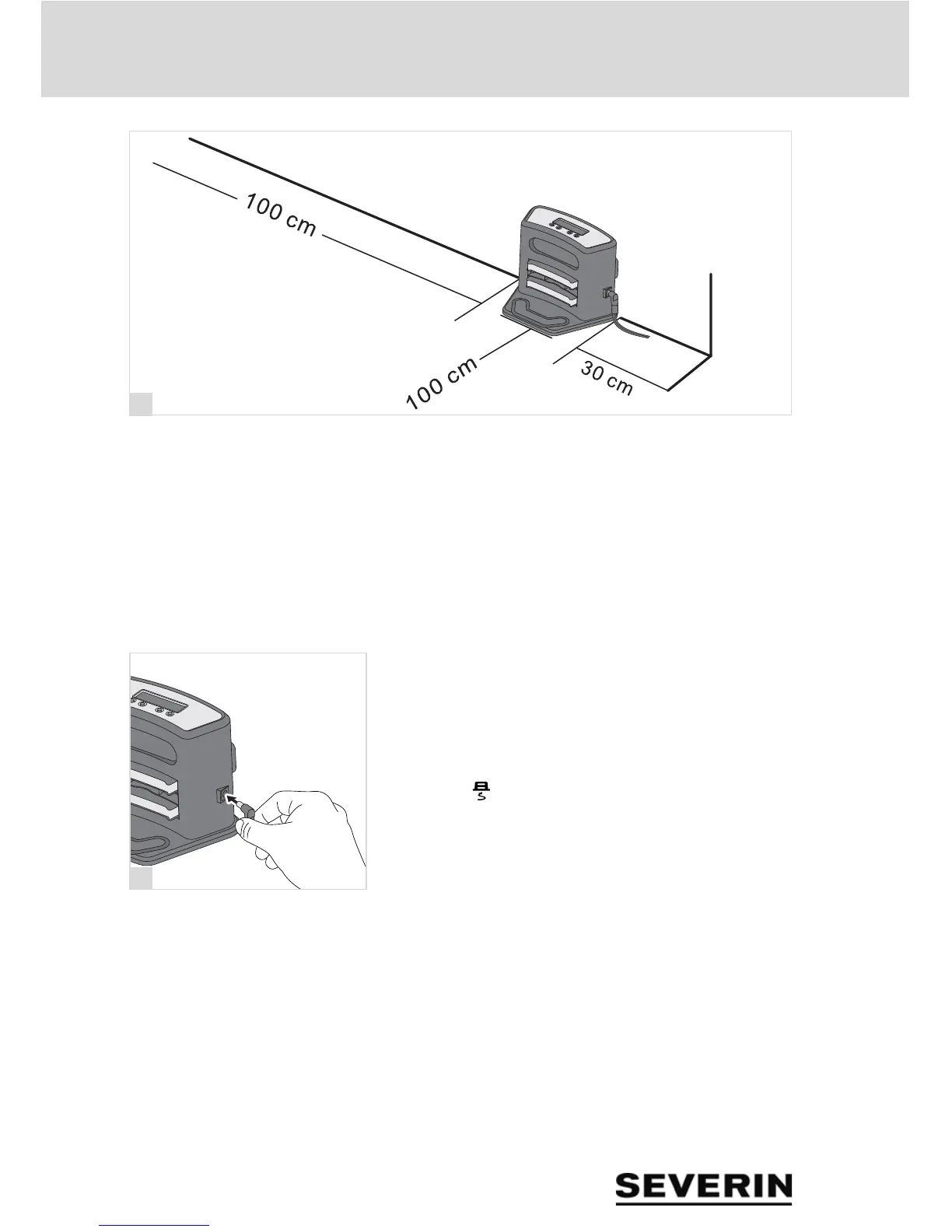
1. Set up the charging station on a wall within range of an
outlet socket with the appropriate free space as shown in
the illustration (fig. 15).
TIP: To secure the charging station, the mounting plate on
the back of the charging station can be screwed or stuck to
the wall.
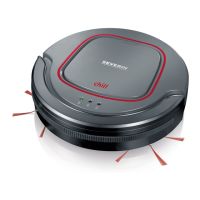
2. Connect the mains adapter to the charging station
(fig. 16).
3. Connect the mains adapter to an outlet socket.
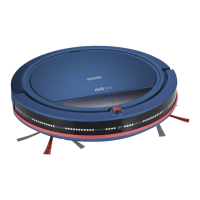
TIP: We recommend that you check whether the robot finds
the charging station. To do so, place the robot in the room
and press " " on the remote control (chapter „Setting
the cleaning duration“, page 67). If the robot does not find the
charging station, place the charging station in a more acces-
sible position.


 To Next Page