6.6 Center of gravity determination
It is the pilot’s responsibility to load the aircraft correctly within
the weight and balance limitations.
6.6.1 Weight & balance application
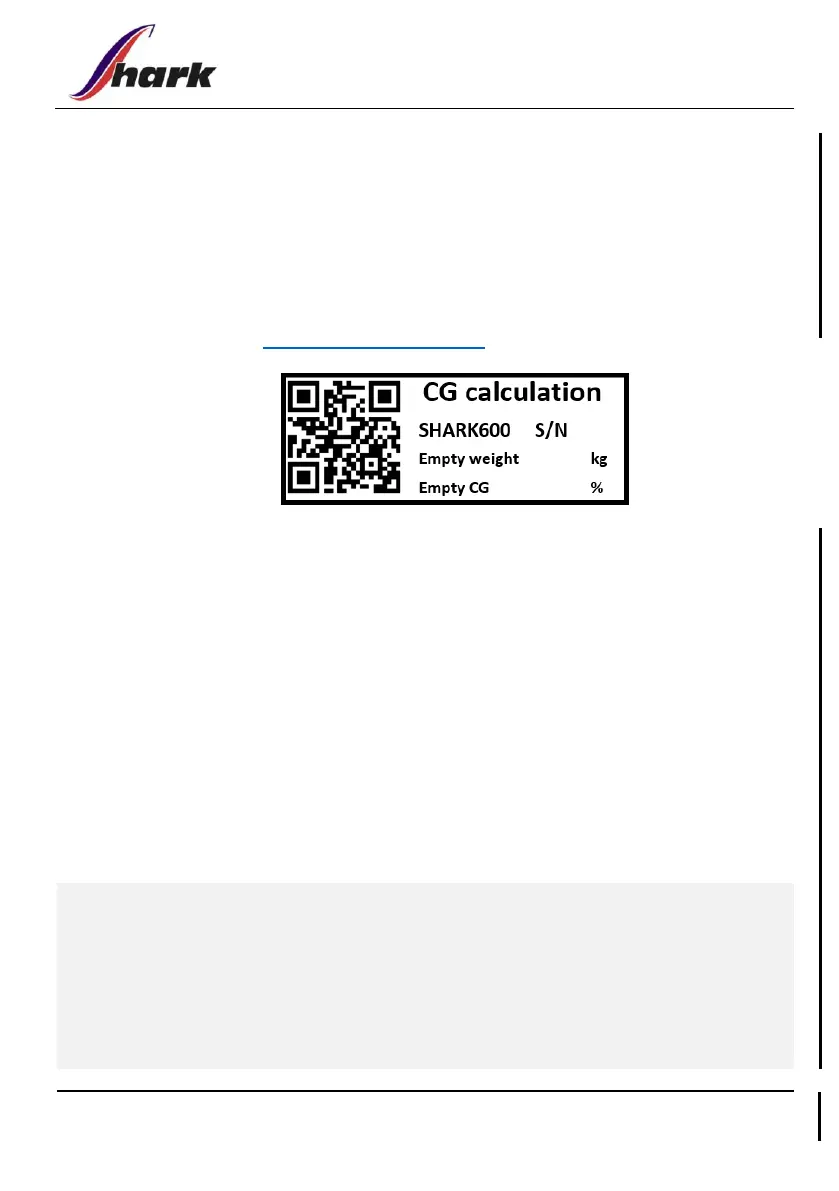
The QR code shown below or in the cockpit will direct you to the
application at https://app.shark.aero
1. Select proper certification basis of your aircraft
2. Fill manually the Empty weight and Empty CG fields (without
movable ballast)
3. Use sliders to fill intended aircraft loading
4. Note any CAUTION messages that pop-up if not-allowed
combinations of loads are used
5. Ensure that the weight and CG is inside the envelope from take-
off weight up to zero fuel weight
6. Keep in mind, that the app is only a supporting tool, and it is
still the pilot’s responsibility to check the CG by primary Weight
& Balance charts
FLIGHT WITH PASSENGER: In specific weight combinations where the
center of gravity is calculated using the application, it is permissible to
load the baggage compartment with more than the 15kg limit
mentioned on the placard.



 To Next Page