Parental
LockTVchannelsorconnecteddeviceswitha
fourdigitcodetopreventchildrenfromwatching
unauthorizedcontent.
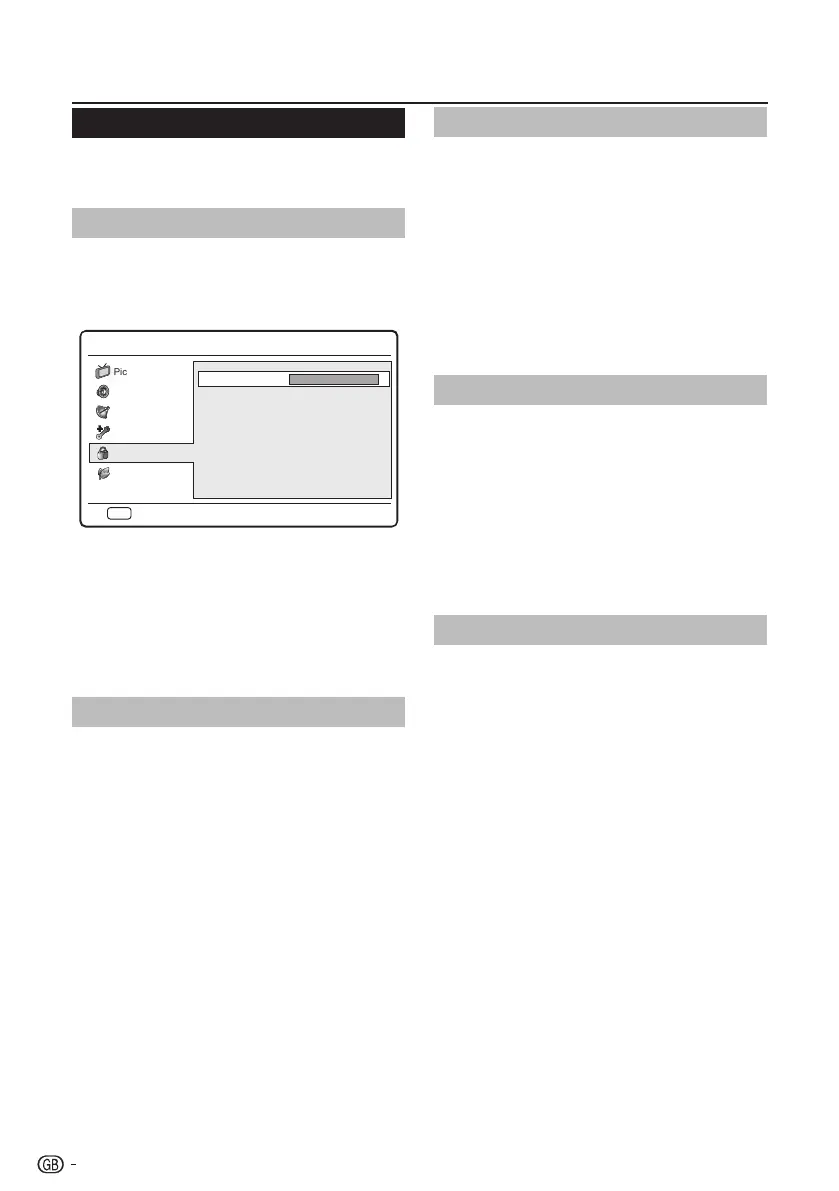
Access Parental menu
1� Press MENU on the remote control and select
Parental.
2� Press OK or ≥ to highlight the password box.
Menu
Password:
* * * *
Sound
Picture
TV
Eco
BackEXIT
Features
Parental
3� Enter your password by using the digit buttons
on the remote control. If your password is
correct, the Parental menu appears.
NOTE
• Youhavetoentera4-digitpasswordeverytimeto
accessParentalmenu.
• Enter“0000”asthedefaultpassword.
• Ifyouforgetyourpassword,enter“5351”tooverride
anyexistingpasswords.
Lock one or more channels
LockTVchannelstopreventchildrenfromwatching
certainchannels.
1� Enter your password to access the Parental
menu.
2� Select Channel Block and press OK or ≥ to
enter the channel list.
3� Press <> to select one or more channels you
preferred to lock.
4� Press OK to lock or unlock the channel you
selected.
5� Follow the on-screen instructions to exit.
NOTE
• Ifyouswitchtothelockedchannel,youwillbe
promptedtoenteryourpassword.(Ifyourpasswordis
correct,thelockedchannelwillbeunlockedbeforethe
TVrestartsfromstandby.)
• IfyourcountryselectionisItaly(seepage7“Step 2:
Country setting”),youwillbepromptedtoenteryour
passwordeverytimeyouaccesseachblockedchannel.
Set the time interval lock
LockTVforthespecificdayandtimetoprevent
childrenfromwatching.
1� Press MENU on the remote control and select
Parental�
2� Enter your password to access the Parental
menu.
3� Select Lock Type and press ≤≥ to select the
day.
4� Press <> to set the Start Time and End Time.
5� Follow the on-screen instructions to exit.
To set parental ratings
Somedigitalbroadcastersratetheirprogrammes
accordingtoage.YoucansetTVtodisplayonly
programmeswithageratingshigherthanyourchild’s.
1� Enter your password to access the Parental
menu.
2� Press <> to select Parental Guidance and
press OK or ≥ to enter.
3� Press ≤≥ to set the age rating.
4� Follow the on-screen instructions to exit.
Lock one or more connected devices
Disablethespecificexternalinputsignals.
1� Enter your password to access the Parental
menu.
2� Press <> to select Input Block and press OK
or ≥ to enter the input source list
3� Press <> to select one or more input source.
4� Press OK to lock or unlock your selected input
source.
5� Follow the on-screen instructions to exit.
NOTE
• Ifyouswitchtothelockedinputsource,youwillbe
promptedtoenteryourpassword.(Ifyourpasswordis
correct,thelockedinputsourcewillbeunlockedbefore
theTVrestartsfromstandby.)
• IfyourcountryselectionisItaly(seepage7“Step 2:
Country setting”),youwillbepromptedtoenteryour
passwordeverytimeyouaccesseachblockedinput
source.
TV menu
20










 To Next Page