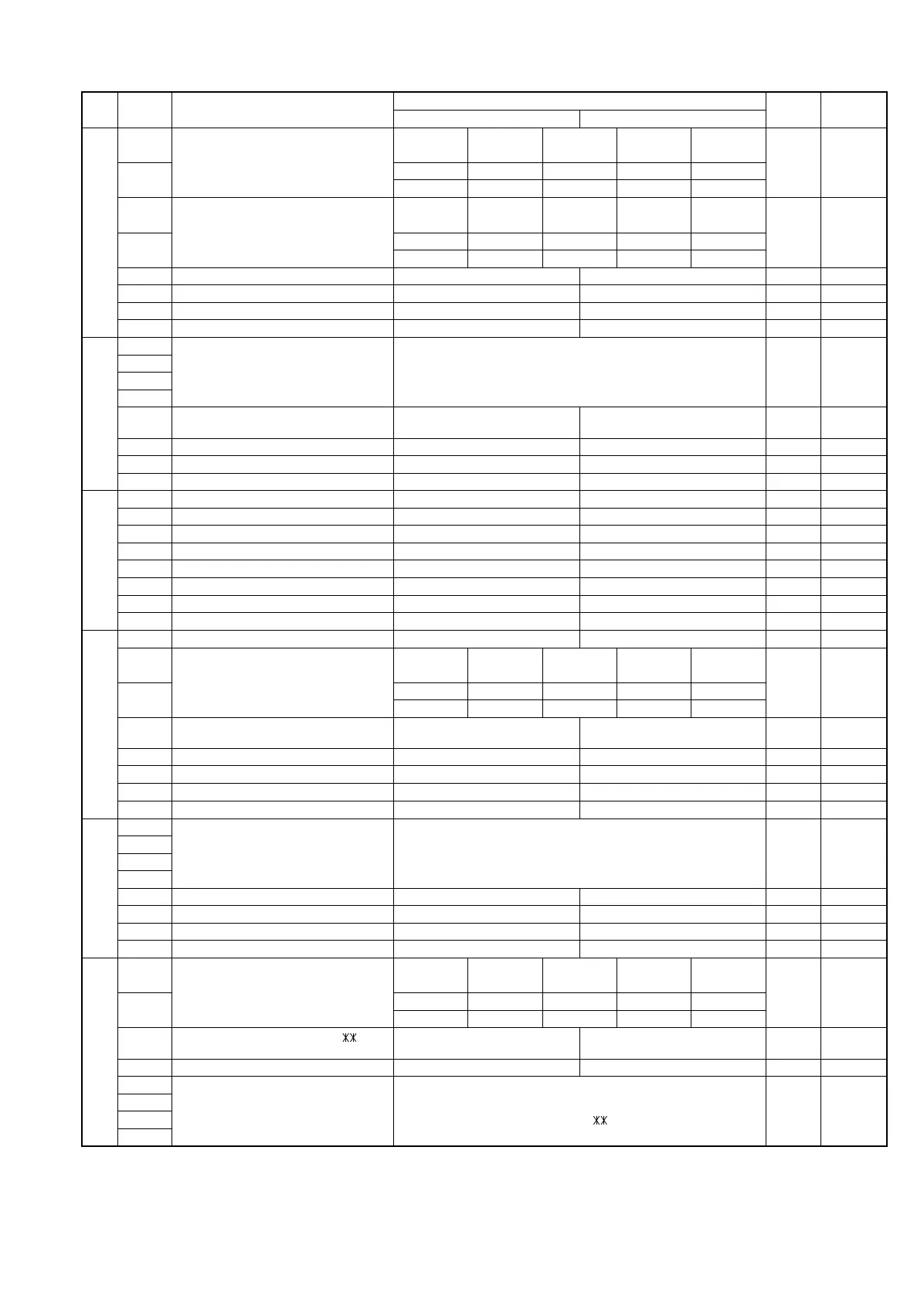
SW
NO.
DATA
NO.
ITEM
Switch Setting and Function
Initial
setting
Remarks
10
SW
|
C1
1 Reading slice (Binary)
Factory
setting
Light Dark
Daker in
Dark mode
2 No. 1 0 1 0 1 0
No. 2 0 0 1 1 0
3 Reading slice (Half tone)
Factory
setting
Light Dark
Daker in
Dark mode
4 No. 3 0 1 0 1 0
No. 4 0 0 1 1 0
5 Line density selection Fine Standard 0 OPTION
6 Reserved 0
7 Reserved 0
8 Reserved 0
SW
|
D1
1 Number of rings for auto receive Binary input 8 4 2 1 0
2 No. = 1234 1
3 0 0 0 1 (4 times) 0
4 0 OPTION
5 Automatic switching manual to auto
receive mode
Reception after 5 rings No reception 0
6 Reserved 0
7 Reserved 0
8 Ci detect frequency 20Hz or more as is PTT 0
SW
|
D2
1 Reserved 0
2 Reserved 0
3 Reserved 0
4 Reserved 0
5 Reserved 0
6 Reserved 0
7 Reserved 0
8 Reserved 0
SW
|
E1
1 Automatic switching mode Tel/Fax auto switch Switch to fax 1
2 Pseudo ringing time at the phone/fax
automatic switching mode
15s 30s 60s 120s
3 No. 2 0 1 0 1 0
No. 3 0 0 1 1 0 OPTION
4 Number of CNG signal detection at the
phone/fax automatic switching mode
Twice Once 0
5 CNG detect time at TEL/FAX mode 3s 5s 0
6 Reserved 0
7 Reserved 0
8 Reserved 0
SW
|
E2
1 Pseudo ringer sound output level to the
line
Binary input 8 4 2 1 0
2 No. = 1234 1
3 0 1 0 1 -5dBm -5 = -10dBm 0
4 (-5 ~ -20dBm setting) 1
5 Reserved 0
6 Reserved 0
7 Reserved 0
8 Reserved 0
SW
|
F1
1 DTMF detection time 50ms 80ms 100ms 120ms
2 No. 1 0 0 1 1 0
No. 2 0 1 0 1 0
3
Protection of remote reception (5 )
detect
Yes No 0 OPTION
4 Remote reception with GE telephone Compatible Not compatible 1
5 Remote operation code figures by
external tel (0 ~ 9)
Binary input 8 4 2 1 0
6 No. = 5678 1
7 0101 (5 ) 0
8 1 OPTION
UX-177H
2 – 7



 To Next Page