Programming and Operating 4
Shield Fire, Safety and Security Ltd.
Shield A-XT Releasing Fire Control Panel - Installation and Operation Manual SEXTCP-OM
Revision E01.00
39 of 127
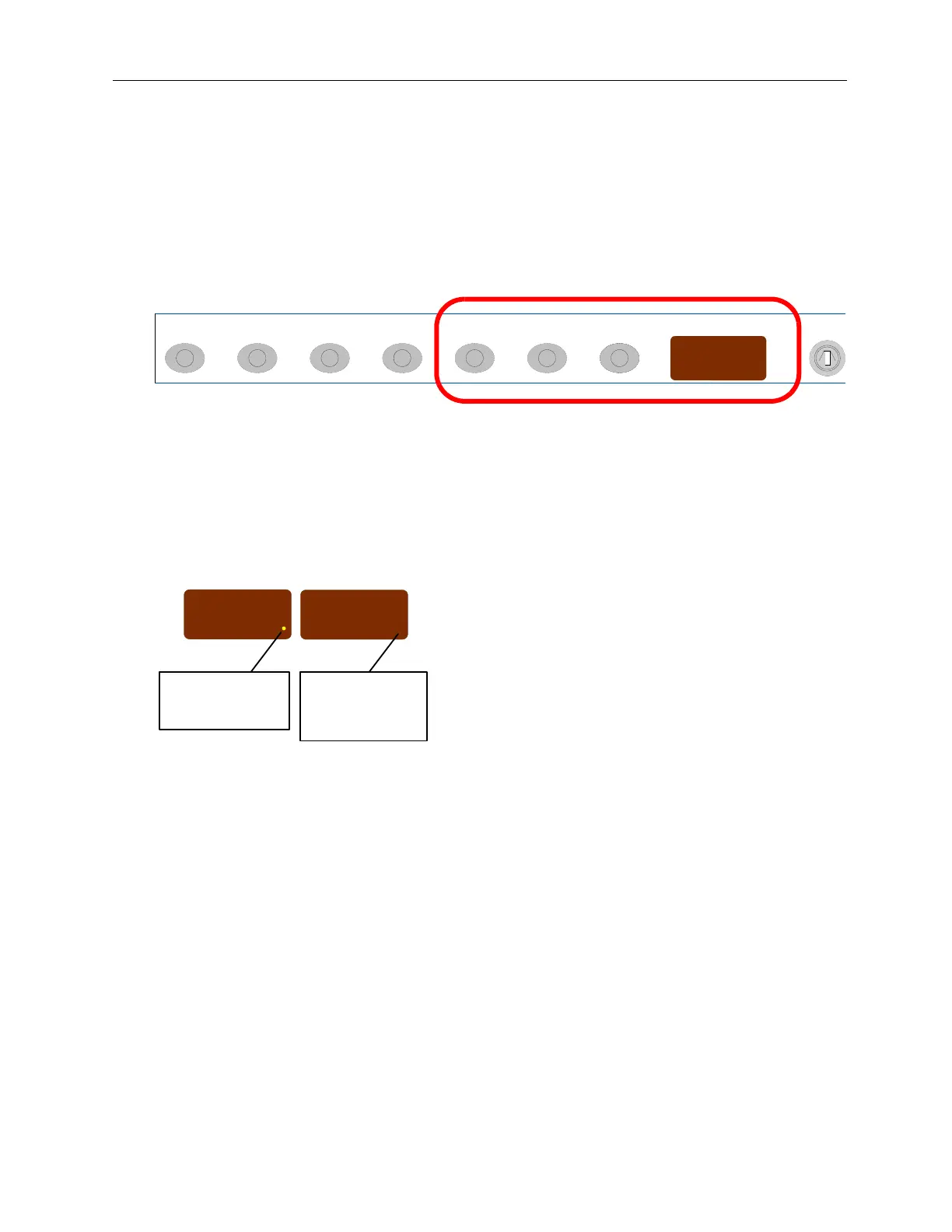
The figure below illustrates the Mode, Select, Enter and System Mode LED on the fascia of the fire control
panel:
Figure 3-2
Mode, Select, Enter and System Mode LED
The figure below illustrates a “flashing dot” versus a “missing flashing dot” in the System Mode LED:
Figure 3-3
A “Flashing Dot” Versus A “Missing Flashing Dot”
5
Press Enter to set the configuration code.
A flashing dot is displayed in the right corner of the The System Mode LED to indicate the set
configuration code.
(+1)(+10)
Enter System ModeSelectModeReset Lamp Test
(+100)
Silence/Sound
Alarm
Silence
Buzzer
Enable Acc
System Mode
C2A
System Mode
C2A
Missing flashing dot
indicates that the
configuration code is
not set.
Flashing dot indicates
that the configuration
code is set.



 To Next Page