Programming and Operating 4
Shield Fire, Safety and Security Ltd.
Shield A-XT Releasing Fire Control Panel - Installation and Operation Manual SEXTCP-OM
Revision E01.00
38 of 127
This section describes programming and operating the Shield A-XT Releasing Fire Control Panel.
Programming the Fire Control Panel
The Shield A-XT Releasing Fire Control Panel can be configured for almost any installation requirement. Navi-
gate the menu on the System Mode LED display using the Select and Enter buttons of the Shield A-XT Releasing
Fire Control Panel. The System Mode LED, Select and Enter buttons are located in the center of the front-panel fascia.
Program the Shield A-XT Releasing Fire Control Panel in Access Level 3.
Access Level 3
To program the fire control panel in Access Level 3:
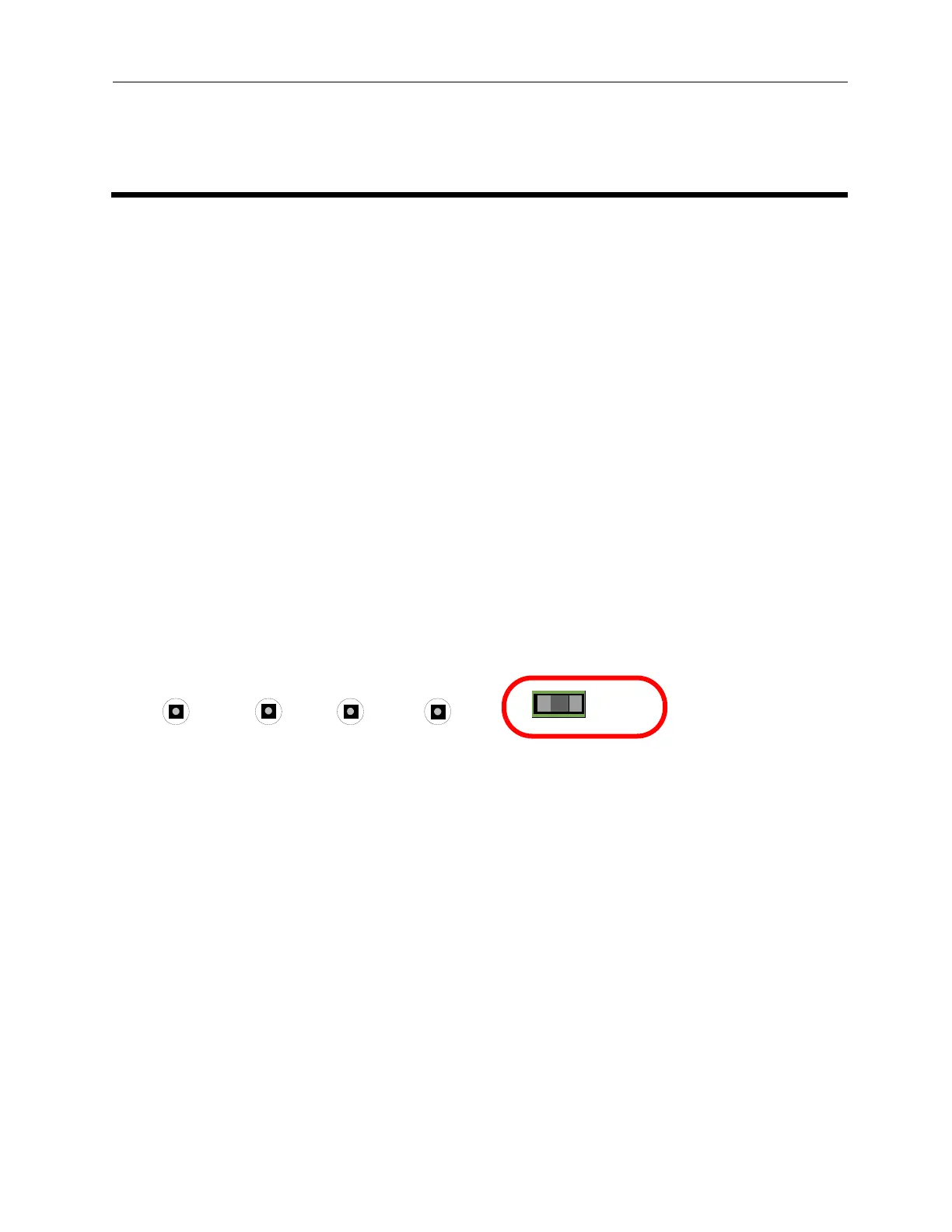
The figure below illustrates the Write Enable switch on the fascia of the Shield A-XT Releasing Fire Con-
trol Panel:
Figure 3-1
Write Enable Switch
1 Set Access Level 2 by turning the Enable Access key to the right.
2 Move the Write Enable slide-switch to the right.
The fire control panel beeps three-times to indicate entry in Access Level 3.
The beeping continues while in Access Level 3.
4 Press Mode and Select on the fascia to scroll through codes of the System Mode LED.
Terminate
Release
W/Dog
Reset
Processor
Reset
Exting.
Mon.
Write
Enable
Section 4
Programming and Operating



 To Next Page