3.4 Data Profile
35
TOC-V Administrator’s Manual
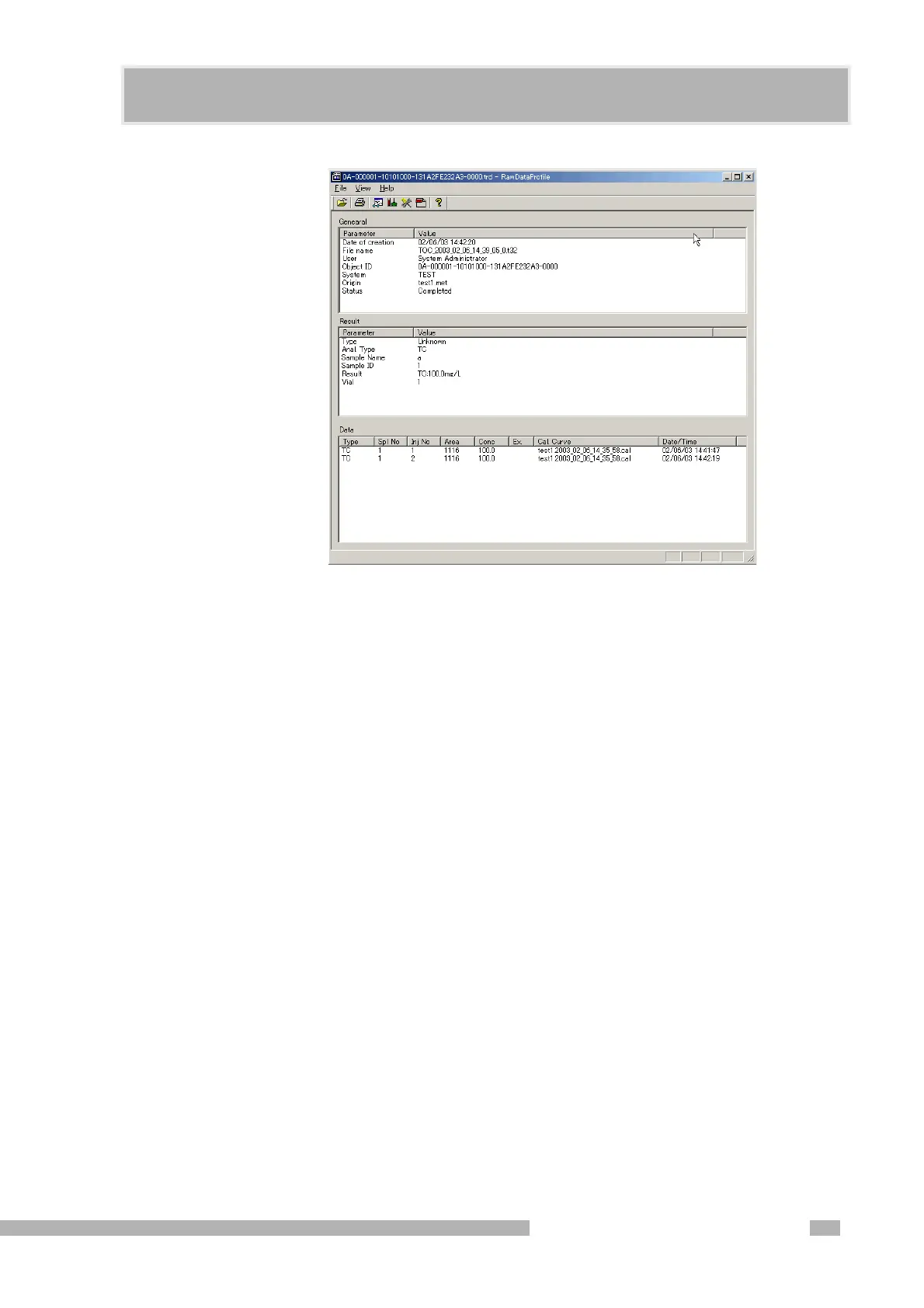
Figure 3.29 Data Profile Dialog Box
Menus File > Open
Opens the selected file.
View > Parameters
Displays the measurement parameters.
View > Reference Source
Displays any source files that may have been used at the time of measurement,
including the calibration curve file, method file and comment template.
View > H/W Settings
Displays the instrument settings used at the time of measurement.
View > View PDF
Displays a PDF report file, if one exists in this Data Profile folder, for that sample.
Note: The information displayed for the above items cannot be edited.










 To Next Page