3.2 System Administration Tool
3.2.1 User Accounts
15
TOC-V Administrator’s Manual
3.2.1 User Accounts
The User Accounts function allows the System Administrator and authorized users to
create new user accounts, modify existing user information, and activate or deactivate
user accounts.
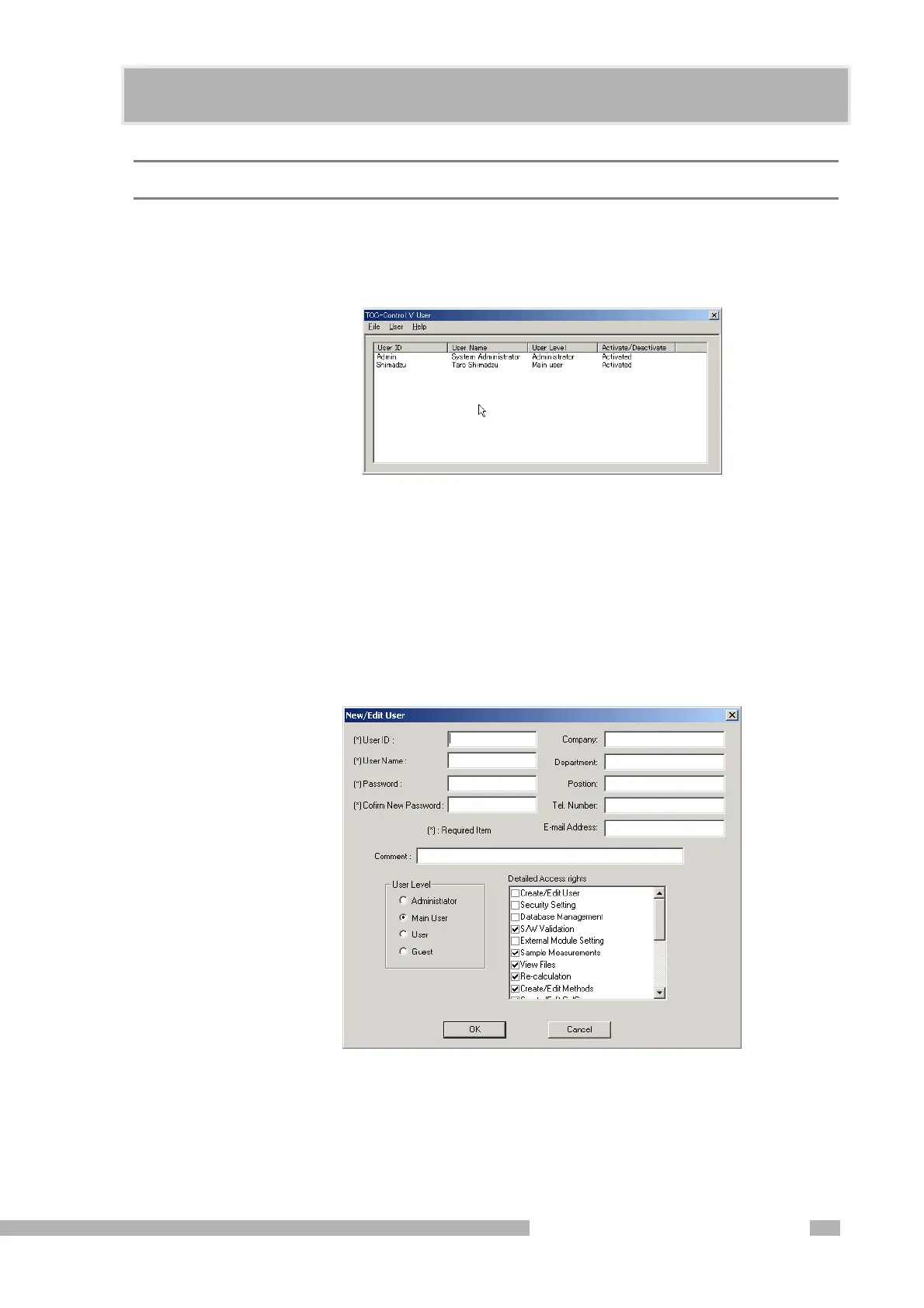
Figure 3.5 TOC-Control V User Window
File Menu Close
After completing user registration tasks, select the Close command to return to the
TOC-Control V Administrator window.
User Menu New
To add a new user to the system, select New. The New / Edit User dialog box is
displayed.
Figure 3.6 New / Edit User Dialog Box










 To Next Page