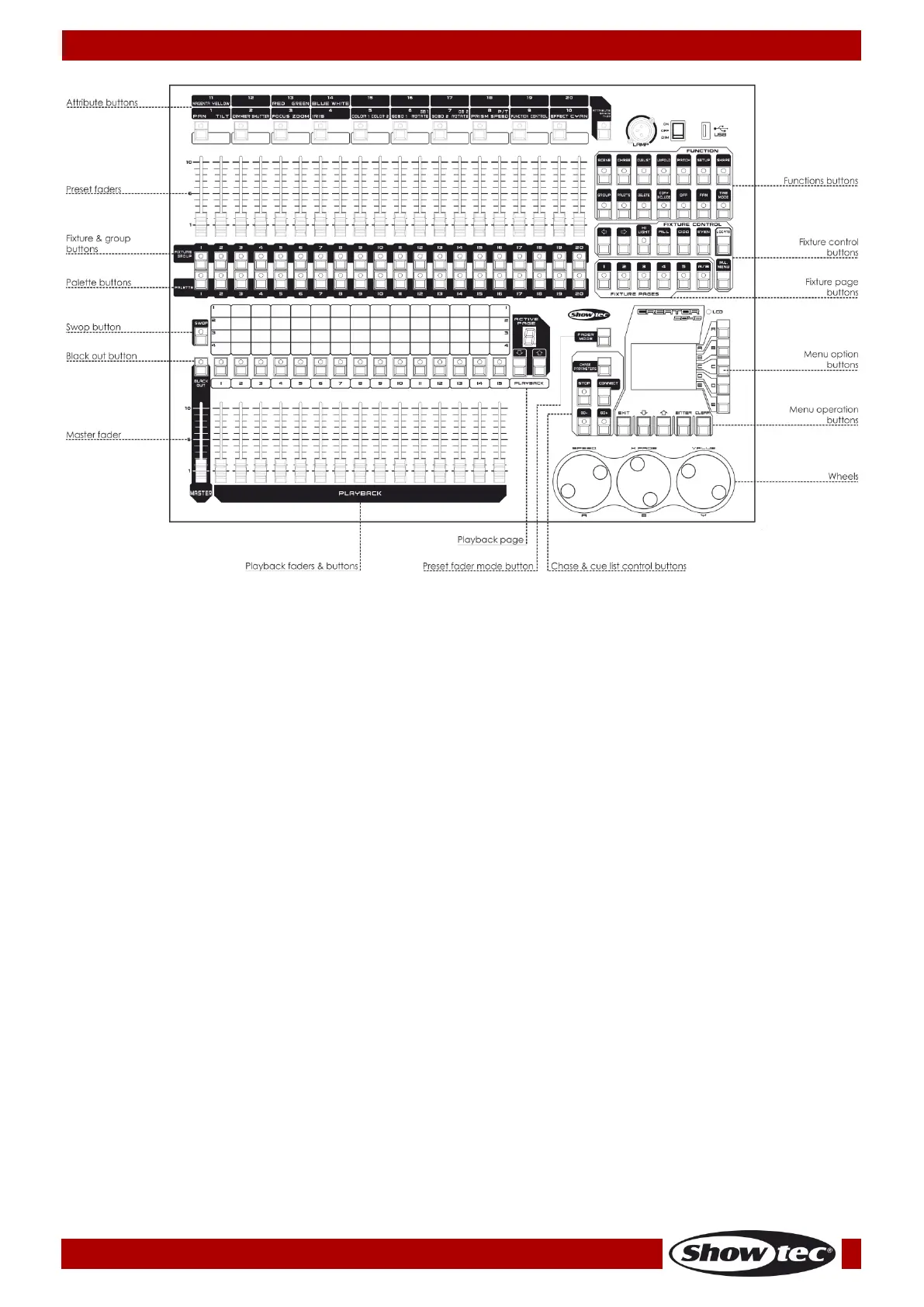
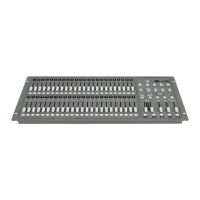
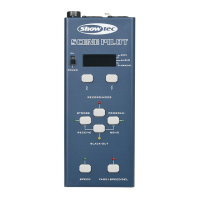
The Attribute buttons are used for selecting which attributes of a fixture (e.g. color, gobo, pan, focus)
are going to be controlled by means of the control wheels. The buttons will light up to show you
which attributes are active.
The Preset faders are used for controlling individual dimmer channels and fixture intensities or to
control fixture attributes.
The Fixture Buttons and the Fixture Group Buttons are used for patching and selecting fixtures. The
Fixture Group Buttons can also be used for grouping of the fixtures.
The Palette buttons allows you to save or apply many effects (e.g. color, gobo, position) on your
fixtures.
The Swop Button is to swap the swop function and the flash function of scenes/chases.
The Blackout button allows you to blackout the whole console. When the Blackout button is
activated or when the master slider is not in FULL ON position, its indicator will be on.
The Master Fader controls the overall output of the intensities in the console. When the master slider is
at 0, the dimmer channels in the console will all be set to 0. You will normally have this master slider
set to full; otherwise, the indicator of the Blackout button will keep flashing.
The Playback faders & buttons can be used for saving and playing scenes/chases.
The Playback page can be used for toggling through the 10 playback pages.
The Chase and cue list control area can be used for controlling the running of chases or cue lists.
The Wheels are used to modify the attributes of fixtures, the speed, slope and other settings of chases
and cue lists.
The Menu Operation buttons can be used for cancelling, selecting, toggling through or clear the
programming area in menu operation.
The Menu Option buttons can be used for selecting control options. The display next to the buttons
shows what each one will do. The options for each key change depending on what the console is
doing.
The Fixture Page buttons select 10 pages for the fixtures and palettes.
The Fixture Control buttons used for selecting fixtures by step or by odd/even and for locating fixtures.
The Function buttons are used to carry out functions such as storing cues, copying, saving to disk, etc.
These buttons have lights on to indicate when they are active.



 To Next Page