No Response to DMX
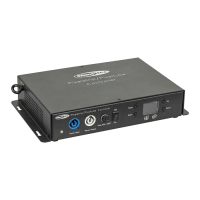
Suspect the DMX cable or connectors, a controller malfunction, a light effect DMX card malfunction.
01) Check the DMX setting. Make sure that DMX addresses are correct.
02) Check the DMX cable: Unplug the unit; change the DMX cable; then reconnect to electrical
power. Try your DMX control again.
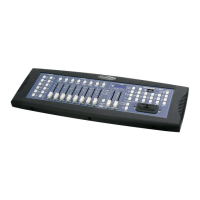
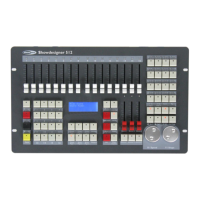
03) Determine whether the controller or light effect is at fault. Does the controller operate properly with
other DMX products ? If not, take the controller in for repair. If so, take the DMX cable and the light
effect to a qualified technician.
Playback Buttons Do Not Respond to Commands
Please check MIDI status in Setup menu. MIDI Slave mode will disable the playback buttons and the
device will respond only to MIDI master commands.
Product Specifications
Channels for each fixture
Chase to run simultaneously
Shapes to run simultaneously
Re-patched fixture address
Channel slope modification
Channels for each fixture
40 primary + 40 fine tune
Avolite Pearl R20 library supported
Scenes to run simultaneously
Scene and dimmer by slider
Shapes of Dimmer, Pan/Tilt, RGB, CMY, Color, Gobo, Iris, Zoom and
Focus
Shapes to run simultaneously
655 x 538 x 250 mm (LxWxH)
595 x 460 x 128 mm (LxWxH)
Design and product specifications are subject to change without prior notice.
Website: www.Showtec.info
Email: service@highlite.nl



 To Next Page