Shure Incorporated
18/45
Note:
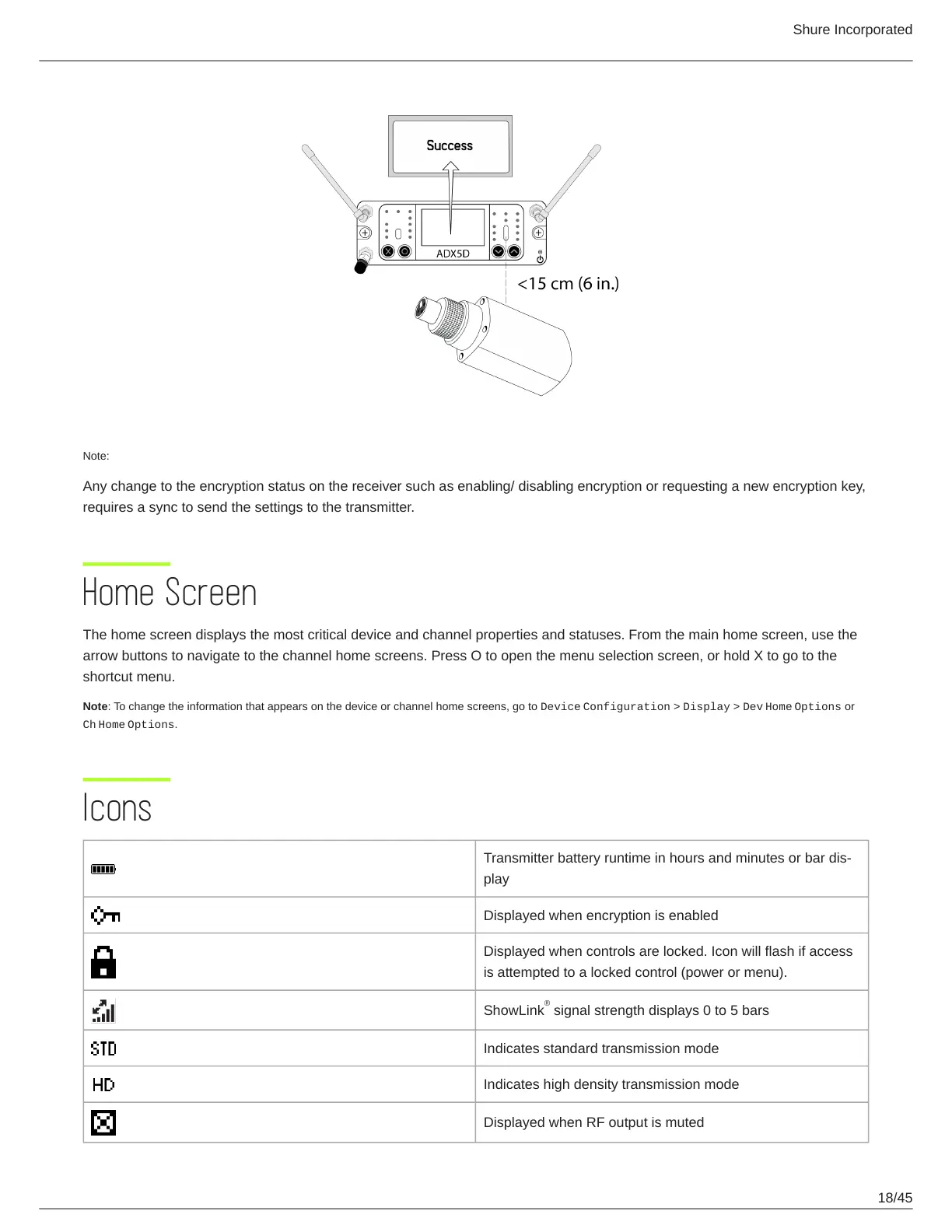
Any change to the encryption status on the receiver such as enabling/ disabling encryption or requesting a new encryption key,
requires a sync to send the settings to the transmitter.
Home Screen
The home screen displays the most critical device and channel properties and statuses. From the main home screen, use the
arrow buttons to navigate to the channel home screens. Press O to open the menu selection screen, or hold X to go to the
shortcut menu.
Note: To change the information that appears on the device or channel home screens, go to Device Configuration > Display > Dev Home Options or
Ch Home Options.
Icons
Transmitterbatteryruntimeinhoursandminutesorbardis
play
Displayed when encryption is enabled
Displayed when controls are locked. Icon will flash if access
is attempted to a locked control (power or menu).
ShowLink signal strength displays 0 to 5 bars
Indicates standard transmission mode
Indicates high density transmission mode
Displayed when RF output is muted
®



 To Next Page