Shure Incorporated
23/45
•
•
•
Tx Fw Update
Align transmitter IR window and select to update transmitter firmware.
User Presets
Presets store all receiver settings to provide a quick way to configure a receiver or switch between several different setups. Up
to 4 presets can be stored in receiver memory. Manage and load presets with the control buttons.
Restore Preset: Load existing preset
Save Preset: Save the current settings as a preset
Delete Preset: Delete a preset
3rd Party Control
Turn third-party control support On or Off. Reboot to apply changes.
Factory Reset
Resets all receiver parameters to factory settings.
All current settings will be cleared during the reset and the receiver will reboot.
About
Provides a detailed list of build specifications and vital statistics for the receiver.
Power Status
View the power status of the receiver.
Channel Menu
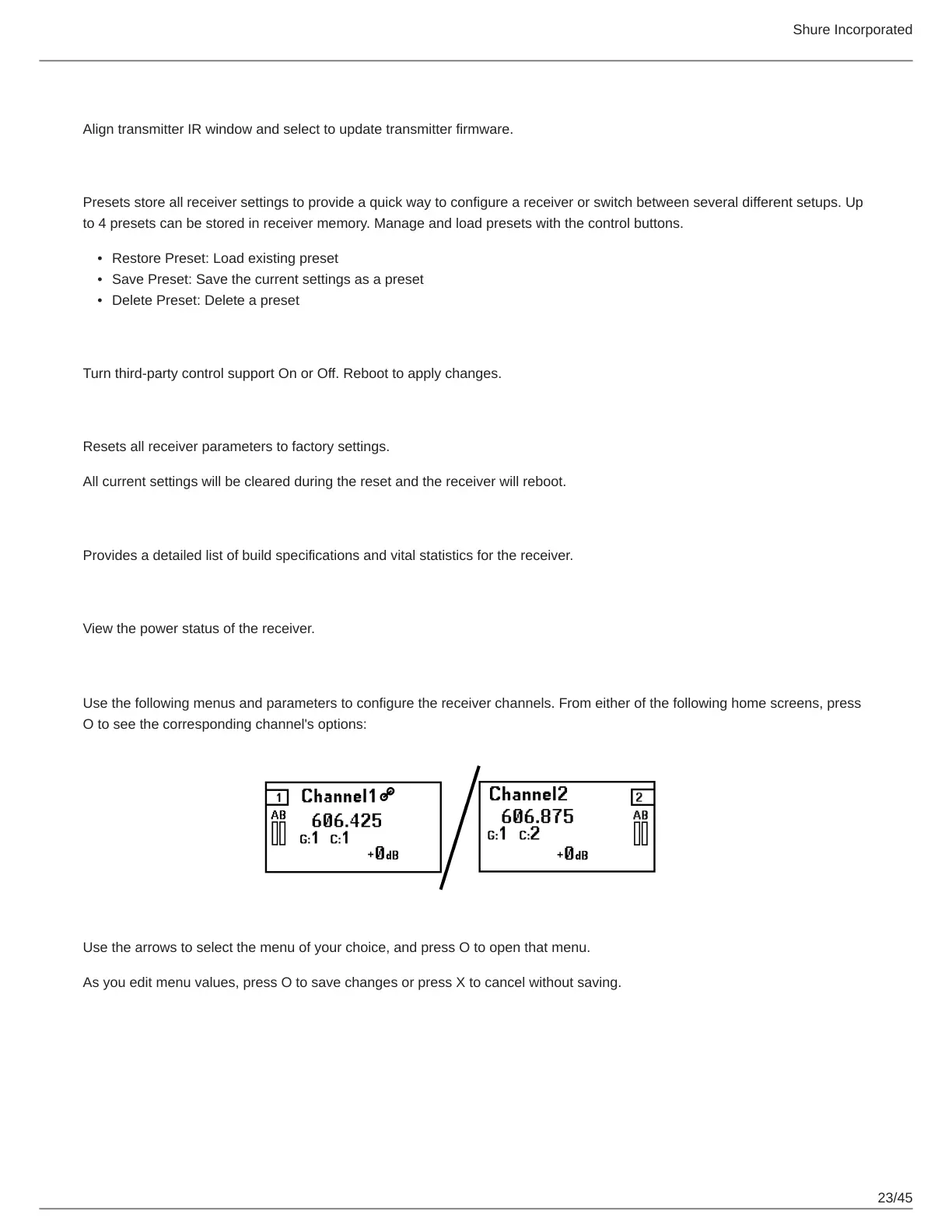
Use the following menus and parameters to configure the receiver channels. From either of the following home screens, press
O to see the corresponding channel's options:
Use the arrows to select the menu of your choice, and press O to open that menu.
As you edit menu values, press O to save changes or press X to cancel without saving.



 To Next Page