Shure Incorporated
35/45
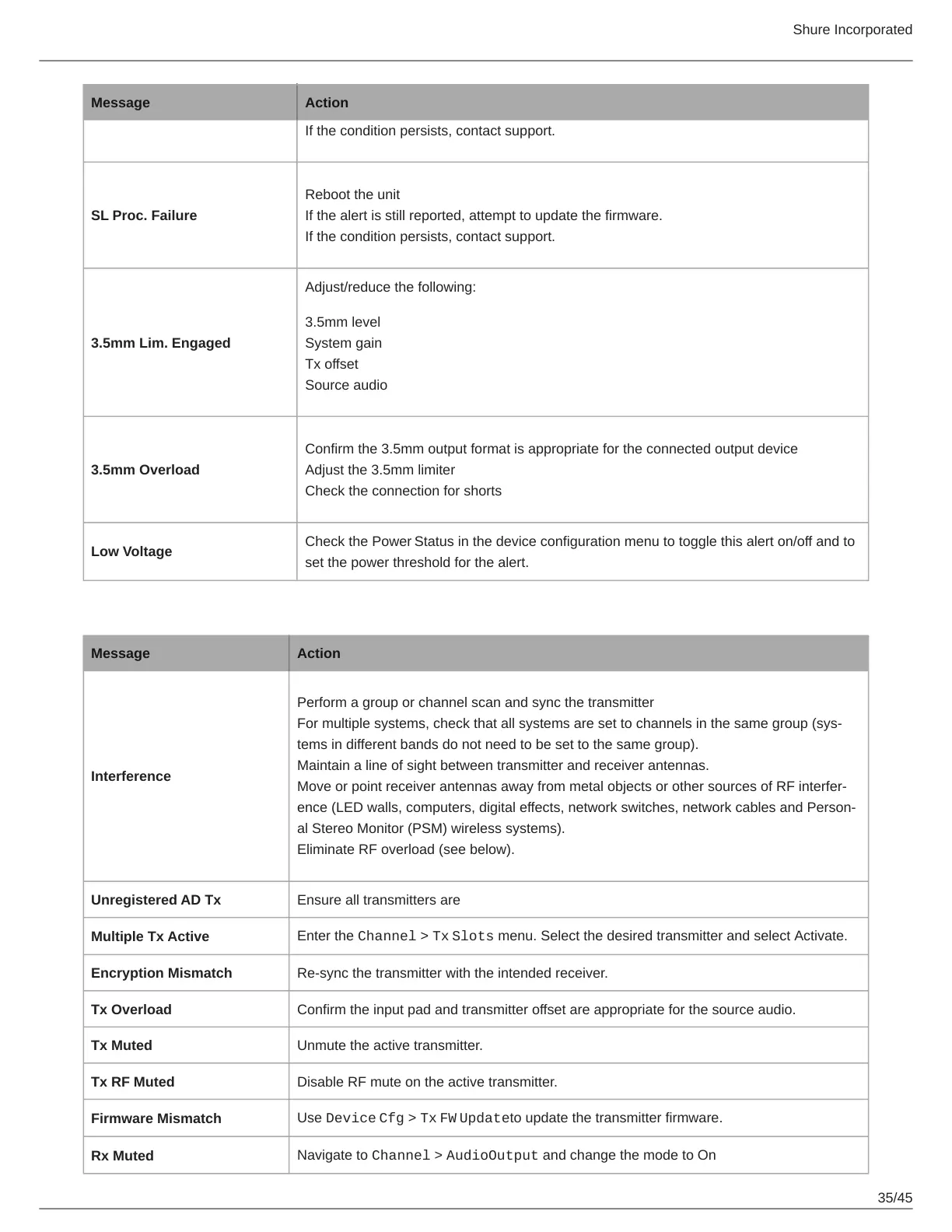
Message Action
If the condition persists, contact support.
SL Proc. Failure
Reboot the unit
If the alert is still reported, attempt to update the firmware.
If the condition persists, contact support.
3.5mm Lim. Engaged
Adjust/reduce the following:
3.5mm level
System gain
Tx offset
Source audio
3.5mm Overload
Confirm the 3.5mm output format is appropriate for the connected output device
Adjust the 3.5mm limiter
Check the connection for shorts
Low Voltage
Check the Power Status in the device configuration menu to toggle this alert on/off and to
set the power threshold for the alert.
Channel Notifications
Message Action
Interference
Perform a group or channel scan and sync the transmitter
Formultiplesystems,checkthatallsystemsaresettochannelsinthesamegroup(sys
tems in different bands do not need to be set to the same group).
Maintain a line of sight between transmitter and receiver antennas.
MoveorpointreceiverantennasawayfrommetalobjectsorothersourcesofRFinterfer
ence(LEDwalls,computers,digitaleffects,networkswitches,networkcablesandPerson
al Stereo Monitor (PSM) wireless systems).
Eliminate RF overload (see below).
Unregistered AD Tx Ensure all transmitters are assigned to transmitter slots.
Multiple Tx Active
Enter the Channel > Tx Slots menu. Select the desired transmitter and select Activate.
Encryption Mismatch Re-sync the transmitter with the intended receiver.
Tx Overload Confirm the input pad and transmitter offset are appropriate for the source audio.
Tx Muted Unmute the active transmitter.
Tx RF Muted Disable RF mute on the active transmitter.
Firmware Mismatch
Use Device Cfg > Tx FW Updateto update the transmitter firmware.
Rx Muted
Navigate to Channel > AudioOutput and change the mode to On



 To Next Page